Real-Life Use Cases, Prompt Examples & Visual Inspiration
A blurry selfie. A dull product photo. A travel picture ruined by bad lighting. A few years ago, fixing these problems required expensive software and professional editing skills. Now, an AI photo editor can transform ordinary images into stunning visuals in seconds.Whether you're a content creator, online seller, marketer, student, designer, or just someone who wants better-looking photos, AI photo editors are becoming one of the most useful digital tools available today.
In this guide, we’ll explore:
- What an AI photo editor can do
- Different real-world use cases
- AI prompt examples for each scenario
- Visual inspirations and image examples
- Tips for getting better AI editing results
What Is an AI Photo Editor?
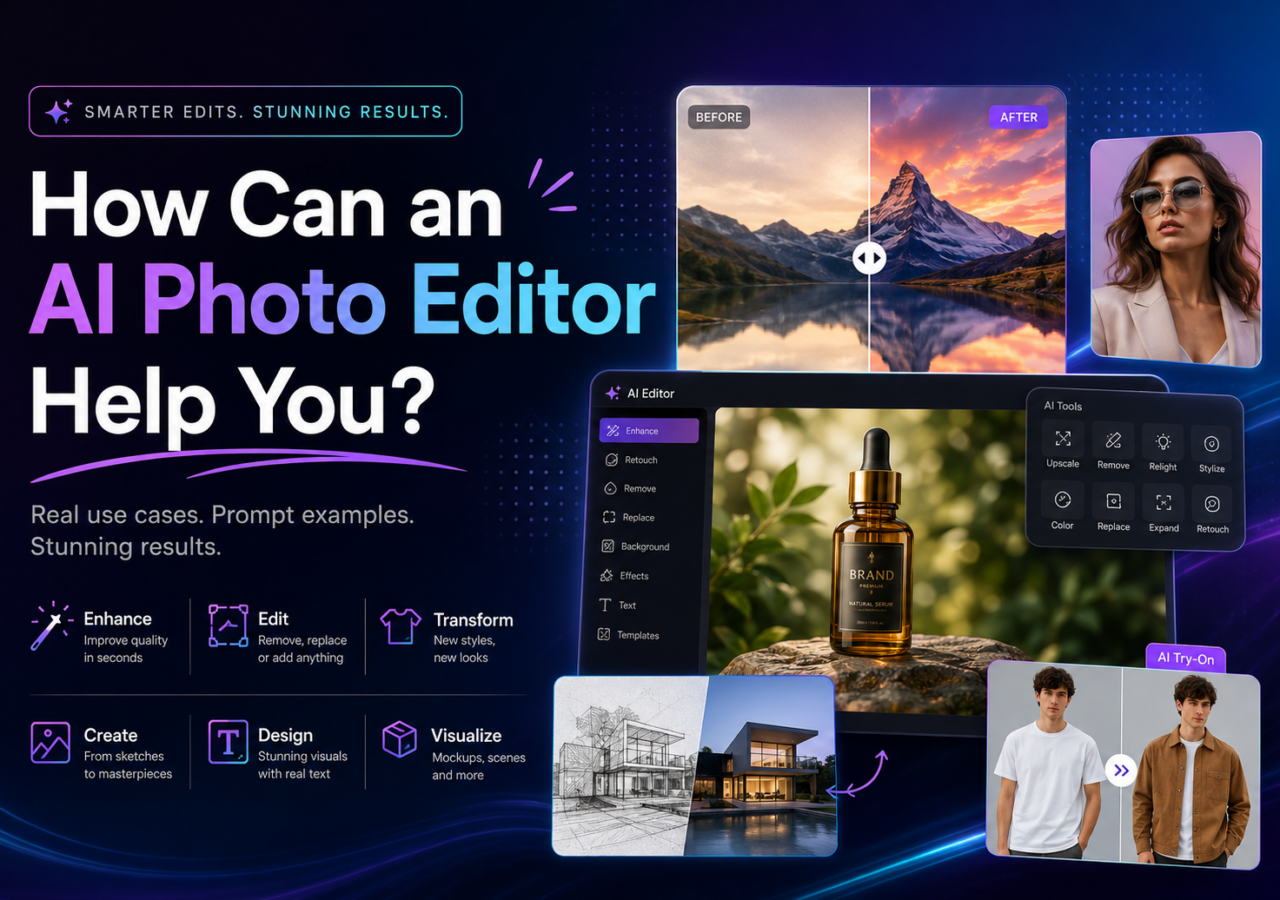
An AI photo editor uses artificial intelligence to automatically improve, modify, generate, or enhance images. Instead of manually adjusting layers, masks, and filters, you can simply upload a photo and describe what you want.
Modern AI photo editors can:
- Remove unwanted objects
- Enhance blurry photos
- Change backgrounds
- Generate AI portraits
- Create product photography
- Improve lighting and colors
- Turn sketches into artwork
- Replace text in images
- Upscale low-resolution photos
- Create social media graphics
Some advanced tools even support image-to-image transformation and text-to-image generation.
Enhance Blurry or Low-Quality Photos
One of the most common uses of an AI photo editor is improving blurry or pixelated images.
This is especially useful for:
- Old family photos
- Low-resolution screenshots
- Zoomed-in smartphone pictures
- Social media uploads
- Compressed images from messaging apps
What AI Can Do
- Sharpen details
- Reduce noise
- Restore faces
- Increase resolution
- Improve lighting automatically
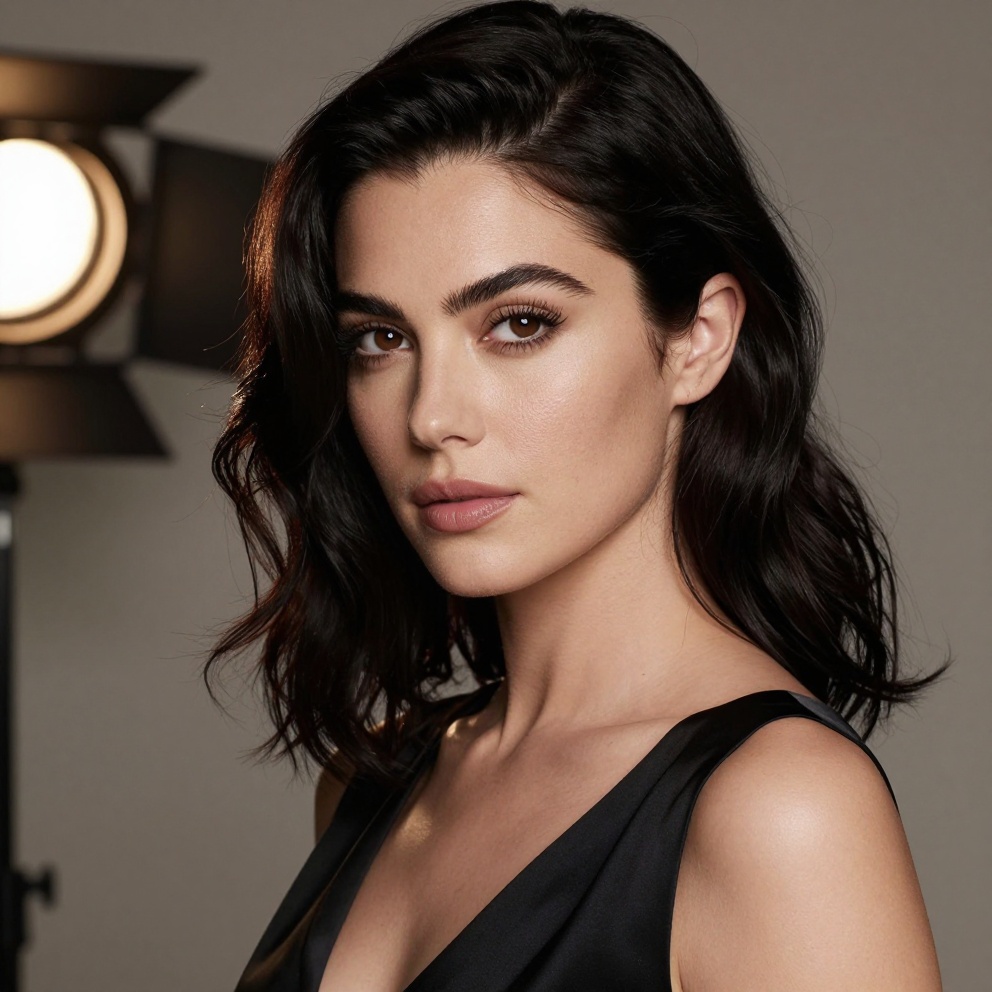
Enhance this blurry portrait photo, sharpen facial details, improve skin texture naturally, restore realistic lighting, high resolution, ultra clear
Image Example
Best For
- Personal memories
- Profile photos
- Historical photo restoration
- Social media content
Create Professional Product Photos
E-commerce sellers spend huge amounts of money creating clean product photography. AI photo editors now make this dramatically easier.
You can turn simple phone pictures into professional product images for:
- Amazon
- Shopify
- Etsy
- TikTok Shop
- Instagram stores
What AI Can Do
- Remove messy backgrounds
- Add studio lighting
- Create luxury product scenes
- Generate marketing banners
- Add reflections and shadows
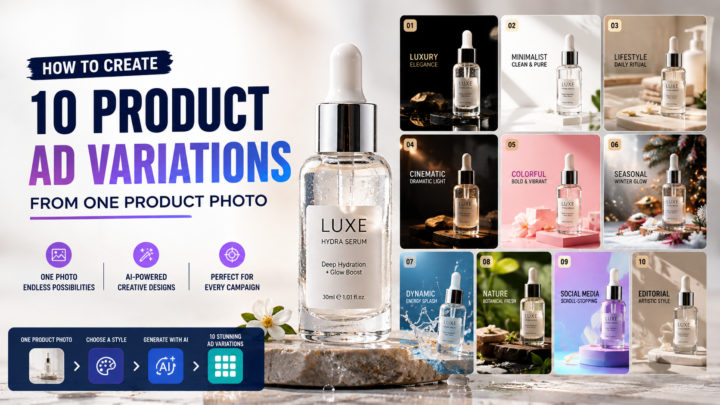
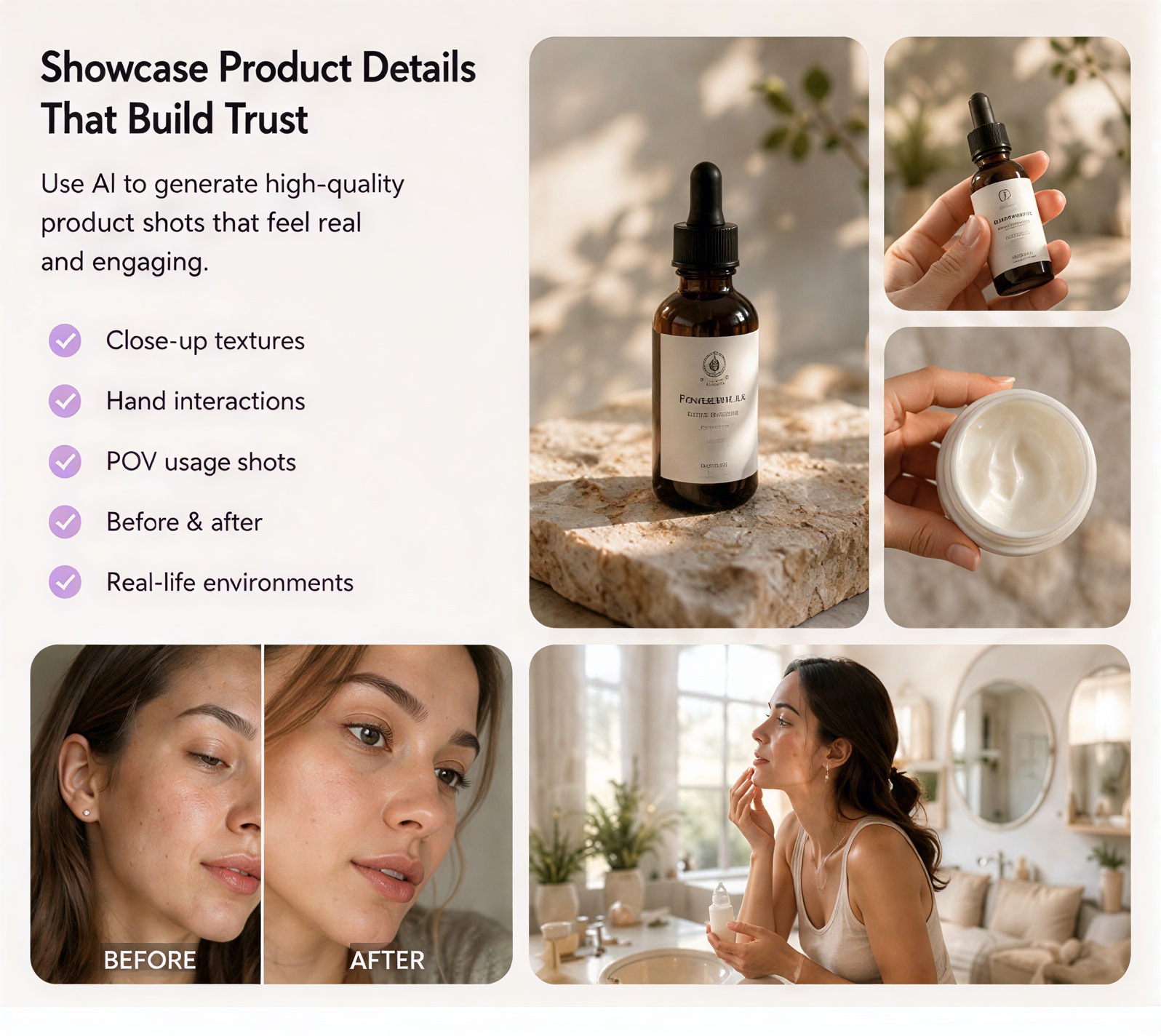
Luxury skincare bottle on marble table, soft studio lighting, realistic shadows, premium cosmetic advertisement style, ultra detailed product photography
Image Example
Why It Matters
Better product photos can:
- Increase click-through rates
- Improve trust
- Boost conversions
- Make small brands look premium
Generate AI Portraits & Headshots
Need a professional headshot without hiring a photographer? AI photo editors can create studio-quality portraits from casual selfies.
Popular Use Cases
- LinkedIn profile pictures
- Resume photos
- Personal branding
- Social media avatars
- Team profile images
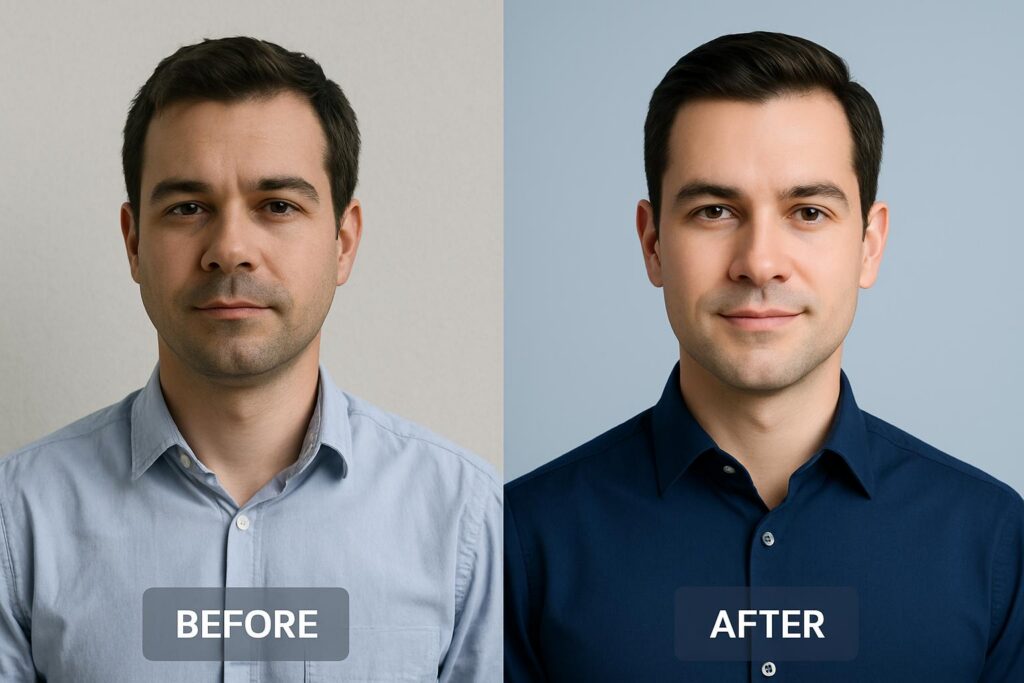
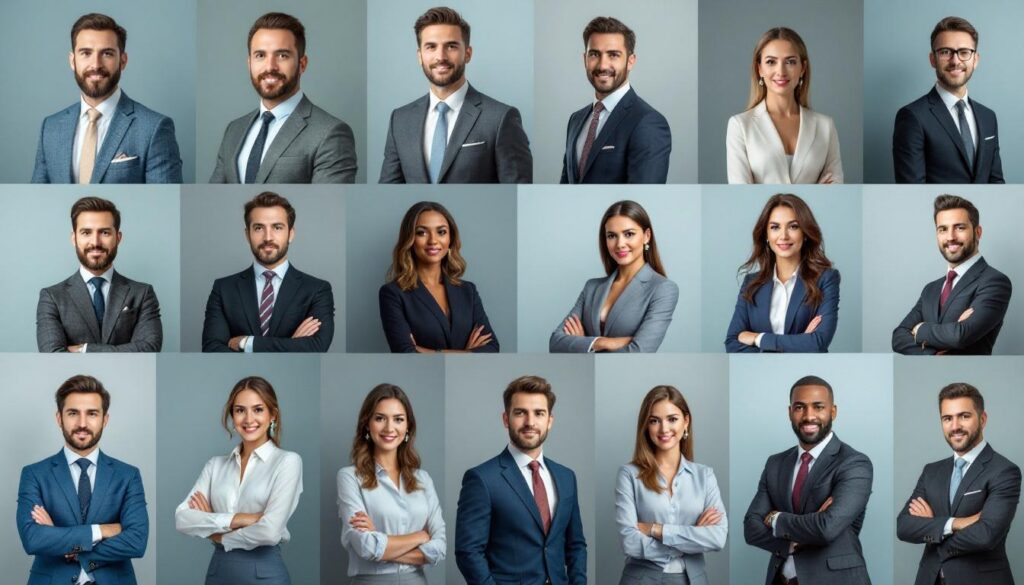
Professional business headshot, clean background, cinematic lighting, realistic skin texture, formal outfit, corporate photography style
Image Example
Bonus Tip
The better the original selfie lighting, the better the AI output usually becomes.
Create Viral Social Media Graphics
AI photo editors are becoming essential tools for creators on:
- TikTok
- YouTube
- X (Twitter)
Instead of spending hours designing visuals manually, creators can instantly generate eye-catching graphics.
What AI Can Create
- YouTube thumbnails
- Instagram posts
- Meme graphics
- Story backgrounds
- Promotional banners
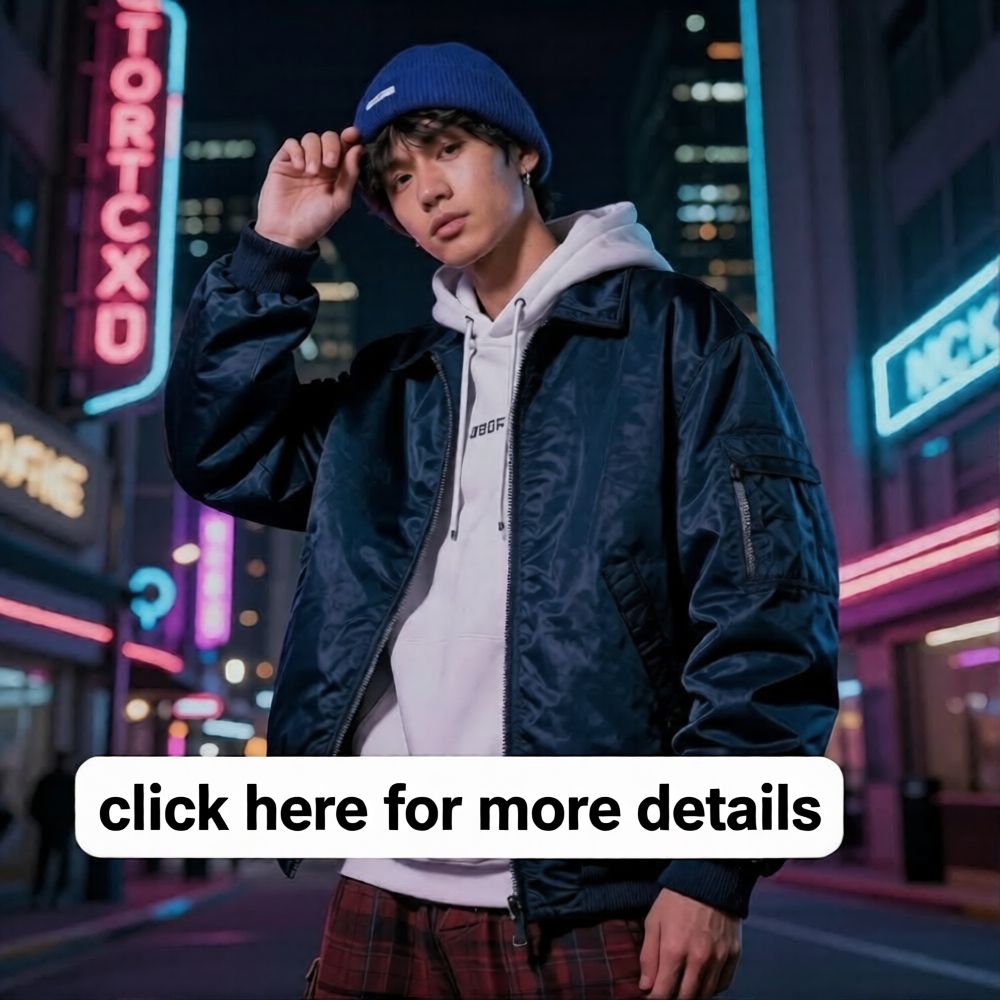
Modern Instagram fashion post, neon city background, cinematic lighting, trendy streetwear aesthetic, highly detailed, social media advertising style
Image Example
Why Creators Love AI Editors
- Faster content production
- More visual consistency
- Lower design costs
- Easy experimentation
Remove Unwanted Objects from Photos
Photobombers. Power lines. Trash cans. Random tourists.
AI object removal tools can intelligently erase distractions and reconstruct the missing background naturally.
Common Editing Tasks
- Remove people
- Delete text or watermarks
- Clean messy backgrounds
- Remove acne or blemishes
- Eliminate unwanted shadows
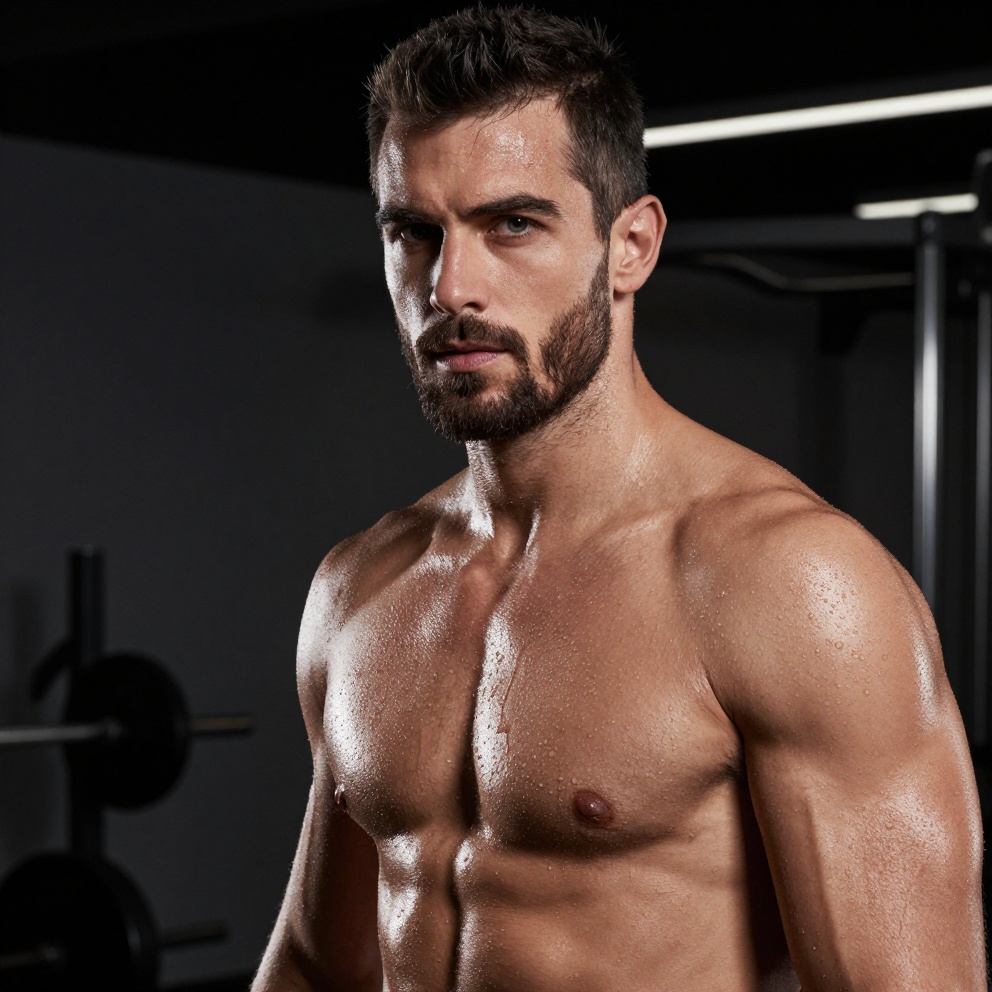
Remove the person in the background, reconstruct the beach naturally, preserve realistic lighting and sand texture
Image Example
Great For
- Travel photography
- Real estate photos
- Social media images
- Marketing materials
Transform Photos into Art Styles
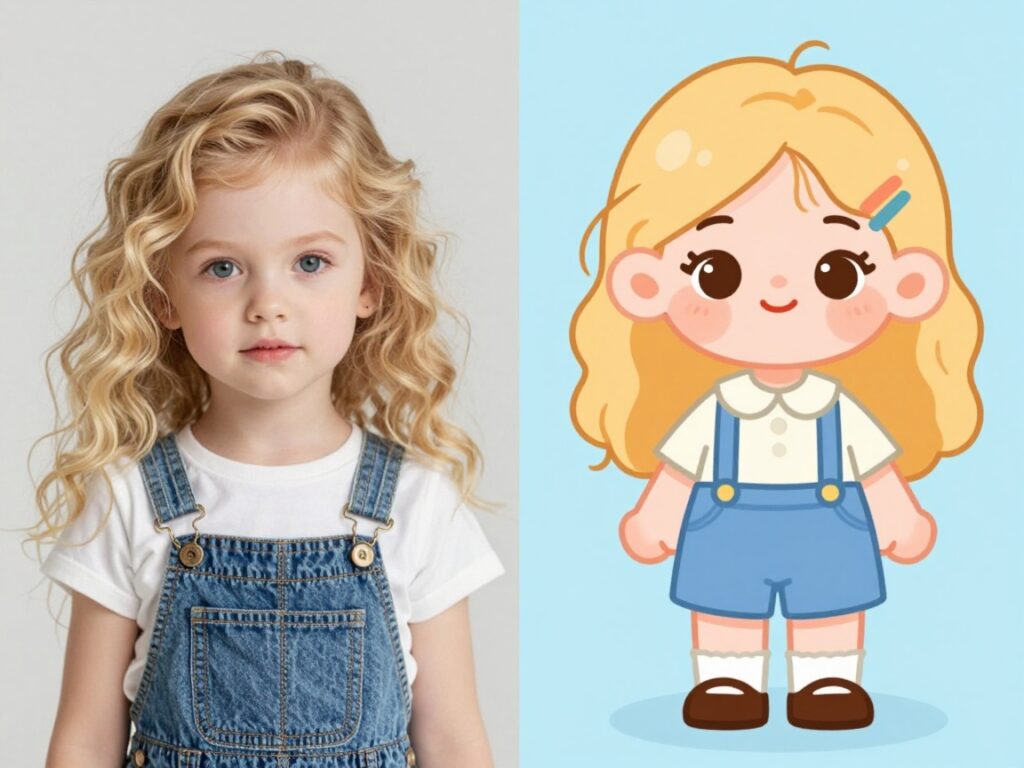
AI image editors can turn ordinary photos into artwork inspired by:
- Anime
- Oil painting
- Cyberpunk
- Watercolor
- Pixar-style illustrations
- 3D cartoon art
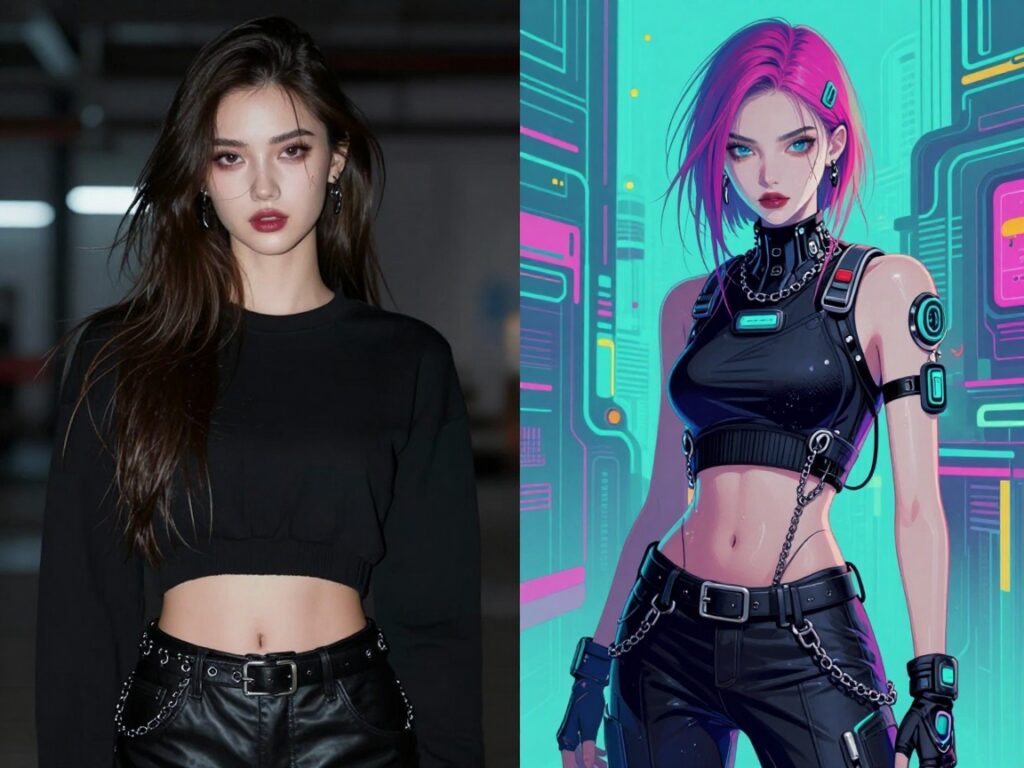
Transform this portrait into cinematic cyberpunk artwork, neon lighting, futuristic Tokyo atmosphere, ultra detailed digital painting
Image Example
Why This Is Popular
Stylized AI visuals perform extremely well on social platforms because they stand out instantly.
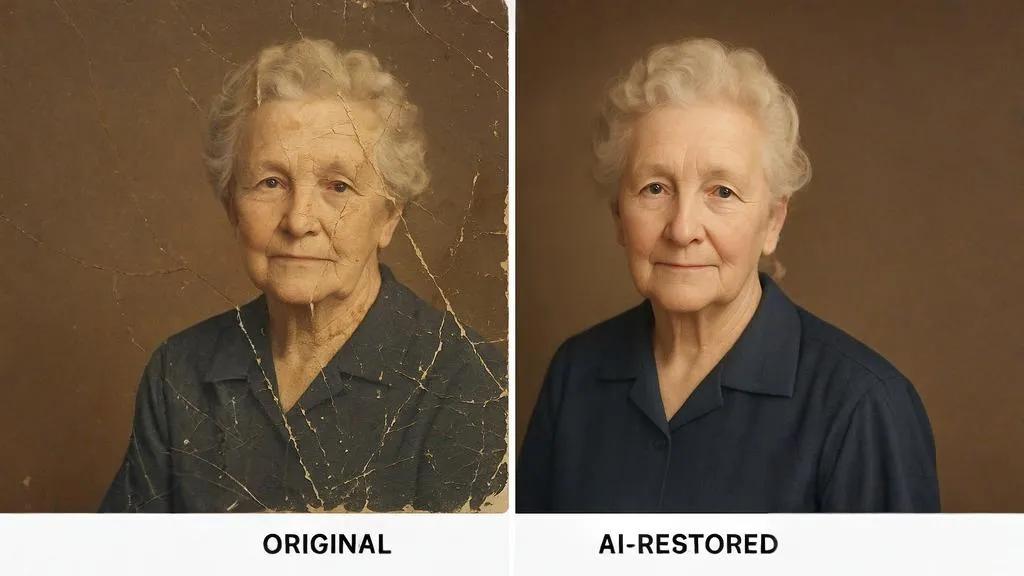
Restore Old Photos
One of the most emotional applications of AI photo editing is photo restoration.
AI can help repair:
- Scratches
- Faded colors
- Blurry faces
- Black-and-white photos
- Torn image details
Restore this old family photograph, repair scratches, enhance facial clarity, colorize naturally, preserve historical realism
Image Example
Emotional Value
For many users, restoring family memories is more meaningful than creating entirely new images.
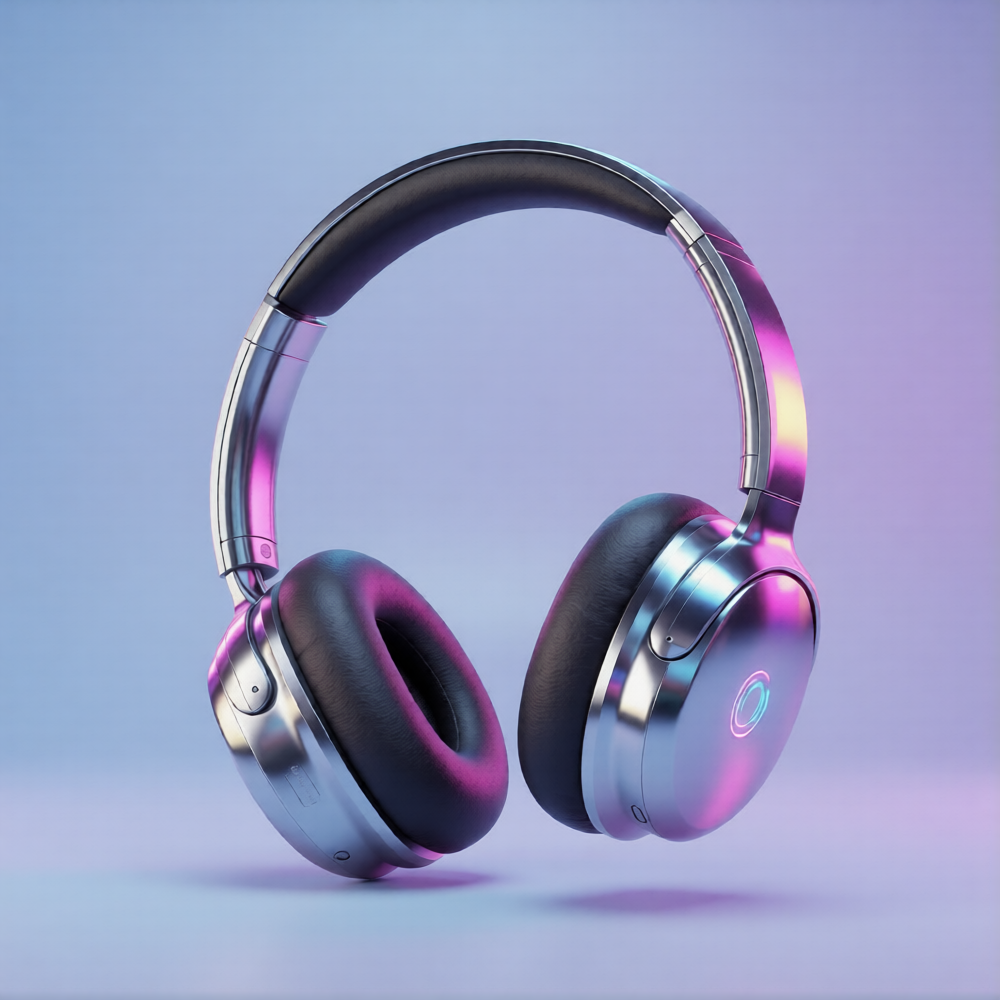
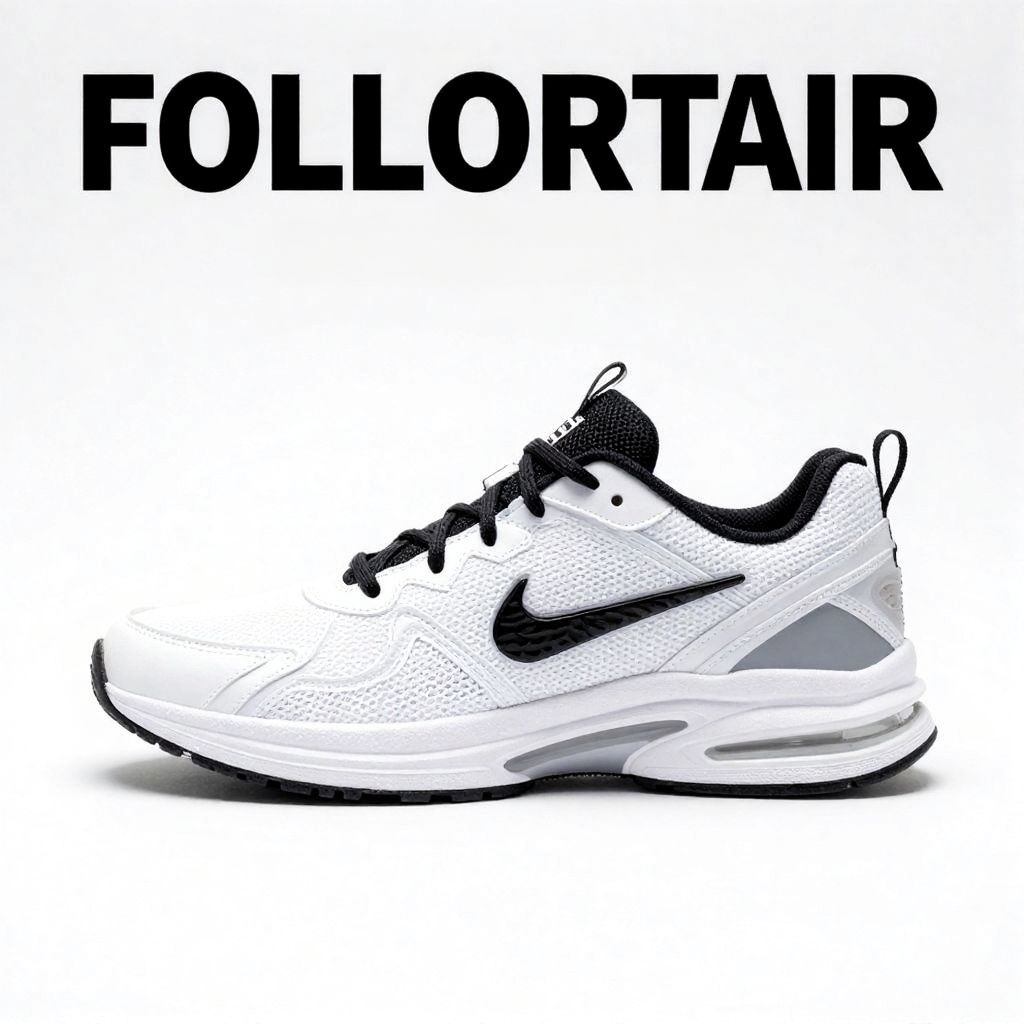
Design Marketing Ads Faster
Businesses use AI photo editors to rapidly generate:
- Ad creatives
- Landing page visuals
- Promotional posters
- Seasonal campaigns
- Banner ads
Modern tech advertisement banner, futuristic blue lighting, sleek product presentation, premium startup branding aesthetic
Image Example
Major Advantage
AI dramatically reduces design turnaround time for marketing teams.
Tips for Writing Better AI Photo Editing Prompts
Good prompts produce dramatically better results.
Include These Details
Subject
What is the main focus?
Style
What visual style do you want?
Lighting
Lighting changes everything.
Quality Keywords
Useful terms include:
Example Prompt Formula
You can use this simple structure:
[Subject] + [Style] + [Lighting] + [Environment] + [Quality Details]
Example
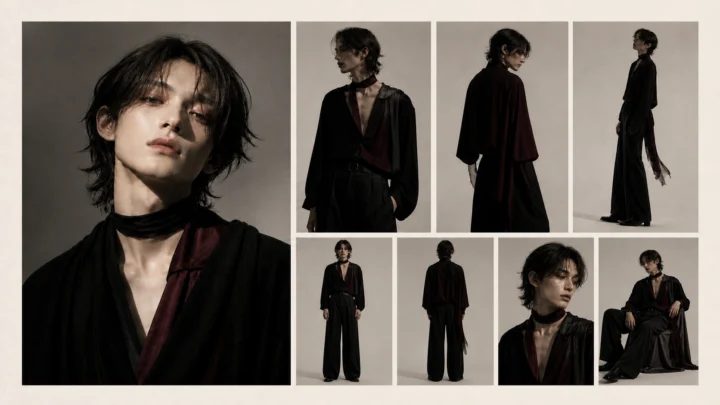
Fashion model portrait, luxury editorial style, cinematic lighting, Tokyo night street background, ultra realistic, highly detailed
Why AI Photo Editors Matter More Than Ever
AI photo editors are no longer just experimental tools — they’re becoming everyday creative assistants.
From restoring old memories to creating viral marketing visuals, AI makes professional-quality image editing faster, cheaper, and more accessible than ever before.
Whether you’re:
- a creator,
- entrepreneur,
- marketer,
- student,
- designer,
- or casual user,
An AI photo editor can help you create visuals that once required an entire creative team.
The key is learning how to combine:
- good source images,
- clear prompts,
- and the right editing style.
Once you understand that workflow, the creative possibilities become almost endless.