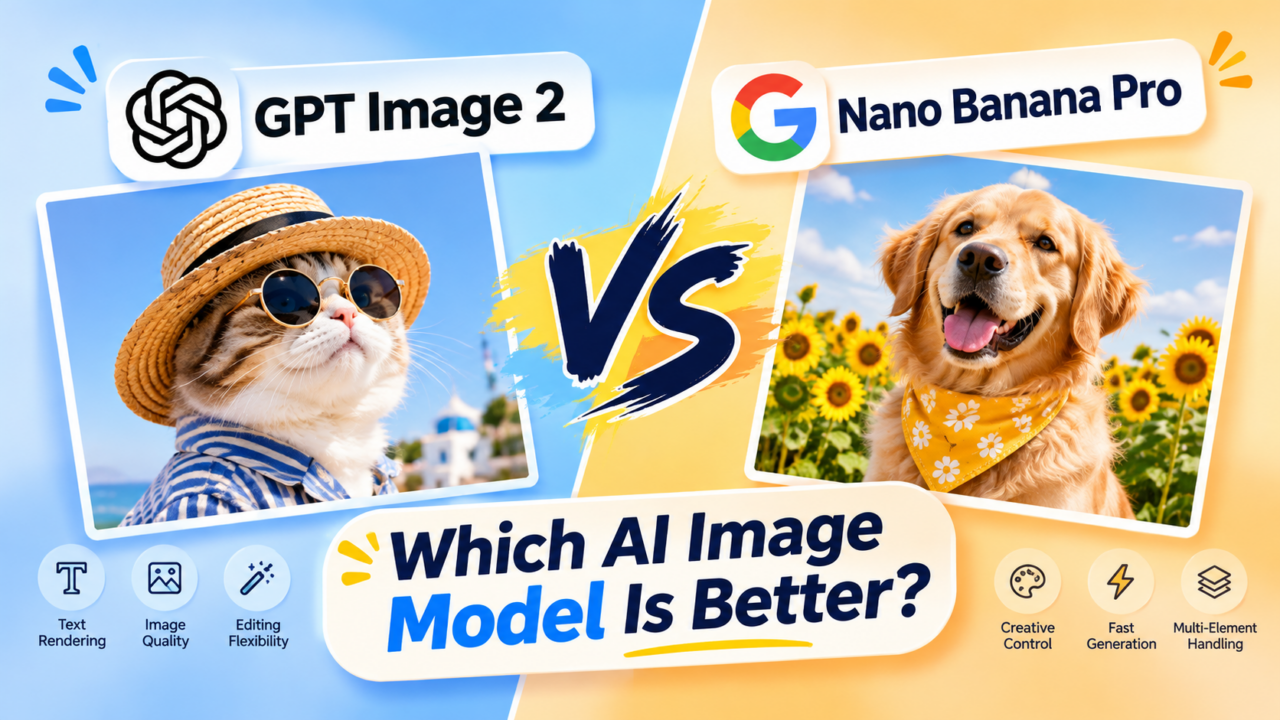
GPT Image 2 vs Nano Banana Pro: Which AI Image Model Is Better?
Author
Linocut Editorial
Published
Nov 10, 2026
Reading
10 min
Tags
AI Image Generator
AI Image GeneratorNov 10, 2026
Choosing between GPT Image 2 and Nano Banana Pro becomes easier when you start with the asset you need to deliver.
A product advertisement needs accurate packaging. A poster needs readable text. A campaign needs images that remain consistent through several revisions. An attractive first result is only one part of that process.
This GPT Image 2 vs Nano Banana Pro comparison explains their documented capabilities, the differences that affect creative workflows, and three prompts you can use to evaluate them with your own projects.
Editorial note: This is a documentation-based comparison, reviewed on October 29, 2026. It does not present a controlled head-to-head benchmark or measured quality ranking.
GPT Image 2 vs Nano Banana Pro: The Short Answer
Start with GPT Image 2 when flexible image dimensions, explicit quality controls, and reference-driven editing are central to your workflow. Consider Nano Banana Pro first when Google Search grounding is important to the brief and your interface supports it. Both models can work with multiple image references.
For product accuracy, photorealism, and poster typography, the most useful decision comes from testing your own brief. The better model is the one that produces an acceptable final asset with less correction.
Here is a practical comparison of the documented features:
Area
GPT Image 2
Nano Banana Pro
Developer
OpenAI
Google DeepMind
Model identity
GPT Image 2
Gemini 3 Pro Image
Core workflow
Image generation and editing from text and images
Image generation and editing from text and images
Reference handling
Up to 16 image inputs through the Images API; high-fidelity processing
Up to 14 reference images, subject to interface limits
Output controls
Custom dimensions within documented limits; selectable quality
Resolution tiers and selectable aspect ratios
Distinctive consideration
Flexible sizing and automatic high-fidelity input processing
Supported Google Search grounding and design-oriented capabilities
What needs direct comparison
Product preservation, typography, visual style, and revision drift
Product preservation, typography, visual style, and revision drift
The recommendations above are workflow judgments based on documented controls. They do not establish a universal image-quality winner.
What Are GPT Image 2 and Nano Banana Pro?
GPT Image 2 is OpenAI's image generation and editing model. Its official model page identifies flexible image sizes and high-fidelity image inputs as supported capabilities.
Nano Banana Pro is Google's Gemini 3 Pro Image model. Google positions it for complex graphic design, product mockups, and visualizations involving text and real-world information. Its model documentation lists thinking and Google Search grounding support.
These are the specific models covered here. When reproducing a comparison, record the exact model selected, generation settings, and test date.
Product Photography: Which Preserves the Product Better?
For ecommerce, the first question should be whether the generated image still represents the item being sold.
Compare each result against the original product photo. Inspect:
The silhouette and height-to-width ratio.
Caps, handles, closures, and other distinctive parts.
Label position, logo placement, and printed wording.
Product color under the new lighting.
Surface texture, reflections, and material finish.
GPT Image 2's high-fidelity input processing makes reference-driven editing a relevant use case to evaluate. It does not guarantee an unchanged label or identical product geometry.
Nano Banana Pro's reference-combination capabilities also make it relevant when a brief uses separate product, environment, and style images. With either model, explain what each source contributes and which details must remain unchanged.
A useful first task is straightforward: preserve the product and replace its surroundings. Once that works, introduce a harder task, such as a hand holding the product or a new camera angle.
For a product campaign, prioritize faithful packaging over a more dramatic background. An image that needs a rebuilt bottle or corrected logo may take longer to finish than a simpler, more accurate result.
Text Rendering: Which Is Better for Posters and Ads?
Typography should be evaluated separately from the artwork.
Google explicitly highlights Nano Banana Pro’s multilingual text rendering and its use in posters, diagrams, and product mockups. That makes it a relevant candidate for text-heavy creative work, but the documentation does not establish a direct win over GPT Image 2.
To compare them, give both models the same short headline, supporting line, and layout requirements. Check four things:
Accuracy: Every word, number, and punctuation mark matches.
Hierarchy: The headline clearly leads the design.
Legibility: Text remains readable at the intended display size.
Placement: Words respect margins and avoid important product details.
A poster can pass the spelling check and still fail because the headline blends into the background. Evaluate the complete layout before choosing a result.
For essential copy such as prices, dates, and promotional conditions, adding final text in a design editor can provide more precise control.
Reference Images and Character Consistency
Reference-based work becomes more demanding when several sources must be combined.
For example, a fashion campaign might use one image for a person’s identity, another for clothing, and a third for the location.
Both models support multi-image workflows. OpenAI documents up to 16 inputs through its Images API, while Google describes up to 14 references for Nano Banana Pro. Individual applications may expose different limits. Those numbers describe input capacity, rather than how faithfully every source will be preserved.
Assign a clear role to every source:
Use Image 1 for the person’s identity, Image 2 for the jacket, and Image 3 for the environment. Preserve the face and jacket design while adapting the lighting to the new setting.
Use the same source files and role assignments for both models. Start with the fewest references that communicate the brief, then add more when needed.
Compare several outputs together. A face that looks convincing in isolation may drift noticeably across a campaign.
Image Editing: Judge the Third Revision Too
A useful model should support the changes needed to finish an asset.
Try this short revision sequence on both models:
Replace the background while preserving the subject.
Adjust the lighting without changing the product color.
Change one headline while preserving the layout.
After every step, compare the result with both the original reference and the previous version.
Look for cumulative changes: a wider bottle, a different face, altered clothing, shifted lettering, or disappearing accessories. Record how often you need to restore something that was already correct.
This process helps distinguish a strong first generation from a dependable editing workflow.
Resolution, Speed, and Pricing
GPT Image 2 supports flexible dimensions within published constraints, including a maximum edge of 3,840 pixels. Its documented examples include 3840 × 2160 output, although the API reference labels resolutions above 2560 × 1440 as experimental. Nano Banana Pro offers 1K, 2K, and 4K generation options. Available controls can differ between applications.
More pixels will not correct an inaccurate label, malformed hand, or weak composition. Compare quality at the size where the image will actually appear.
For a pricing baseline, the providers publish these image-output estimates:
Model and setting
Published image-output estimate
GPT Image 2, 1024 × 1024, low quality
$0.006
GPT Image 2, 1024 × 1024, medium quality
$0.053
GPT Image 2, 1024 × 1024, high quality
$0.211
Nano Banana Pro, 1K or 2K
Approximately $0.134
Nano Banana Pro, 4K
Approximately $0.24
Provider API estimates checked October 29, 2026. These exclude input processing and other applicable charges. Quality settings are not equivalent across models, and API estimates are separate from subscription or platform-credit prices.
Measure speed using the same task and comparable output sizes. Include the time needed to regenerate or correct a result.
For production planning, use:
Cost per usable asset = total generation and revision spend ÷ number of accepted final assets.
Include rejected attempts in the total.
Three Prompts for Comparing GPT Image 2 and Nano Banana Pro
These prompts provide repeatable starting points. Use identical source files and select the requested aspect ratio in the interface where available.
01
Product Fidelity Test
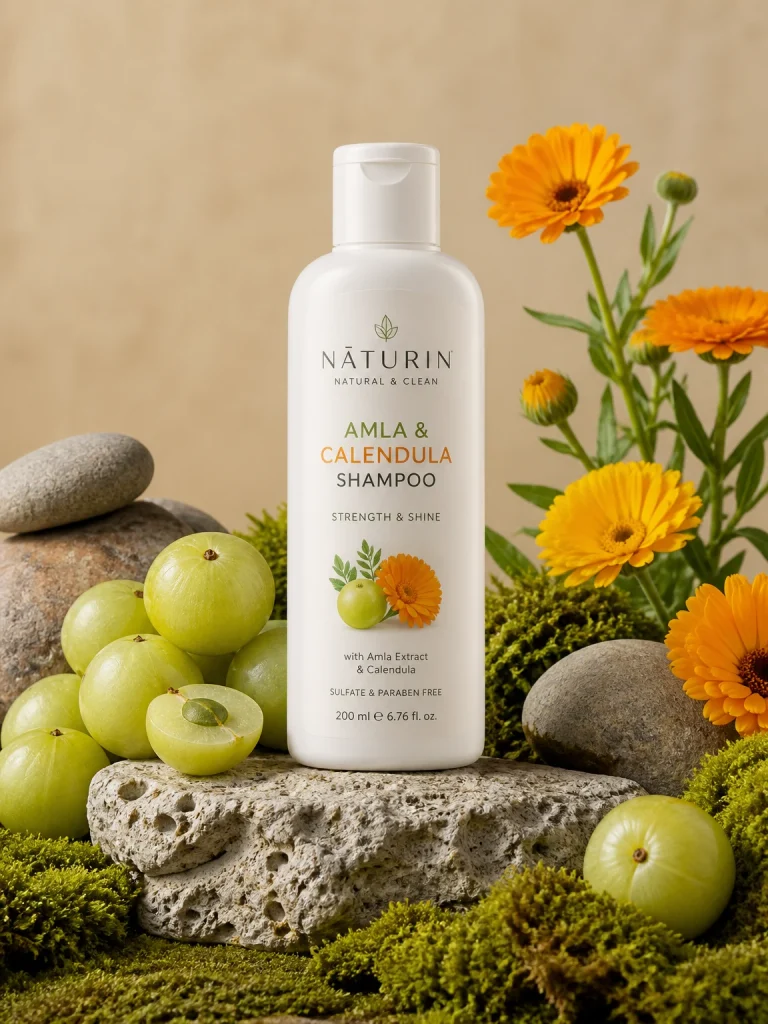
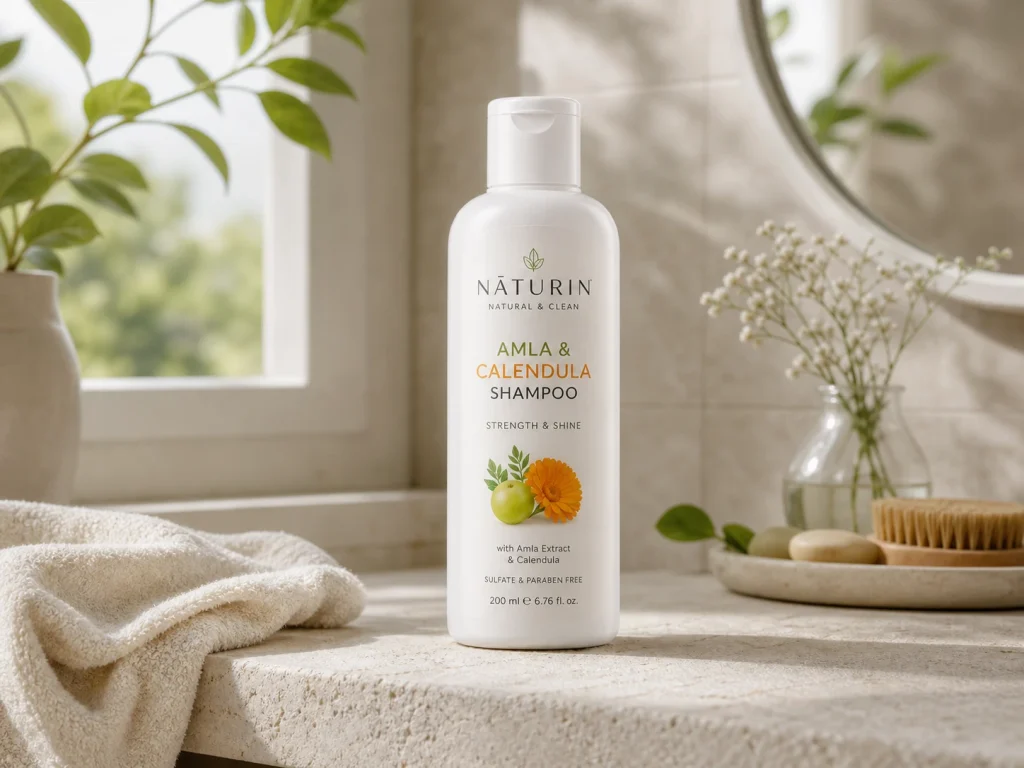
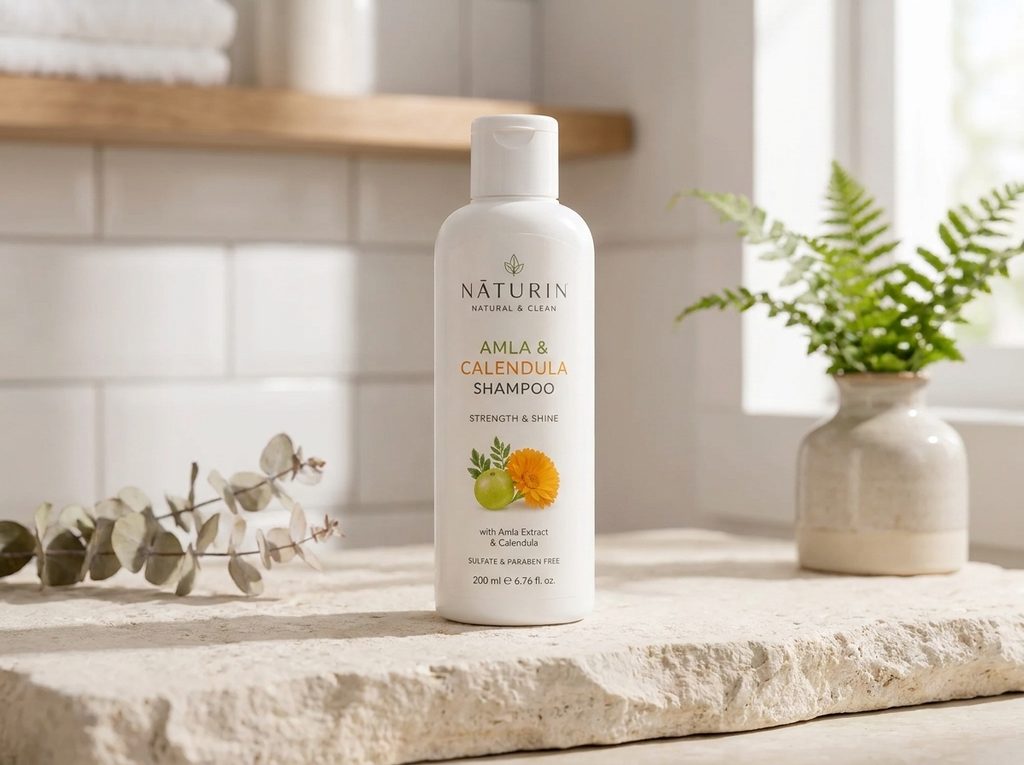
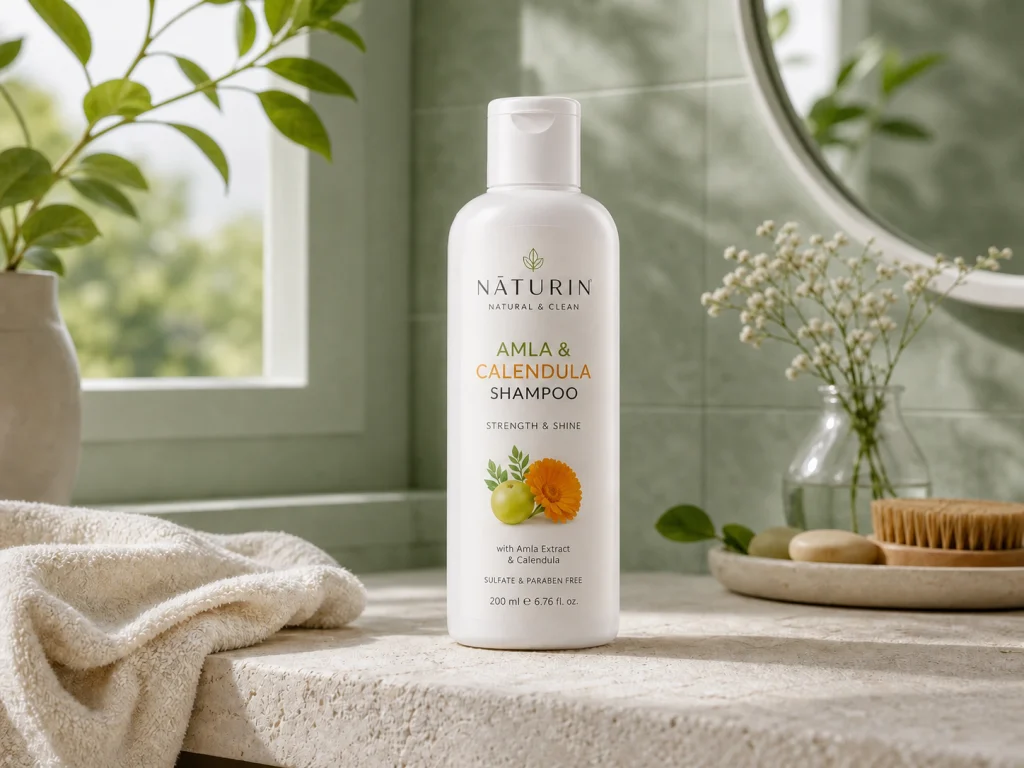
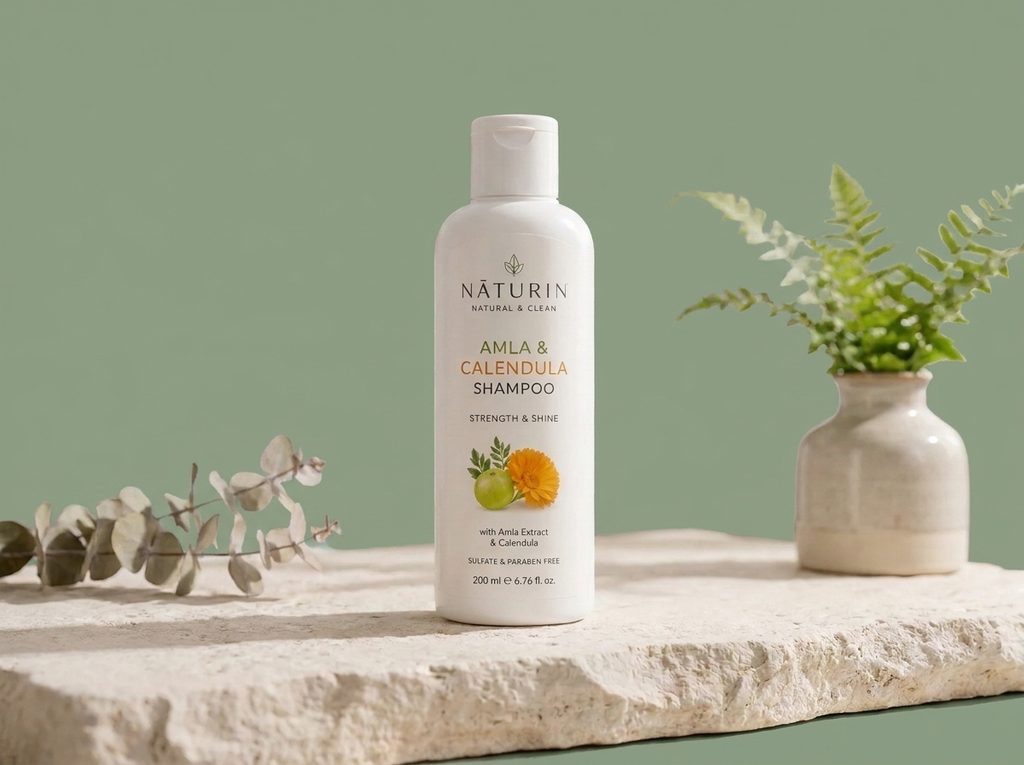
Use the uploaded product photo as the source of truth. Preserve the exact bottle silhouette, cap, label position, printed wording, product color, and height-to-width ratio. Place it upright on a pale limestone surface in a softly lit bathroom. Add restrained botanical details and natural morning light. Keep the product unobstructed and sharply focused. Change the environment only; preserve the original product design. Create a 4:3 composition suitable for an ecommerce campaign.
Evaluate: Packaging accuracy, label readability, believable contact shadows, and whether the product matches the reference at full size.
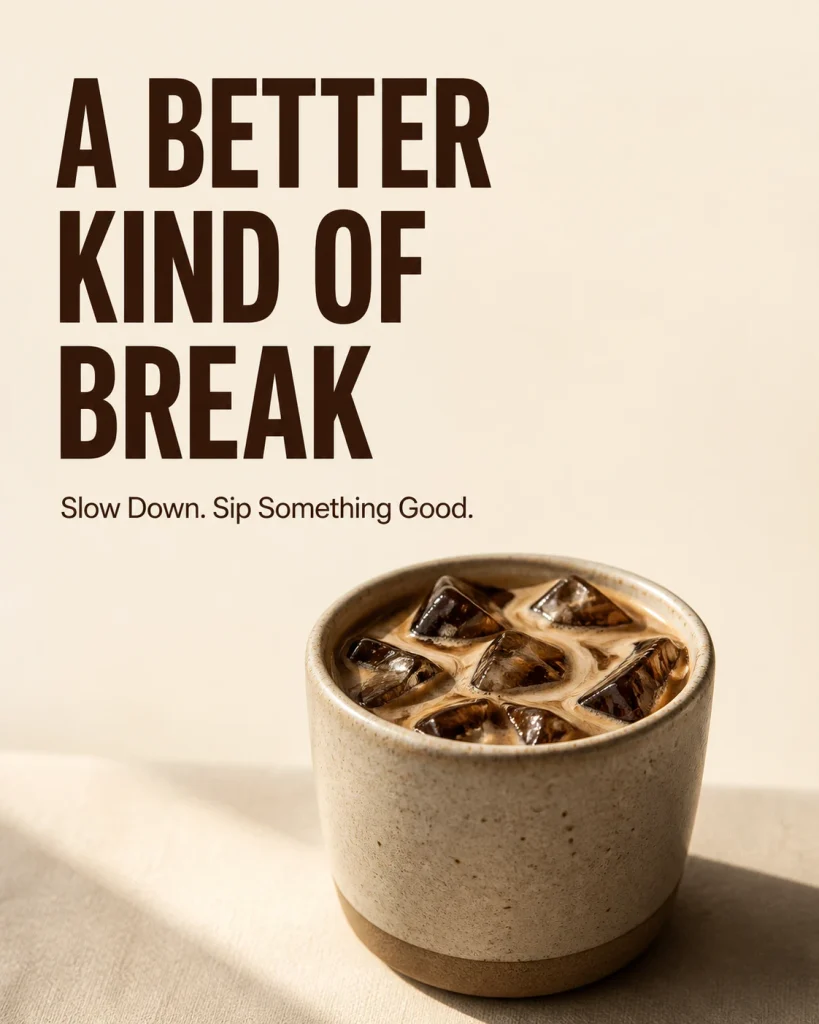
Create a minimalist coffee campaign poster in a 4:5 composition. Use the exact headline “A BETTER KIND OF BREAK” and the exact supporting line “Slow Down. Sip Something Good.” Set the headline in large, bold sans-serif lettering and the supporting line in a smaller, lighter weight. Place a ceramic cup of iced coffee in the lower half. Use cream and espresso-brown tones, strong contrast, consistent left alignment, generous margins, and a quiet area behind the words. Include only the specified text.
gpt-image-2-generated-minimalist-campaign-poster
Evaluate: Exact wording, punctuation, information hierarchy, spacing, and readability on a phone.
03
Targeted Editing Test
Edit the supplied image by changing only the background from pale beige to muted sage green. Preserve the subject’s identity, pose, product shape, label text, lighting direction, shadows, framing, and all foreground objects. Keep the original dimensions and composition. Make no other changes.
Evaluate: Whether the requested edit happened and whether unrelated details survived. Follow with one additional small revision to check cumulative drift.
How to Run a Fair Comparison
Begin with one shared brief and a small set of representative tasks. Generate at least three attempts per task for each model, and retain the unsuccessful outputs.
Use two rounds:
Shared-prompt round: Give both models the same plain-language instructions.
Optimized round: Allow adjustments suited to each model, with an equal revision budget.
This shows both initial prompt compatibility and the work required to reach a finished result.
Score against requirements agreed before generation:
Criterion
Example acceptance question
Product fidelity
Does it still show the original item accurately?
Text accuracy
Is all required copy correct?
Composition
Does the layout fit the intended placement?
Editing stability
Did approved details survive revisions?
Production effort
How much time and spend produced a usable asset?
A small comparison is a pilot for your workflow. Keep its conclusions tied to the assets, settings, and model versions you evaluated.
Build the Surrounding Workflow with LinoCut
A model comparison becomes more useful when it leads to a finished creative asset.
Start with a clear brief in LinoCut. Specify the subject, intended channel, composition, lighting, and required copy. Check the exact model and controls available in your workspace before generating.
Use one reference image for the initial product or character task. Review the hardest details first, then continue with targeted image editing, enhancement, or upscaling as needed.
If you compare results produced through different services, keep the original references, prompts, and settings together so you can reproduce the preferred direction.
LinoCut’s published workflow connects a first generated visual with subsequent refinement and preparation for delivery. Model-level capabilities such as grounding or maximum reference counts should be checked separately in the interface you use.
Frequently Asked Questions
Is GPT Image 2 better than Nano Banana Pro?
It depends on the requirement. GPT Image 2 offers flexible sizing and reference-driven editing. Nano Banana Pro provides supported Google Search grounding within its image workflow. Both accept multiple references; product fidelity and typography need comparison using your own assets.
Can either model preserve logos and packaging perfectly?
Treat preservation as an acceptance criterion. Compare the generated product with the original image and check every important brand element before publication. A detailed prompt reduces ambiguity, but it cannot replace that inspection.
Can Nano Banana Pro make mistakes in text or reference-based images?
Yes. Google lists limitations involving text, fine details, complex edits, and character consistency. Inspect the result even when the first impression is convincing.
Can both models generate 4K images?
Both have documented high-resolution generation options. Confirm the exact dimensions and any experimental settings offered by your application, then inspect the final file before preparing a large-format asset.
Which AI Image Model Should You Choose?
Choose GPT Image 2 when its sizing and editing controls match the way you produce assets. Choose Nano Banana Pro when supported Google Search grounding or its design workflow is important to the brief. Evaluate both for reference fidelity.
For everyday product photography, posters, and campaign variations, let a small, repeatable comparison decide. Prioritize accurate details, stable revisions, and total production effort.
Use the three prompts above as a starting point, then develop the strongest result into a finished asset with LinoCut.