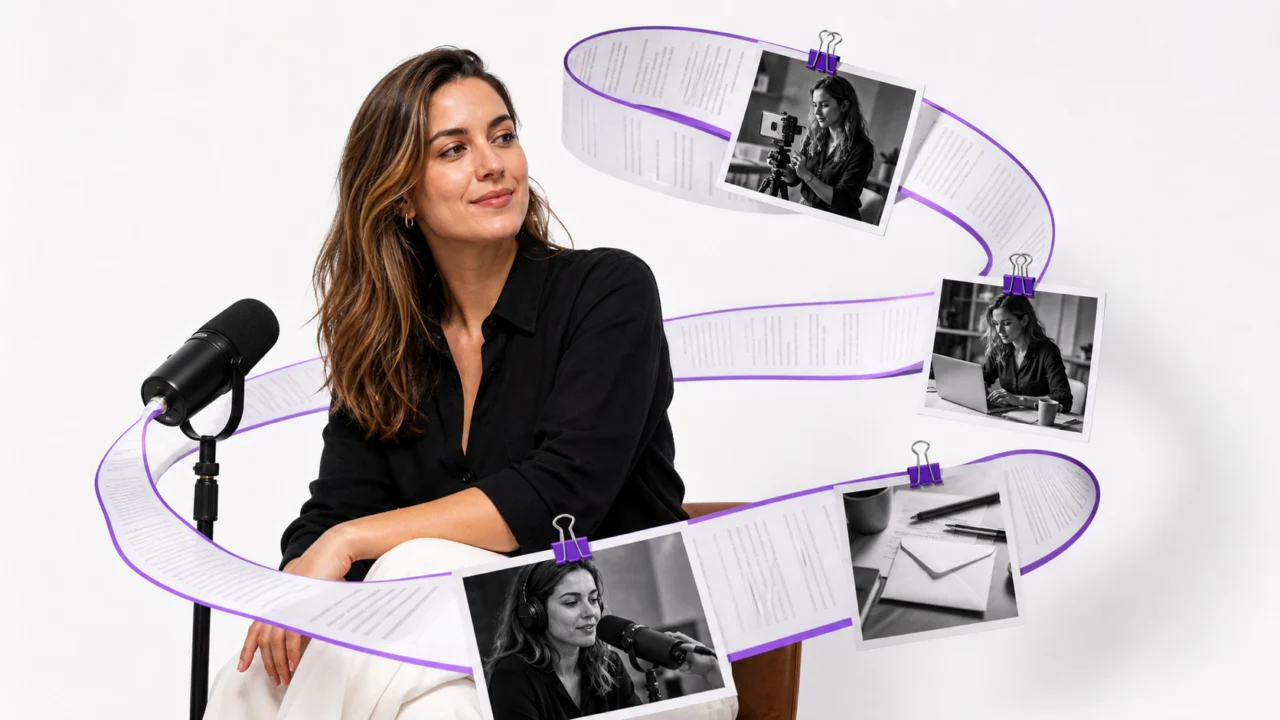
A creator recording rarely has only one useful output. A podcast can become show notes, clips, captions, a newsletter, and a blog post. A customer interview can supply quotes, objections, product language, and short-form scripts. The hard part is not recording more. It is turning what you already recorded into accurate, reusable text.
Audio to text for creators is a workflow for converting spoken material into an approved source document, then adapting that source into platform-specific content. The best process has four layers: prepare the audio, create the transcript, review critical details, and produce shorter assets without losing the speaker’s meaning.
This guide shows how to build that process without treating raw AI output as finished copy.
Why a Transcript Is More Than a Text File
A transcript makes spoken ideas searchable, skimmable, and editable. It also gives every downstream asset a shared source of truth. Instead of asking an editor to replay a 30-minute interview for every new post, the team can return to one reviewed document.
The value grows when you plan the outputs before transcription.
| Recording source | Useful transcript structure | Possible outputs |
|---|---|---|
| Podcast interview | Speaker labels, topic breaks, timestamps | Show notes, clips, quotes, newsletter |
| YouTube video | Short caption lines, visual notes, names | Captions, chapters, description, Shorts |
| Course lesson | Headings, definitions, examples | Lesson notes, handout, quiz, article |
| Product demo | Feature names, steps, objections | Captions, help article, sales enablement |
| Voice note | Clean paragraphs, decisions, action items | Brief, script, post, task list |
Transcripts also improve access to spoken content. The W3C guidance on media transcripts explains that a basic transcript captures the speech and relevant non-speech audio needed to understand the content. It recommends adding useful structure such as paragraphs, headings, speaker identification, and links.
That is a better standard than accepting an unformatted wall of text.
What Makes Audio to Text Reusable?
Raw speech-to-text output tries to capture words. A reusable transcript preserves meaning and makes the material easy to navigate.
In a practical audio to text for creators workflow, check for five qualities before repurposing:
- Speaker clarity: Each voice is labeled consistently.
- Correct entities: Names, brands, product terms, numbers, and URLs are verified.
- Readable structure: Topic shifts become paragraphs or headings.
- Useful context: Important pauses, reactions, or visual references are explained when necessary.
- Source traceability: Timestamps remain available for claims, quotes, and clips that require verification.
Not every transcript needs to be verbatim. A research interview may require every hesitation and incomplete thought. A creator newsletter usually needs a clean transcript with filler words removed. Decide which version you need before editing.
A Six-Step Audio to Text for Creators Workflow
Define the Content Pack First
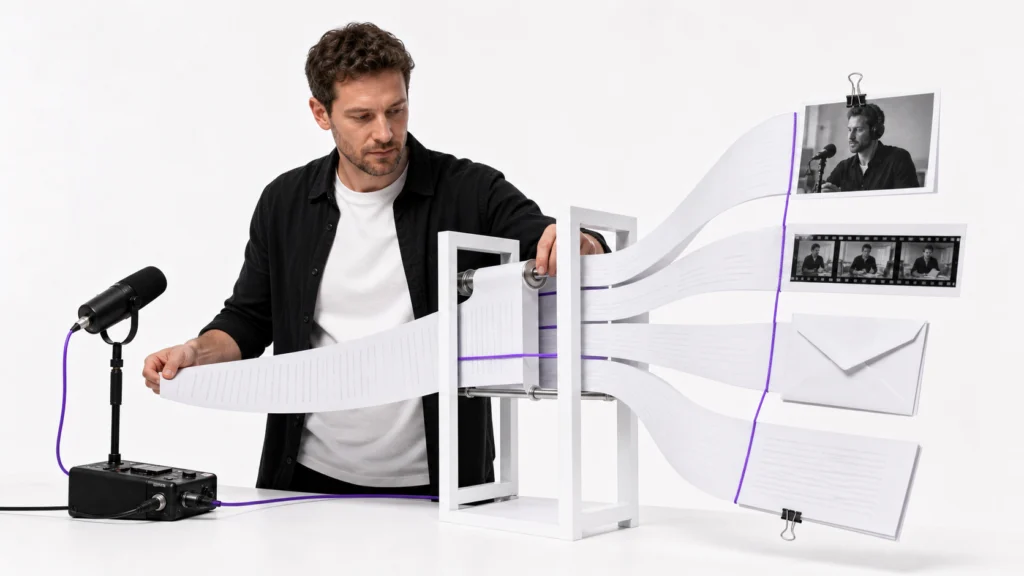
Start with the destination. Write down the assets you want before uploading the recording.
For example, a podcast content pack might include:
- One edited transcript
- Five short clip candidates
- Three pull quotes
- One episode summary
- One newsletter draft
- Six social captions
- Ten title or hook ideas
This prevents over-editing. If you only need captions, preserve timing and short lines. If you need a long-form article, focus on topic structure, examples, and transitions.
Prepare the Recording
Audio to text for creators works best when speech is understandable before transcription begins. Use the original recording when possible. Avoid files that have been repeatedly compressed through messaging apps.
Check the source for:
- Heavy room noise or electrical hum
- Music that competes with speech
- Speakers talking over one another
- Large changes in microphone level
- Missing introductions or unidentified guests
If hiss, crowd wash, or room noise makes words difficult to hear, use an audio denoise workflow before transcription. Keep the cleanup conservative: aggressive processing can make voices sound metallic or remove quiet syllables.
Convert the Audio Into Editable Text
Upload the clearest available file and select the correct language when the tool provides that option. Keep the original audio beside the transcript during review.
Linocut’s audio-to-text workflow is organized around upload, speech detection, transcript review, TXT download, and handoff into captions or copy. Check the current page for supported formats, input limits, and provider availability before planning a production deadline.
At this stage, the goal is not elegant prose. The goal is a complete draft that stays close enough to the recording for reliable review.
Review the Details That Can Damage Trust
Do not spend equal time on every word. Review the highest-risk details first:
- People, company, and product names
- Numbers, prices, dates, and measurements
- Technical terms and acronyms
- Direct quotes selected for publication
- Statements that could change meaning when punctuation shifts
Automatic captions are useful, but they are not self-verifying. YouTube’s official caption guidance warns that automatic captions can misrepresent speech because of accents, dialects, pronunciation, or background noise, and recommends reviewing and editing them.
Use the same rule for any AI-generated transcript: the closer an asset is to publication, the more carefully its source lines should be checked.
Turn the Transcript Into a Source Document
After factual review, format the transcript for reuse.
- Group sentences into logical paragraphs.
- Add descriptive headings at major topic shifts.
- Keep speaker labels for interviews and panels.
- Retain timestamps beside strong quotes and clip moments.
- Mark uncertain words with a consistent review tag.
- Separate the original transcript from editorial summaries.
This reviewed version becomes the master document. Derivative assets may be shorter or more polished, but they should remain traceable to it.
Adapt for Each Platform
Repurposing is not copying the same paragraph everywhere. Each platform needs a different unit of meaning.
A short video caption needs quick comprehension. A newsletter needs a clear narrative. A blog post needs search intent, headings, examples, and context. A title needs one strong promise without flattening the source into clickbait.
Create each asset from the approved transcript, then compare the result with the source before publishing.
Seven Assets You Can Create From One Transcript
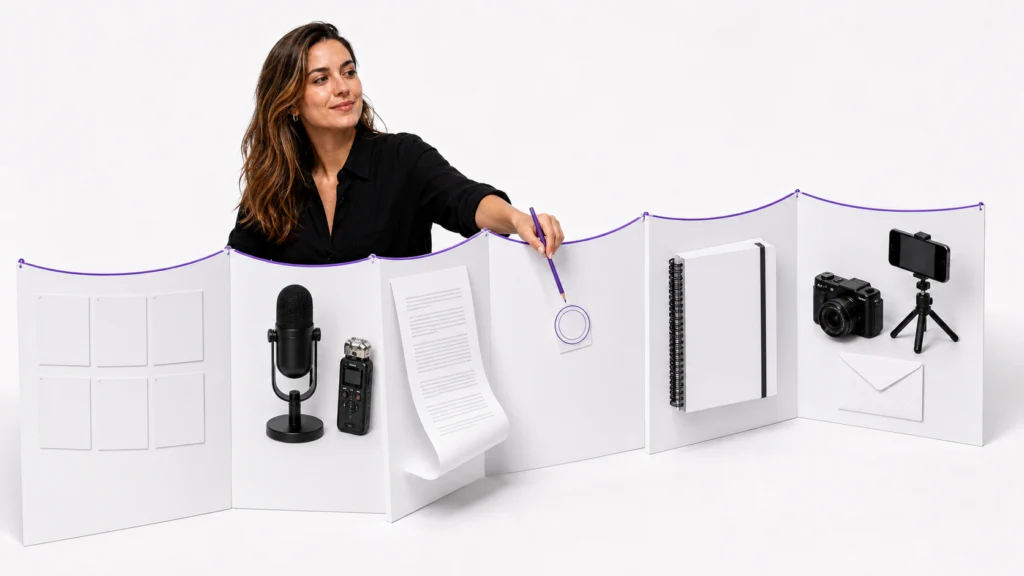
| Asset | Pull from the transcript | Editorial work required |
|---|---|---|
| Captions | Complete spoken lines and timing | Correct names, shorten line breaks, add sound cues |
| Show notes | Topic sequence and resources | Summarize, link resources, add timestamps |
| Short clip scripts | Strong claims, stories, or demonstrations | Add a hook and preserve enough context |
| Social posts | Quotes, lessons, objections, examples | Rewrite for one platform and one takeaway |
| Newsletter | Main argument plus supporting story | Build an opening, transitions, and conclusion |
| Blog article | Questions, definitions, steps, examples | Match search intent and verify external claims |
| Titles and hooks | Outcomes, tensions, unexpected phrases | Generate variants and reject misleading options |
Captions and Subtitles
Keep captions faithful to what was said. Correct names and terminology, split long sentences into readable units, and add meaningful sound cues when they affect understanding. Do not rewrite a speaker’s claim inside the caption track simply to make it more promotional.
Short Clips
Search the transcript for self-contained moments: a clear opinion, a practical answer, a surprising example, or a before-and-after explanation. Preserve the sentence that sets up the clip. Removing all context may create a stronger hook but a weaker or misleading message.
Long-Form Content
For newsletters and blog posts, reorganize ideas around the reader’s question rather than the recording timeline. Spoken conversations circle back, repeat points, and change direction. Written content should group related ideas while preserving the source’s actual meaning.
Example: One 30-Minute Interview, One Content Pack
Imagine a 30-minute interview with a small-business founder. The recording includes an origin story, three customer problems, a product demonstration, and advice for first-time buyers.
An efficient audio to text for creators workflow could produce:
| Stage | Output | Review checkpoint |
|---|---|---|
| Transcription | Speaker-labeled master transcript | Names, product terms, numbers |
| Selection | Five timestamped clip moments | Enough context to stand alone |
| Summarization | 150-word episode description | No invented claims |
| Social adaptation | Three quote cards and six captions | Match source tone and platform |
| Long-form adaptation | Founder-story newsletter | Confirm narrative sequence |
| Packaging | Ten titles and five hooks | Reject exaggerated promises |
The transcript reduces re-listening, but it does not remove editorial judgment. Someone still needs to decide what matters, what requires context, and what should not be published.
How Linocut Supports the Workflow
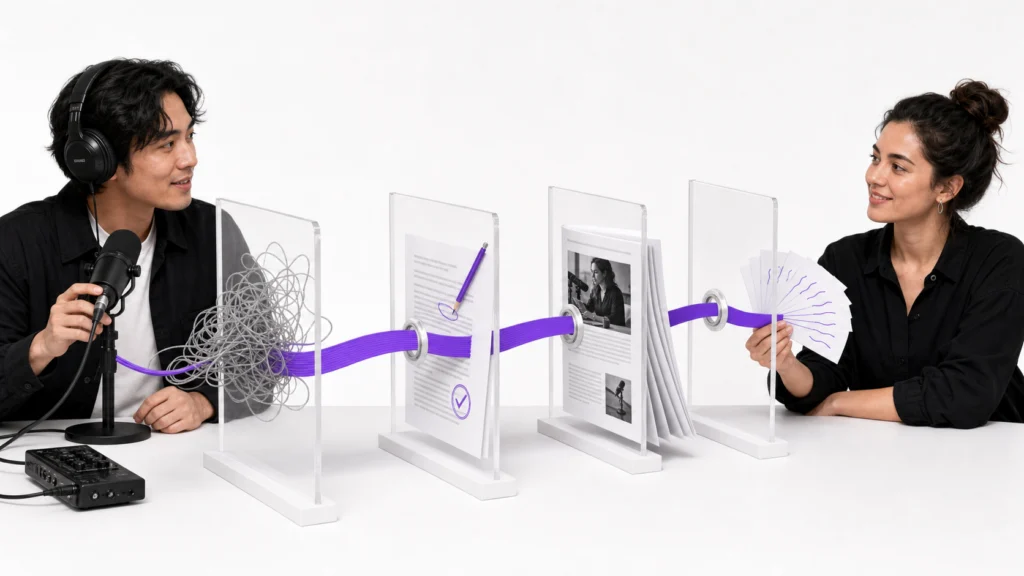
Linocut positions audio, text, image, and video tasks on one connected creative canvas. For transcript-led production, its tools map to four practical stages.
| Workflow stage | Linocut resource | Best use |
|---|---|---|
| Prepare | Clean hiss and room noise | Improve difficult source audio before review |
| Convert and review | Structure an audio-to-text handoff | Organize upload, transcript, TXT, and downstream steps |
| Adapt | Turn transcript ideas into copy | Draft descriptions, emails, ads, and social variants |
| Package | Generate title and hook options | Explore episode, video, article, and campaign titles |
The useful principle is continuity: keep the recording, reviewed transcript, and derived assets connected. Before using the workflow for client delivery, confirm the current limits and live provider availability shown in each tool.
Common Audio Repurposing Mistakes
Publishing the Raw Transcript
Raw output often contains false starts, incorrect punctuation, duplicate phrases, and misheard names. Treat it as a draft, not proofread copy.
Removing Too Much Context
A dramatic sentence may depend on the question before it. Keep enough setup to preserve the speaker’s intention.
Using One Version Everywhere
A transcript, subtitle file, social caption, and blog paragraph serve different reading behaviors. Build them from the same source, but edit them for their destination.
Losing the Link to the Recording
Keep timestamps for quotes, claims, demonstrations, and unclear sections. A polished paragraph without traceability is harder to verify later.
Ignoring Permission and Privacy
Confirm that you have the right to record, transcribe, edit, and publish the material. Remove private information that should not become searchable text. Rules vary by location and context, so seek appropriate guidance for sensitive recordings.
Overstating Transcript Accuracy
Accuracy changes with audio quality, vocabulary, accents, speaker overlap, and model behavior. Avoid promising a universal percentage unless it comes from a controlled, relevant evaluation.
Quick Decision Guide
| If your source is… | Prioritize… | Create first… |
|---|---|---|
| A solo voice note | Clean paragraphs and action items | Brief or script |
| A two-person interview | Speaker labels and timestamps | Clips and show notes |
| A podcast episode | Topic breaks, names, and resources | Description and newsletter |
| A course lesson | Definitions and step sequence | Handout and captions |
| A product demo | Feature names and on-screen actions | Captions and help article |
| A noisy event recording | Conservative cleanup and manual review | Verified transcript only |
Frequently Asked Questions
What is audio to text for creators?
Audio to text for creators converts podcasts, interviews, videos, lessons, and voice notes into editable transcripts that can become captions, scripts, show notes, posts, newsletters, and articles. The workflow includes transcription, factual review, formatting, and platform-specific adaptation.
Should I denoise audio before transcription?
Denoise first when hiss, hum, crowd noise, or room wash makes speech difficult to understand. Use light processing and compare the cleaned file with the original. Excessive denoising can damage quiet consonants and make later review harder.
Can I use an MP3 file to create a transcript?
Many audio-to-text tools accept MP3 files, but supported formats and size limits vary. Use the highest-quality source available, confirm the tool’s current requirements, and keep the original file for checking names, numbers, and quotes.
How accurate is automatic audio transcription?
There is no single accuracy level for every recording. Results depend on microphone quality, background noise, accents, vocabulary, speaker overlap, and the transcription model. Review names, numbers, technical terms, and publishable quotes against the audio.
Can a transcript become captions automatically?
A transcript supplies the spoken words, but captions also need timing, readable line breaks, speaker handling, and relevant sound cues. Automatic timing can accelerate the process, but the final caption track should still be reviewed with the video.
Is it acceptable to rewrite a speaker’s words for social media?
You can condense or paraphrase when the speaker and publishing agreement allow it, but do not present a rewritten line as a direct quote. Keep exact quotations traceable to the recording and label summaries or editorial adaptations appropriately.
Build a Content System From the Recording You Already Have
Audio to text for creators works when the transcript becomes an approved source, not just another file in a folder. Start with clean audio, verify the details that affect trust, format the transcript for navigation, and adapt each output for its channel.
One recording can support a week of useful content. The advantage comes from preserving meaning while reducing repeated listening and duplicated editorial work. Linocut can help organize the preparation, transcript handoff, copy generation, and title exploration stages inside a connected workflow—once you confirm the current capabilities required for your production use case.