AI Audio Denoise
Remove hiss, hum, room noise, and rough background sound before sending clean audio into transcript, voiceover, or video workflows.
Podcast voice
Room hum / 00:36
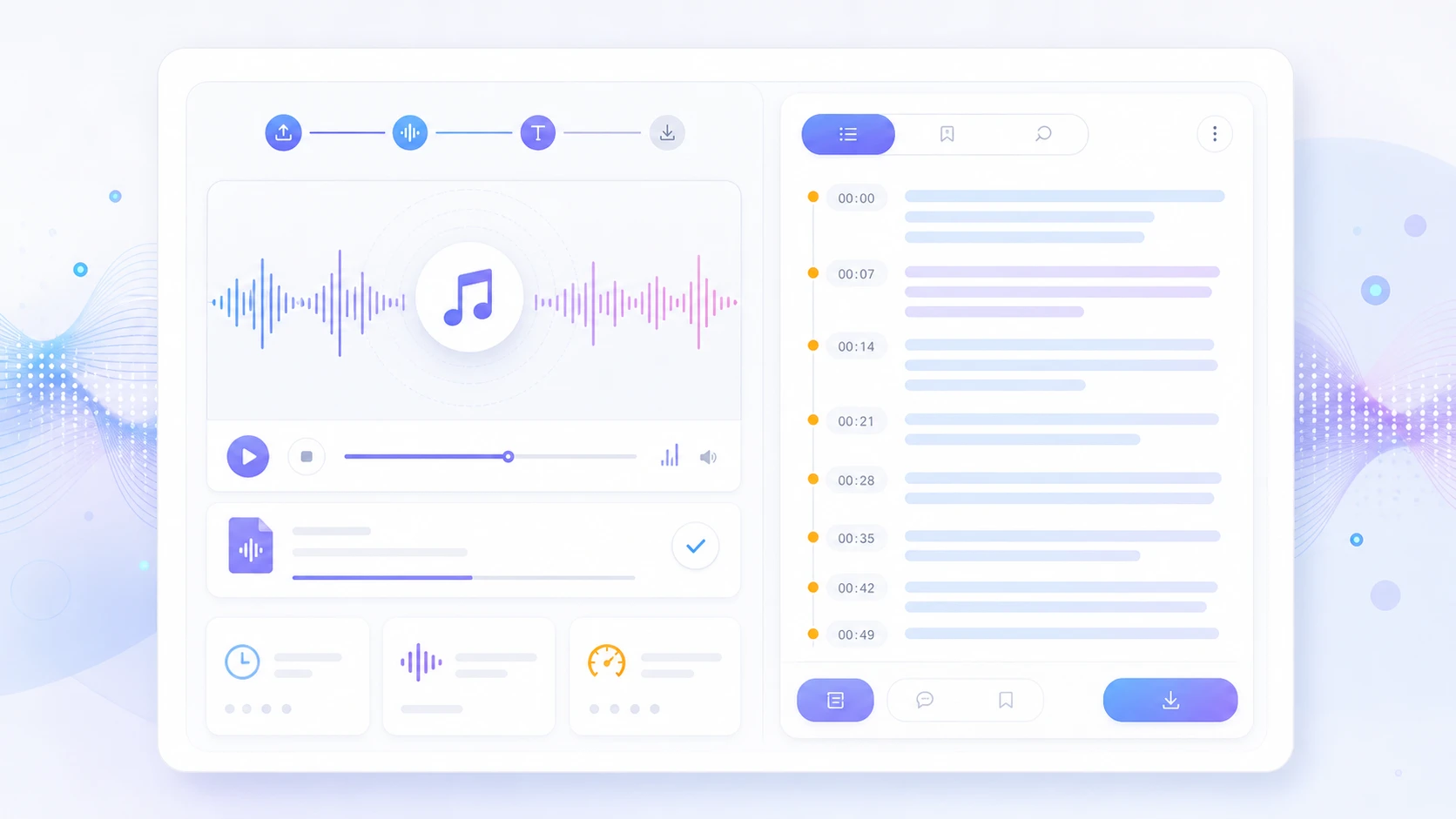
Run denoise to generate a clean voice preview while preserving timing for transcripts, subtitles, and video handoff.
Audio pages should feel like listening tools, not image galleries.
This content explains the task in audio language: noise floor, frequency range, speech preservation, timing safety, and where clean audio moves next in the linocut canvas.
Low room hum
60-240 Hz
target
-18 dB
Sharp hiss
6-12 kHz
target
-14 dB
Crowd wash
wideband
target
-22 dB
The denoise chain stays readable
audio / video
Source ingest
Upload MP3, WAV, M4A, or video audio without choosing a pro audio preset first.
profile
Noise profile
Estimate background noise, hiss, hum, and room tone before the voice is touched.
clean
Voice-safe denoise
Reduce distraction while preserving consonants, timing, breath, and speech detail.
canvas
Workflow handoff
Route clean audio to transcript, subtitles, voiceover, or video audio export.
Real audio contexts, not generic creative cards
Podcast clip
room hum / hiss
clearer voice for publishing
Transcript + social captions
Remote interview
fan noise / call artifacts
speech that is easier to review
Summary + subtitle draft
Creator voiceover
room echo / laptop fan
natural narration layer
Video edit + TTS reference
Product video
crowd wash / street bed
usable demo audio
Ad cutdown + captions
Where clean audio can go next
One denoise task can explain the whole audio workflow.
The page tells search engines and users that linocut covers AI audio denoise, remove background noise from audio, voice cleanup, podcast denoise, video audio cleanup, and downstream transcript or subtitle work.
Noisy audio upload
AI audio denoise
Clean voice preview
Transcript workflow
Video audio cleanup
Audio Denoise FAQ
Yes. The audio denoise page is built as a direct upload-and-clean task for MP3, WAV, M4A, and supported video audio, with the result ready for the linocut workflow canvas.
It is positioned for practical cleanup: room hum, hiss, fan noise, street bed, crowd wash, and rough recording noise while keeping speech natural.
Yes. Video files can be treated as audio sources so cleaned speech can continue into subtitles, transcript, video editing, or campaign workflows.
The page is designed around timing-safe cleanup, so denoise can reduce distraction without changing clip length or breaking subtitle and video sync.
No. The layout is designed for no-skill cleanup: upload a noisy clip, choose a cleanup profile, preview the cleaner voice, and continue from there.
Continue the audio workflow

Run audio denoise in the workspace.
Start with one direct task, then keep editing, generating, writing, and shipping from the same Linocut AI canvas.