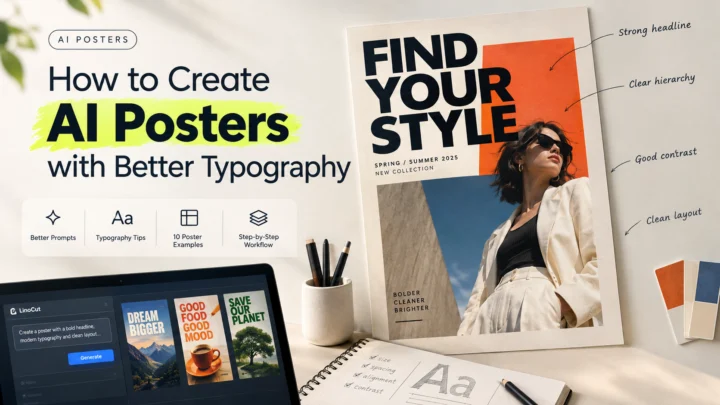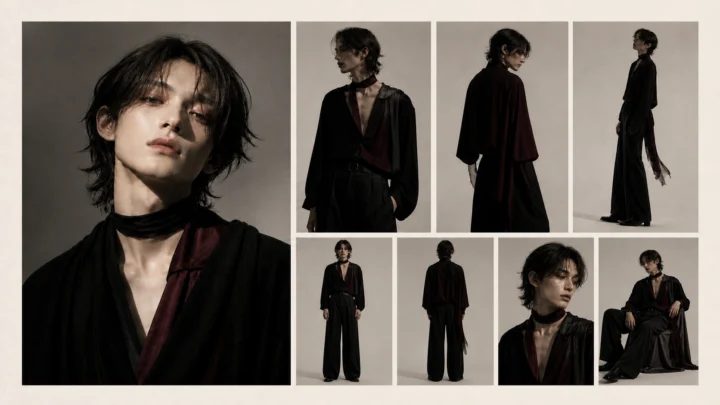

AI makes it easy to produce more campaign assets. The harder part is making those assets look as if they came from the same brand. A product changes shape, a signature color becomes warmer, a model's features shift, or the overall art direction drifts from premium to playful. Each image may look polished alone, but the campaign stops feeling connected.
The solution is not a longer prompt. Reliable AI ad variations come from a controlled production system: define a visual anchor, lock the details that identify the brand, vary only selected creative dimensions, and review every result against the same source.
Short answer: To create more ad variants without losing brand consistency, keep product identity, brand colors, typography, logo treatment, and visual tone fixed. Change only one or two test variables per batch, such as the background, crop, hook, or placement. Compare every output with an approved reference before publishing.
Why Creative Scale Causes Brand Drift
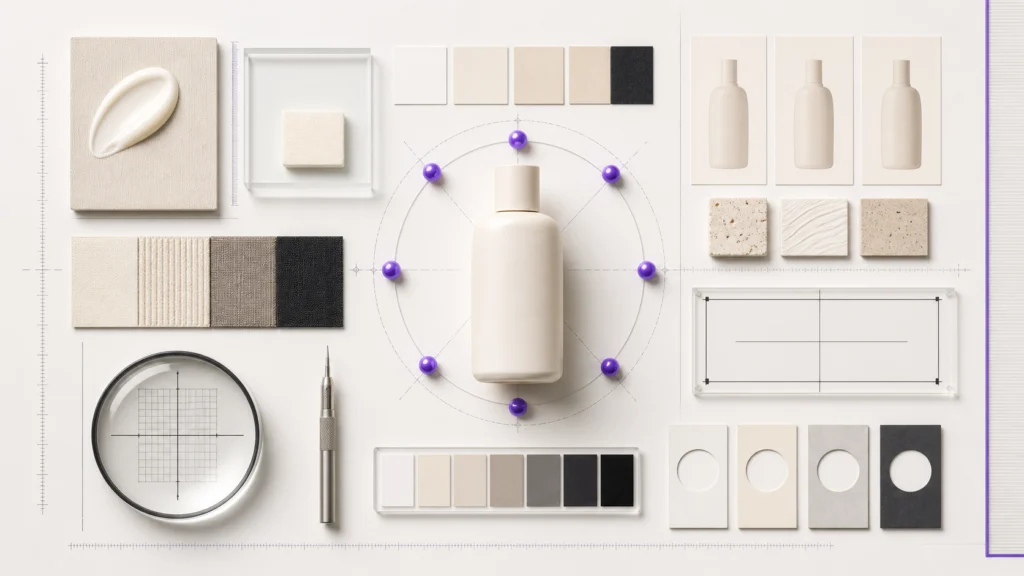
Creative teams need fresh assets because audiences stop responding to the same ad indefinitely. TikTok's 2026 trend report frames generative AI as a way to express the same message in different formats and maintain creative momentum. The opportunity is real, but more output also creates more chances for inconsistency.
Generative models treat every instruction as part of a probability problem. If the brief leaves room for interpretation, the model may redesign something the team intended to preserve.
| Type of drift | What changes | Why it matters |
|---|---|---|
| Product drift | Shape, cap, material, label, or proportions | Customers may see a product that does not exist |
| Color drift | Brand colors shift across lighting and scenes | The campaign loses immediate recognition |
| Character drift | Face, hair, age, body shape, or wardrobe changes | A recurring creator or character stops feeling continuous |
| Style drift | Lighting, lens, texture, or visual genre changes | Assets look like unrelated campaigns |
| Message drift | Claims, offer, or audience changes | Testing becomes unreliable and may create approval risk |
Brand consistency does not mean making every ad identical. It means keeping the recognizable core stable while changing the creative variables that can produce a useful learning.
Start With a Brand Anchor

A brand anchor is the approved source against which every new asset is judged. It can be a product photo, campaign key visual, character sheet, packaging render, or small reference board. The best anchor is specific enough to remove ambiguity but simple enough to reuse.
Before generating anything, document the following:
- Product silhouette, dimensions, materials, and structural details
- Packaging layout, label position, logo safe area, and required text
- Primary and secondary brand colors with exact values
- Lighting direction, contrast, lens feel, and preferred depth of field
- Approved props, surfaces, environments, and human styling
- Prohibited claims, visual clichés, colors, and settings
- Elements that may change during the test
One source image is often more useful than a page of adjectives. Meta's July 2026 Muse Image launch notes emphasize blending multiple visual references and refining images over several conversational edits. That direction reflects a wider shift: image generation is moving from isolated prompts toward reference-led, iterative workflows.
Separate Locked Variables From Test Variables
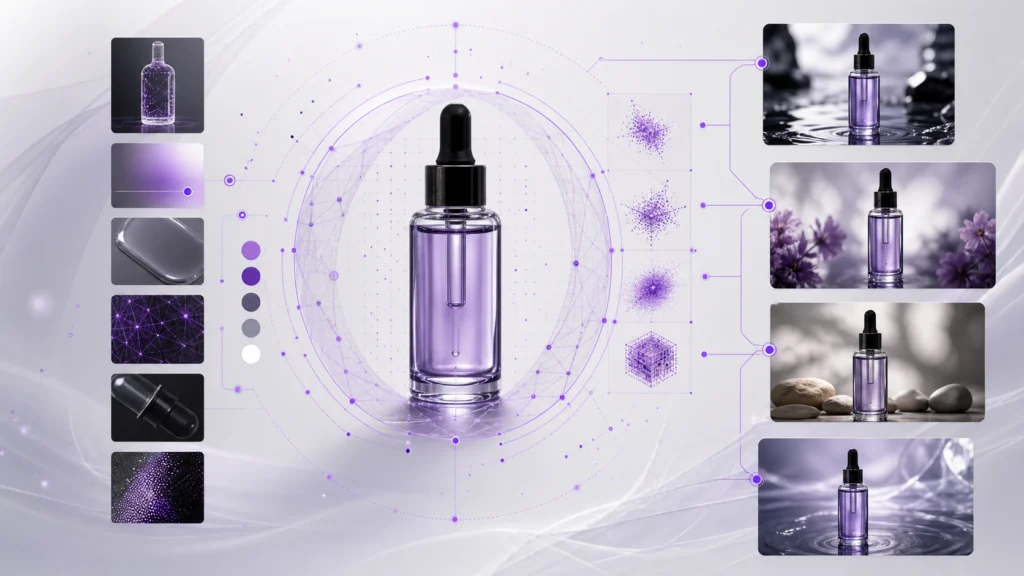
The most important decision happens before generation: what must stay fixed, and what is the experiment allowed to change?
| Lock for consistency | Vary for testing |
|---|---|
| Product shape and packaging | Background environment |
| Logo placement and clear space | Camera crop or angle |
| Core brand colors | Supporting prop |
| Character identity | Facial expression or action |
| Offer facts and required disclaimers | Opening hook |
| Overall visual quality | Aspect ratio or placement |
Avoid changing five dimensions in one batch. If the product, environment, camera, copy, and audience all change together, you cannot tell which decision affected performance. A controlled test might keep the product, offer, and art direction fixed while testing three backgrounds. The next batch might keep the winning background and test three hooks.
This approach creates useful AI ad variations, not just a folder of attractive but incomparable images.
A Controlled Workflow for AI Ad Variations
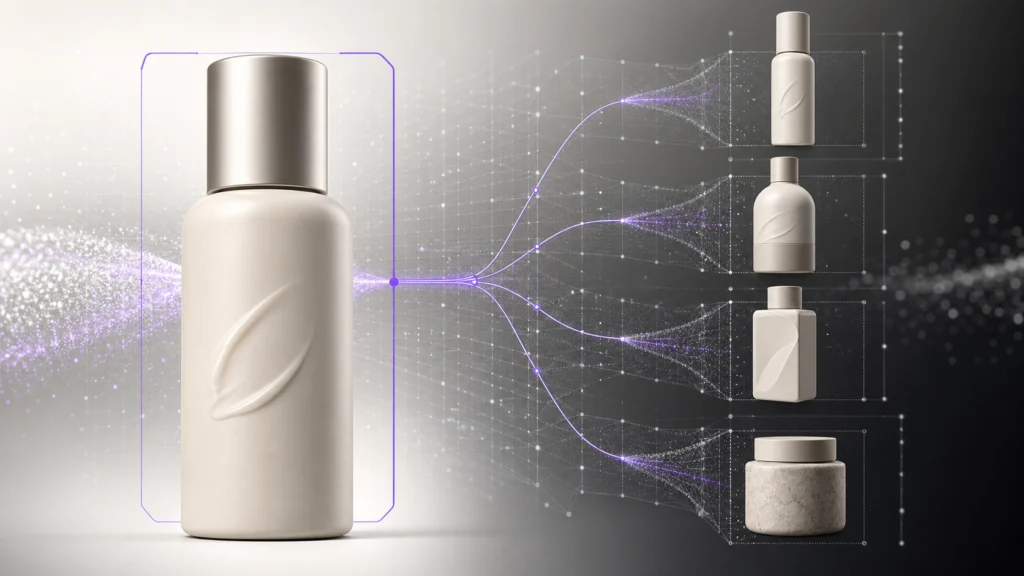
Choose one approved source asset
Begin with the clearest representation of the product or character. Use a front or three-quarter view with readable edges and neutral lighting when possible. If accuracy matters, avoid starting from a heavily stylized image that hides the real materials or proportions.
Translate the reference into reusable visual rules
Describe the source in concrete language: subject, geometry, material, label position, lighting, camera, palette, and mood. Separate observations from creative interpretation.
For example, replace "luxury skincare vibe" with details such as:
- Matte cream cylindrical bottle
- Short cap with a narrow shoulder
- Terracotta label block centered on the front
- Thin violet accent on the label's right edge
- Warm off-white background
- Soft directional daylight and natural shadows
Concrete visual rules are easier to preserve across models, formats, and team members.
Write the invariant block first
Put the non-negotiable details near the beginning of the prompt. Repeat them in the constraints section. For identity-sensitive work, state that the model must not redesign the product, packaging, face, wardrobe, or logo treatment.
Use this structure:
Reference anchor:
Use the supplied approved product image as the identity reference.

Keep fixed:
Preserve the exact bottle silhouette, cap, proportions, material,
label placement, brand colors, and camera-facing product details.

Change only:
Place the product in a bright bathroom shelf scene with soft morning light.

Output intent:
Create a vertical paid-social image with clear product focus and room for copy.

Avoid:
No packaging redesign, extra text, extra products, altered colors,
distorted geometry, or invented claims.Generate a small controlled batch
Create three to five variations around one hypothesis. Small batches make review faster and reduce the chance that weak directions become a large cleanup job.
Useful single-variable batches include:
- Same product and copy, three environments
- Same environment and offer, three crops
- Same layout and product, three supporting props
- Same visual, three headline hooks
- Same character and script, three opening actions
Review identity before aesthetics
Do not select the most beautiful image first. Remove any result that changes the product or brand facts, even if the composition is strong.
Review in this order:
- Product or character identity
- Label, logo area, and required copy
- Brand colors and material appearance
- Claim and offer accuracy
- Composition, lighting, and channel fit
- Overall visual quality
This prevents teams from polishing an asset that should never have passed the first review.
Repair locally instead of regenerating everything
If one element is wrong, edit that region rather than rerolling the full image. Local editing is useful for a warped label, unwanted prop, inconsistent background detail, or small lighting mismatch. Preserve the approved product and change only the failing area.
Full regeneration is appropriate when the composition itself is wrong. Local repair is better when the concept works and the identity needs protection.
Save the winning rules, not only the winning image
Record the reference, prompt, locked variables, test variable, aspect ratio, model, and review notes. A reusable recipe gives the next campaign a controlled starting point.
The goal of AI ad variations is compounding learning. If the team saves only exported images, it loses the production logic that made those images consistent.
How Linocut Supports a Consistent Ad Workflow
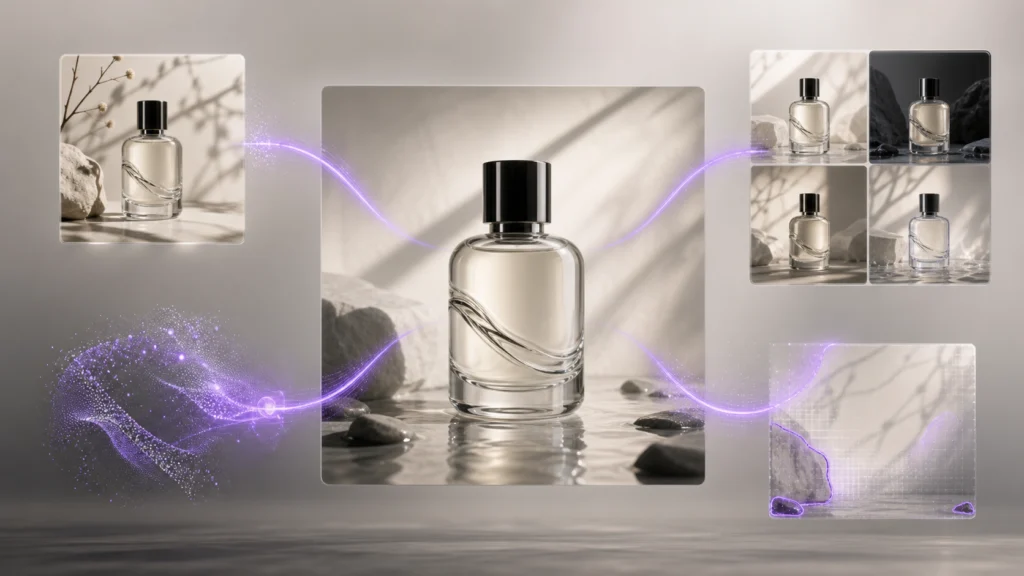
Linocut AI is structured around connected image and text tasks, which makes it practical to keep a reference, prompt, generated asset, and correction steps in one workflow. The product still needs human review; the value is keeping the production context close to the asset.
| Workflow stage | Linocut resource | Practical use |
|---|---|---|
| Read the anchor | Image to Prompt turns a reference into reusable language | Capture subject, material, lighting, camera, mood, and constraints |
| Generate a controlled scene | Text to Image builds a visual from a focused brief | Use a reference image, ratio, quality, and format for the first variation |
| Correct a nearly approved result | Photo Editor applies prompt-based corrections | Refine lighting, objects, or scene details without changing the whole direction |
| Repair a selected region | Inpainting redraws a masked image area | Fix a label edge, prop, texture, or background detail locally |
| Preserve the production recipe | Workflows connects the production steps | Keep prompts, assets, decisions, and follow-up tasks together |
For a team producing AI ad variations, this sequence creates a useful separation between generation and correction. The first pass explores the controlled variable; later steps protect the brand anchor and prepare the selected result for export.
Common Mistakes That Create Inconsistent Ads

Using adjectives instead of specifications
Words such as "premium," "bold," and "clean" are open to interpretation. Pair them with observable details: material, color value, light direction, lens, surface, spacing, and composition.
Asking for too many changes at once
Large prompts often hide multiple experiments. Change fewer variables so the output is easier to review and the performance result is easier to interpret.
Treating the first output as the source of truth
A generated image should not quietly replace the approved product reference. Continue comparing new assets against the real product or approved master.
Ignoring small packaging errors
An almost-correct cap, label, or bottle may look harmless at thumbnail size. In an ecommerce or performance campaign, it can misrepresent what the customer will receive.
Mixing exploration and production
Exploration allows broader stylistic movement. Production requires locked facts, repeatable settings, and approval checks. Label the phase clearly so experimental imagery does not enter a live campaign by accident.
Brand-Consistency Checklist
Before approving an AI-generated ad, confirm:
- The product or character matches the approved reference
- Packaging geometry and label placement are accurate
- Brand colors remain within the accepted range
- Required text is correct and readable
- The offer and product claims match the landing page
- The intended test variable is the main meaningful change
- Background details do not imply unsupported features or locations
- The crop and aspect ratio fit the destination placement
- Any required AI-content disclosure has been reviewed
- The prompt and settings are saved for reuse
Frequently Asked Questions
How many ad variations should I generate at once?
Start with three to five variations around one hypothesis. This is enough to compare directions without creating an unmanageable review queue. Increase the batch only after the prompt and brand anchor consistently preserve the product.
What should stay fixed across AI ad variations?
Keep product identity, packaging, logo treatment, core colors, approved claims, and overall quality fixed. Vary elements such as crop, background, hook, placement, or supporting prop according to the test plan.
Can AI maintain the same product across different scenes?
It can improve consistency when given a clear reference and explicit invariants, but every result still needs review. Use local editing when a strong image contains one incorrect detail instead of regenerating the entire composition.
How do I prevent a character from changing between ads?
Use the same identity reference, repeat facial and wardrobe constraints, keep a consistent character sheet, and change only the action or setting. Reject outputs that alter age, face shape, hair, proportions, or signature clothing.
Is brand consistency more important than creative variety?
They serve different purposes. Consistency helps people recognize and trust the campaign; variety creates new ways to earn attention and test messages. A controlled workflow protects the brand while allowing meaningful creative change.
Scale the Experiment, Not the Drift
More output is valuable only when the campaign remains recognizable and the test produces a clear learning. The reliable way to scale AI ad variations is to anchor every batch in an approved reference, lock the identity-bearing details, vary one or two dimensions, and review consistency before aesthetic preference.
Treat prompts, references, corrections, and approval notes as one production system. That turns AI from a random image machine into a repeatable creative workflow—one that can move faster without asking the brand to become someone different in every ad.