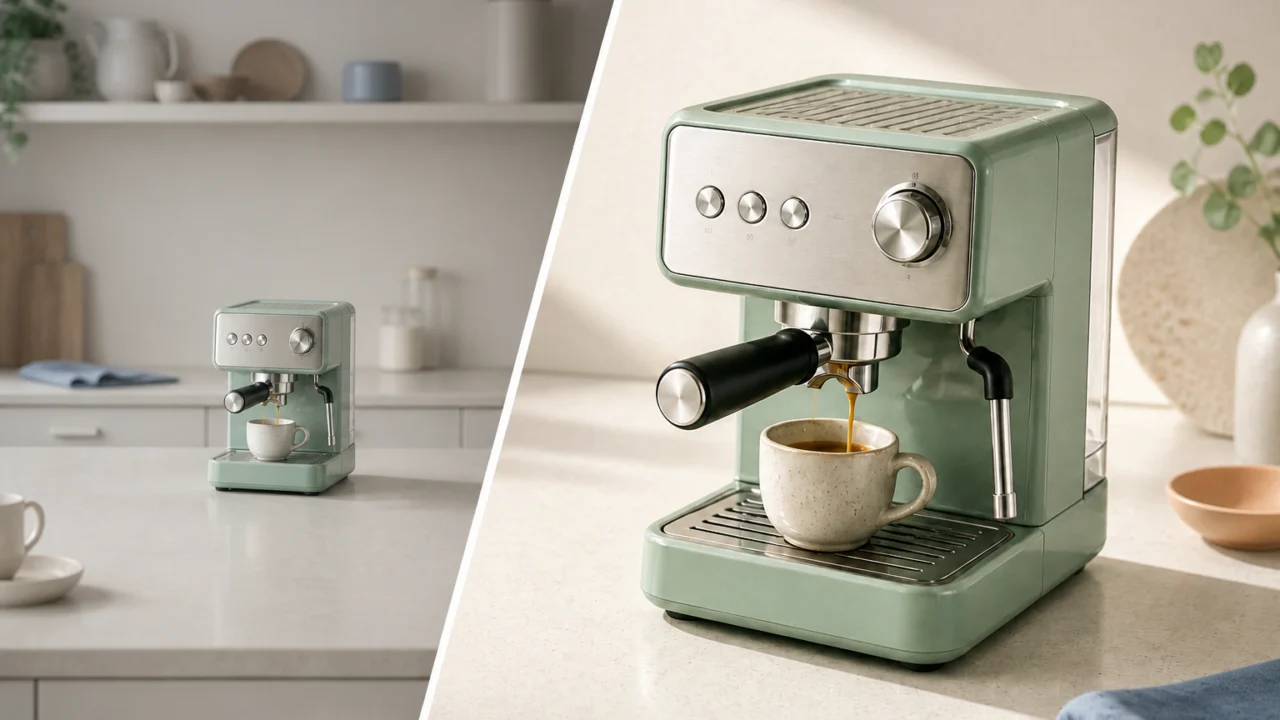
A product photo can be technically correct and still fail to earn attention. The item may be too small in the frame, surrounded by distracting props, softened by low light, or shown against a background that does not fit the channel. Before scheduling another shoot, diagnose the actual problem. In many cases, a focused edit is enough to turn an almost-useful image into an asset people can understand and use.
The most reliable way to improve product photos with AI is to preserve the product and solve the specific presentation issue in front of you.
The short answer: edit the problem, not the whole photo
To improve product photos with AI, first keep the original product truthful, then fix the factor that weakens clarity or context. Clean up clutter, isolate the item, correct light and detail, and make channel-specific versions. A reshoot is worth it only when the source no longer shows the real product accurately.
That distinction matters. A clear catalog image, a paid-social creative, and a lifestyle hero all have different jobs. The same image should not be forced to do all three.
| If the image problem is… | Start with… | The useful outcome is… |
|---|---|---|
| A busy or inconsistent backdrop | Background removal | A clean product cutout for listings and layouts |
| A stray prop, cable, reflection, or tag | Object cleanup | A believable scene with the distraction removed |
| Soft detail or a small source file | Enhancement or upscaling | A clearer version suitable for the intended placement |
| Flat light or a weak crop | Retouching and crop variants | Better product hierarchy without changing the product |
| One image trying to serve every channel | Controlled variations | Purpose-built listing, social, and campaign assets |
Why a “good” product photo may still not sell
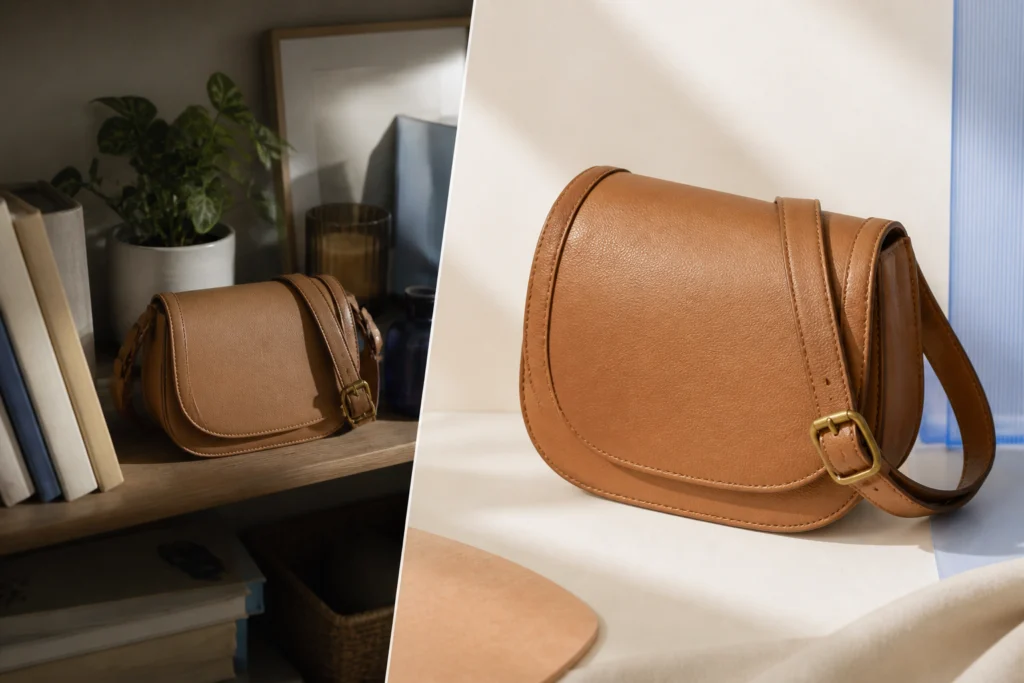
Product photography succeeds when a shopper can immediately tell what is being sold, what version it is, and why it deserves attention. A photo can be attractive yet underperform because the visual hierarchy is wrong: the product competes with the room, the crop hides a useful detail, or the lighting makes its material hard to read.
For feed and listing images, accuracy comes first. Google Merchant Center’s image guidance asks sellers to show a clear view of the actual product, avoid promotional overlays, and use high-quality images. It also recommends that the product fill roughly 75%–90% of the frame. Treat that as a practical baseline for catalog work, not as a rule for every lifestyle image. When you improve product photos with AI for a feed, a cleaner image is only useful if it remains an accurate one.
The goal is not to make every file look more artificial. It is to remove friction between the product and the decision a customer needs to make.
7 ways to improve product photos with AI before a reshoot

Remove the background when it obscures the product
Messy rooms, uneven sweep paper, and mismatched backgrounds are often layout problems, not photography failures. Use a background removal workflow to create a clean cutout, then export a transparent, white, or brand-appropriate version for the placement.
Review fine edges before publishing. Glass, fabric, labels, soft shadows, and hair-like textures are the areas most likely to reveal an unconvincing cutout. Keep the original available so the final asset can be checked against it.
Remove only the distraction, not the evidence of the product
A cable behind a speaker, an unwanted price tag, or an accidental reflection can pull attention away from the product. A selective object cleanup pass is usually safer than rebuilding the entire image.
Mask a tight area, inspect nearby shadows and textures, and stop if the repair changes a material, logo, feature, or edge that shoppers need to see. Product photo cleanup should preserve what is true, not invent it.
Recover readable detail—carefully
Low-resolution exports are common when a product image has been pulled from an old listing, a presentation, or a compressed social post. An AI image upscaler can create a larger working file, but it is not a substitute for information that was never captured. Use it when you need to improve product photos with AI for a larger placement, not to manufacture product detail.
Use the result to improve legibility at the target size. Then inspect stitching, printed text, patterns, and hard edges at 100%. If those details change, return to the original or schedule a new photo rather than publishing a convincing-looking but inaccurate version.
Fix the visual hierarchy before you change the aesthetic
Many product images feel weak because the product is too small, off-center without purpose, or competing with high-contrast background elements. Try a tighter crop, a cleaner frame, or more breathing room around the item before applying a dramatic style.
A simple test: view the image at the size a customer will actually see. If you cannot identify the product in two seconds, the composition needs work.
Correct light and color with the real item nearby
Light changes how a product’s texture, finish, and color are perceived. Relighting and retouching can make an image more readable, but the product should still match what a customer receives. Use a real sample, approved swatch, or original product file as the reference while editing.
This is especially important for apparel, cosmetics, furniture, food, and anything with a meaningful color variant. Never use a cleanup pass to make a blue item appear green, smooth away a material’s defining texture, or hide a condition that matters to the purchase.
Build campaign scenes from a clean source, not from a compromised one
Once you have an accurate cutout, it becomes easier to make channel-specific campaign images without repeating the whole shoot. You can place the same product into a seasonal composition, an editorial hero, or a social crop while keeping the product itself consistent.
Linocut AI is useful here because its image tools sit inside one creative workspace: clean the source, refine it, build a new background, and continue into related image, video, or copy tasks without treating every output as a dead end. The site’s image workspace is designed around that connected workflow.
Make versions for the job each image has to do
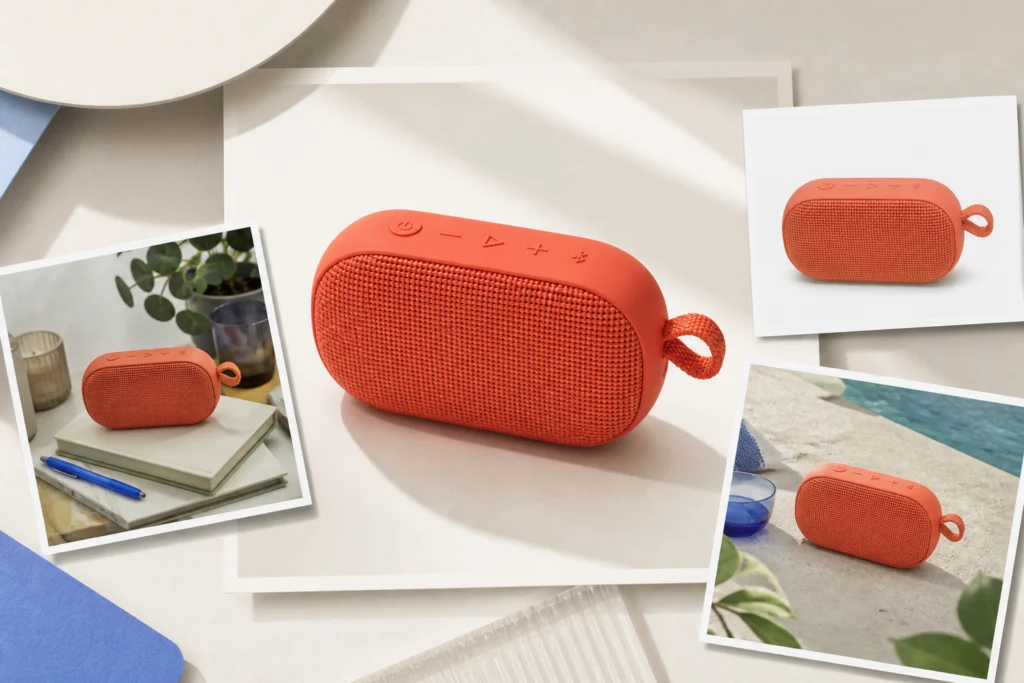
Do not ask one asset to behave like a storefront image, an ad, a product-detail gallery, and a social post. Create a small, controlled set instead:
- Listing image: a clear, accurate product view with minimal distractions.
- Detail image: a close crop that proves material, finish, scale, or a key feature.
- Lifestyle image: the product in use, with enough context to explain the benefit.
- Campaign image: a designed visual that earns attention while keeping the product recognizable.
This approach lets you improve product photos with AI without making every result look identical or overly processed.
A practical AI product-photo workflow

Use this sequence when the source is close to usable:
- Choose the source of truth. Start with the best available original and decide the image’s destination before editing.
- Clean the scene. Remove a small distraction or isolate the subject only if it clarifies the product.
- Refine detail and light. Make modest improvements, then compare with the source at full size.
- Create the right variant. Build a listing, detail, lifestyle, or campaign version for a specific placement.
- Run an accuracy check. Confirm color, material, labels, included components, and product shape remain faithful.
In Linocut AI, the workflow can begin with one focused correction and continue into the next approved output. Its background tool supports transparent, solid-color, and uploaded-image backdrops, while its object tool uses a mask-first cleanup flow. Together, they give teams a practical way to improve product photos with AI before choosing the more expensive option of a reshoot. In Linocut AI, that result can stay connected to the next visual or copy task instead of being exported into a disconnected workflow.
When you should reshoot instead

AI product photo editing is not the answer when the source fails the truth test. Plan a reshoot if:
- The product is visibly out of focus or cropped in a way that hides an essential feature.
- Lighting conceals the true color, material, condition, or size.
- The required angle, use case, or variant was never photographed.
- The edit would need to fabricate packaging, product details, people, or claims.
- The image must show a physically accurate demonstration that the source cannot support.
A good rule: edit presentation; reshoot missing evidence.
Final checklist before publishing
- Does the image show the actual product and correct variant?
- Is the product easy to understand at the size used on the page or platform?
- Are background, crop, and light helping rather than distracting?
- Have you checked fine edges, labels, and textures at full size?
- Does the file meet the destination’s image specifications?
- Is the asset clearly labeled and organized for its intended use?
When the answer is yes, you have not merely polished a photo—you have made it easier for a customer to decide. That is the real point when teams improve product photos with AI: better decisions, not decorative changes.
Frequently asked questions
Can AI improve product photos without changing the product?
Yes. The safest approach is to use AI for cleanup, isolation, modest detail recovery, and channel-specific layouts while keeping the product’s color, shape, features, and included components accurate. Review the result against the original before it goes live.
What is the best first edit for a cluttered product image?
Start by removing the background if it prevents a clear product view. If the background is useful but one item is distracting, use selective object cleanup instead. Avoid changing both the scene and the product at the same time.
Should I upscale every ecommerce photo?
No. Upscale only when a larger output is genuinely needed and the source is strong enough to support it. Inspect text, seams, patterns, and edges afterward. If important details become inaccurate, use the original or reshoot.
Can I use AI-generated campaign images as my main listing image?
Use caution. Main listing images should accurately show the product and meet the destination’s policies. AI-generated or heavily composed visuals are often better used as supplementary campaign or lifestyle assets than as the primary catalog image.