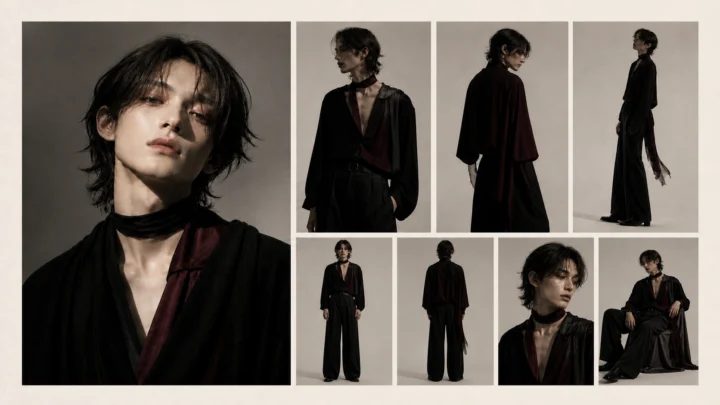
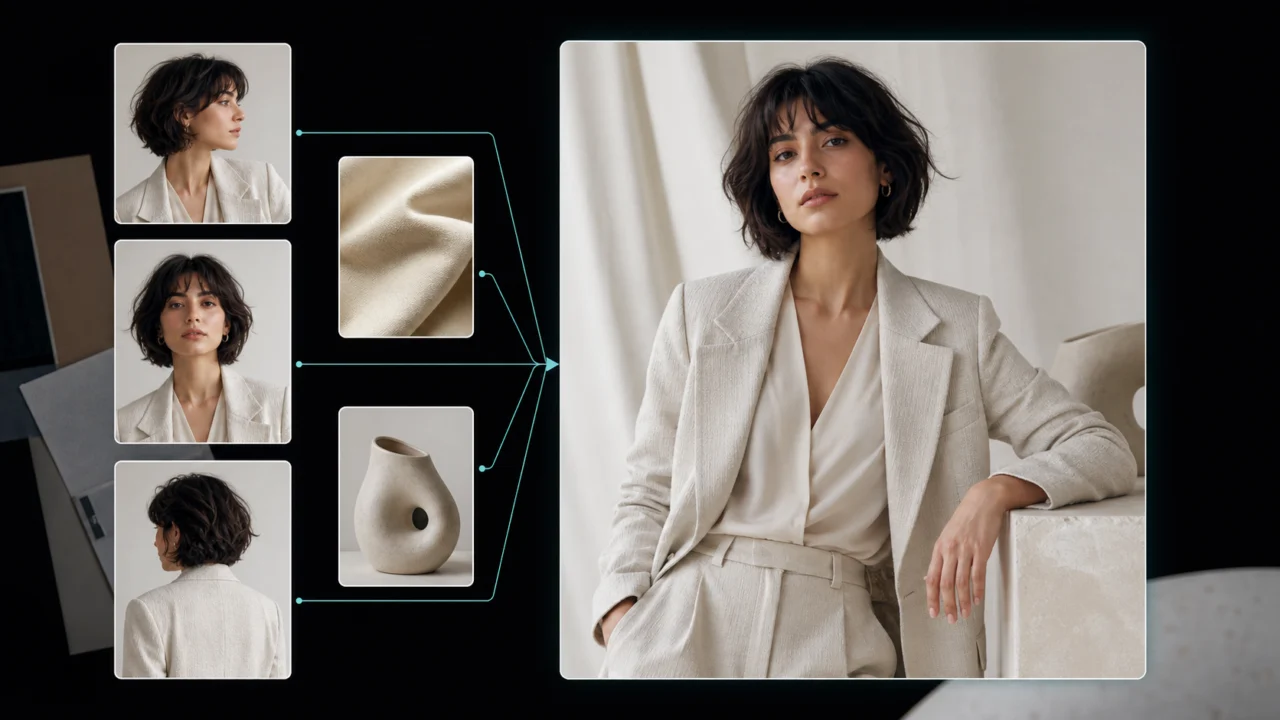
Multi-reference AI image models have moved beyond basic style copying. The strongest tools can now take a face from one image, clothing from another, a pose from a third, and an art direction from a fourth—then combine them into one usable result.
That does not mean every model handles references equally well. Some preserve identity but weaken fine detail. Some create polished images but drift away from the requested pose. Others accept many inputs yet become less predictable as the reference set grows.
This guide compares seven leading and emerging options across six practical tasks: character identity, product fidelity, style transfer, pose control, scene composition, and iterative editing.
Quick answer: Nano Banana 2 is the strongest general-purpose choice, FLUX.2 is best for controlled multi-source composition, Seedream 5.0 Pro is particularly useful for product and design workflows, and Runway Gen-4 References offers one of the simplest paths to consistent characters. MiniMax H3 is the most interesting experimental option, but its community workflow is not yet as straightforward as a dedicated image editor.
What “Tested” Means in This Comparison
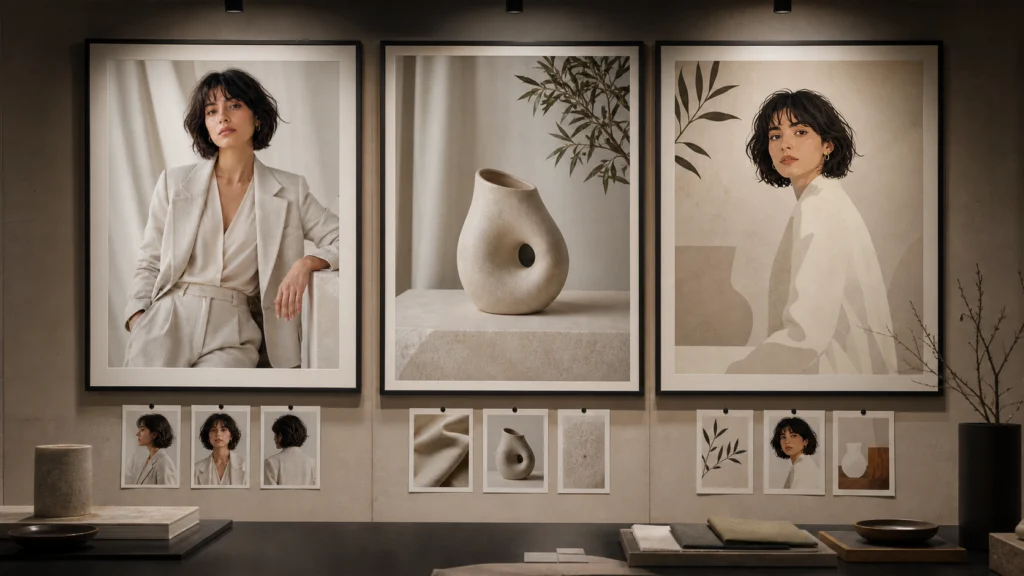
This article combines three forms of evidence:
- Official model documentation and published capability examples.
- Repeatable task criteria used across the models.
- Public workflow experiments and practitioner discussions, including recent r/StableDiffusion posts.
The Reddit examples are community tests, not controlled laboratory benchmarks. Hardware, interfaces, prompts, checkpoints, and output selection can all affect the result. We use those discussions to identify real workflow strengths and failure modes—not to present individual opinions as universal facts.
The six evaluation tasks
| Test | What a strong result should preserve |
|---|---|
| Character consistency | Face shape, hair, age, body proportions, and defining details |
| Product fidelity | Shape, label placement, materials, and recognizable design cues |
| Style transfer | Palette, lighting, texture, and visual language without copying unwanted content |
| Pose control | Limb placement, body direction, camera angle, and weight distribution |
| Multi-source composition | Correct role for each input without blending unrelated details |
| Iterative editing | Requested change only, with non-target areas staying stable |
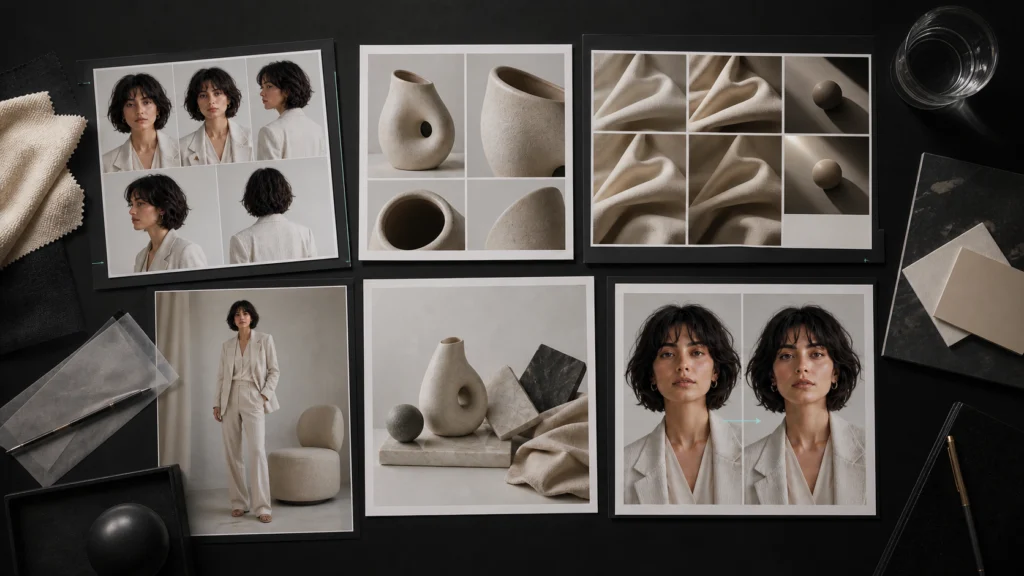
Multi-Reference AI Image Models: Quick Comparison
| Model | Best for | Reference capacity | Main strength | Main limitation |
|---|---|---|---|---|
| Nano Banana 2 | Best overall | Multiple references | Strong balance of consistency, reasoning, text, and speed | Complex scenes may still need several passes |
| FLUX.2 Max/Pro | Precise compositing | Up to 8 via API; up to 10 in playground | Clear role-based control and photorealistic output | Benefits from detailed reference instructions |
| Seedream 5.0 Pro | Products, posters, and design assets | Up to 10 | Multi-image fusion and controlled editing | Available resolution and controls vary by platform |
| GPT Image 2 | Text-heavy and instruction-heavy visuals | Multiple high-fidelity image inputs | Layout, text rendering, and complex prompt following | Exact pose transfer can require retries |
| Runway Gen-4 References | Consistent characters | Up to 3 | Easy character reuse across scenes and lighting | Lower reference count for dense composites |
| Qwen Image Edit | Open workflow experimentation | Workflow-dependent | Flexible editing ecosystem | Results can vary significantly by setup |
| MiniMax H3 | Experimental identity and composition work | Up to 9 in one community workflow | Strong prompt adherence and surprising edit range | Not a dedicated still-image model; hardware-heavy |
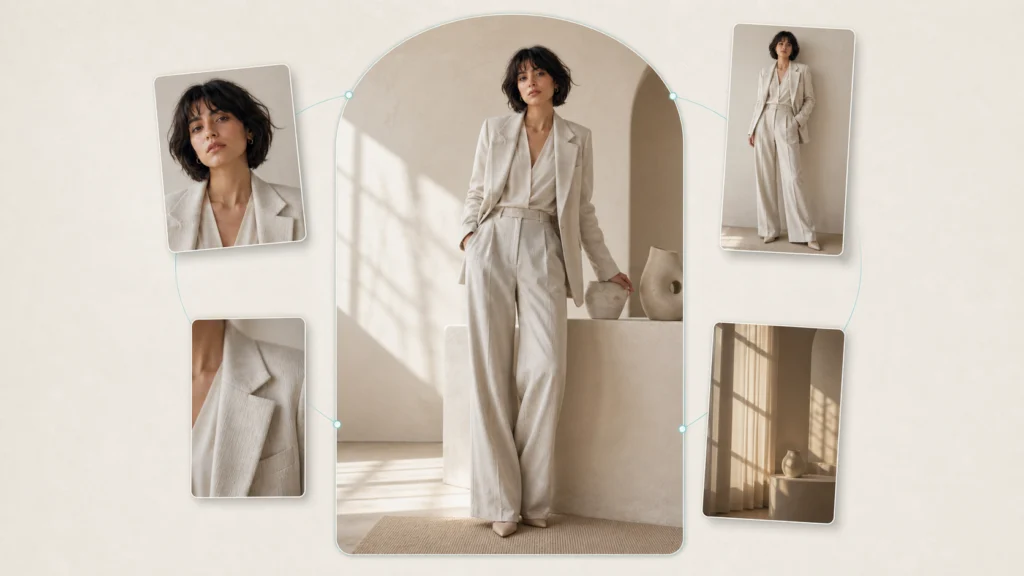
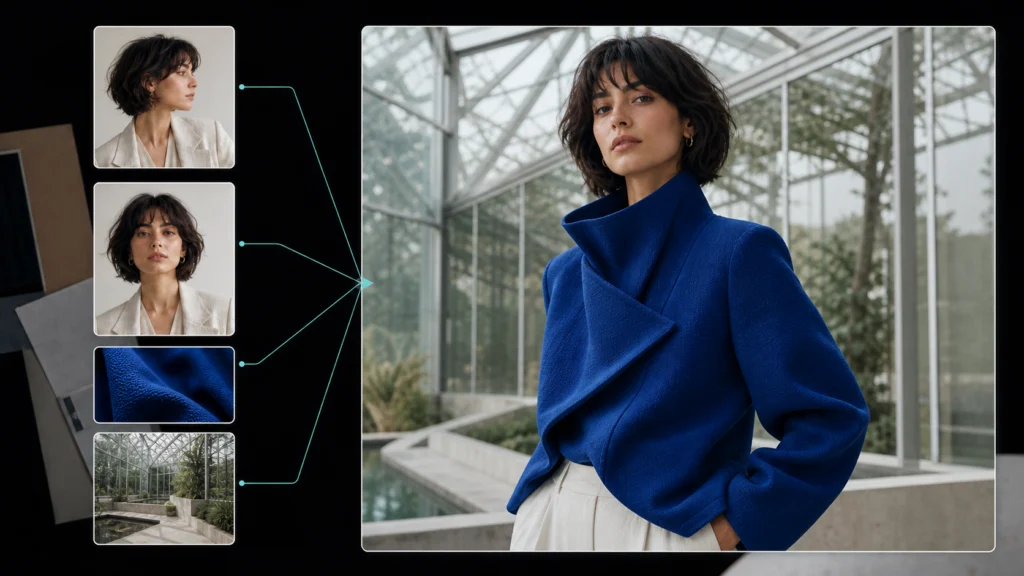
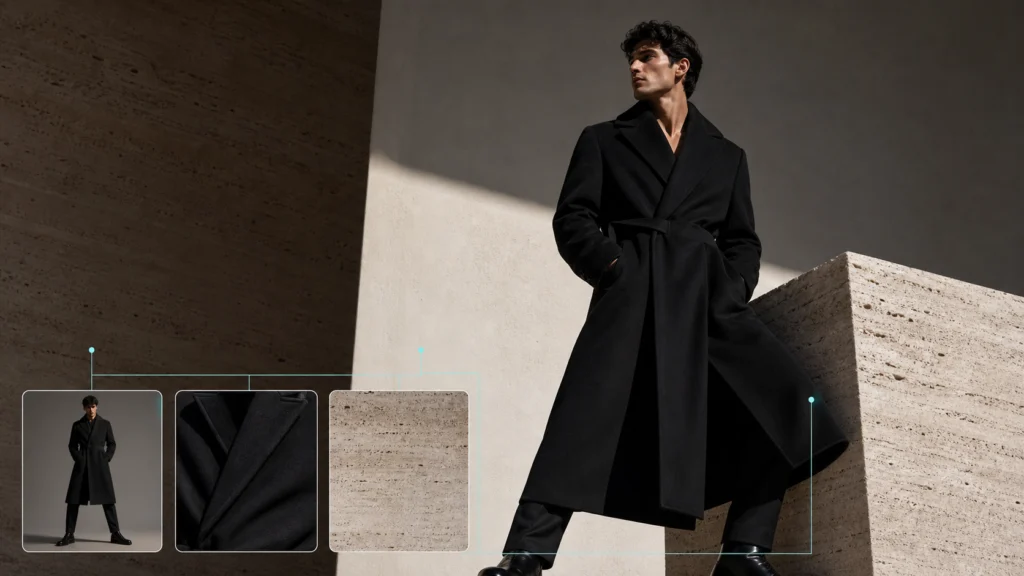
Visual note: The six model-specific images below are original conceptual illustrations of each model's typical workflow strengths. They are not direct outputs from the named models and should not be treated as benchmark evidence.
Nano Banana 2: Best Overall Multi-Reference Model
Nano Banana 2 is the most balanced choice when you need one model for several jobs instead of one narrow specialty. Google describes it as the general-purpose model in the Nano Banana family, with particular strength in multiple-reference processing and consistency.
Where it performs best
- Reusing one character across different locations
- Combining a subject, product, and style reference
- Editing through conversational follow-up prompts
- Rendering readable text inside posters and social graphics
- Producing several aspect ratios from the same direction
Its main advantage is not simply that it accepts images. It can reason about the relationship between those images. A prompt can assign one reference to identity, another to clothing, and another to the environment without requiring a complicated node graph.
Google's official Nano Banana image-generation guide positions Nano Banana 2 as the versatile workhorse, while Nano Banana Pro is intended for more complex professional production and precise brand control.
Pros
- Strong all-around identity and style consistency
- Natural conversational editing workflow
- Good balance of quality, speed, and instruction following
- Useful text rendering and real-world knowledge
- Suitable for creators who do not want a technical local setup
Cons
- Large reference sets still require clearly assigned roles
- Fine pose matching can be less deterministic than a dedicated control workflow
- Premium variants may be unnecessary for simple background or color edits
Best fit: Teams that need a reliable default model for creator assets, campaign concepts, and repeatable visual variations.
FLUX.2 Max and Pro: Best for Controlled Composition
FLUX.2 is particularly strong when each input has a separate job. Black Forest Labs recommends explicitly telling the model which image supplies the subject, style, background, pose, or object.
That makes it well suited to structured briefs such as:
Use the person from image 1, the jacket from image 2, the pose from image 3, and the lighting from image 4. Place the subject in the room shown in image 5.
According to the official FLUX.2 editing documentation, the system supports up to eight reference images through the API and up to ten in its playground. Its documented use cases include character consistency, fashion combinations, product composites, interiors, texture replacement, and text editing.
Pros
- Excellent role separation between reference images
- Strong photorealism and material rendering
- Supports pose, layout, color, and style guidance
- Broad choice of Max, Pro, Flex, and Klein variants
- Well suited to fashion, interiors, and multi-product scenes
Cons
- Vague prompts can cause reference roles to bleed together
- Input and output resolution limits affect how many large references are practical
- The best results reward more technical prompt structure
Best fit: Designers who want precise control over how several visual sources are assembled.
Seedream 5.0 Pro: Best for Product and Design Workflows
Seedream 5.0 Pro is a strong choice for commercial scenes that combine a person, product, accessory, layout direction, and written copy. It supports up to ten reference images and is designed to follow detailed, multi-step instructions.
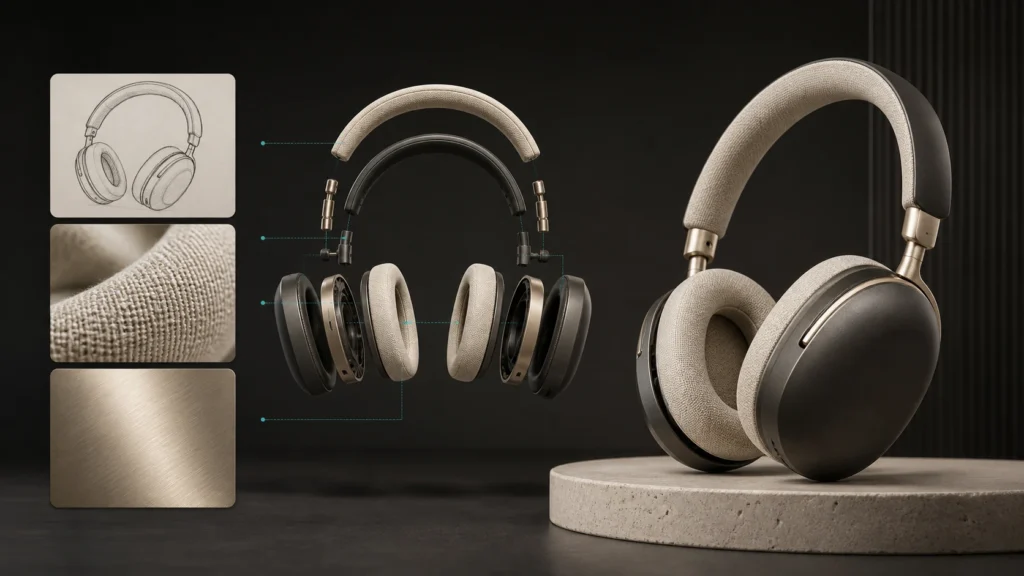
Runway's Seedream 5.0 Pro workflow guide demonstrates combining a subject from one image, a product from another, and an accessory from a third into one cohesive market scene. It also supports sketch-led edits and marked-region instructions on supported surfaces.
Where it stands out
- Product advertising with several source assets
- Posters, infographics, and text-heavy layouts
- Material, color, object, and lighting changes
- Sketch-to-image production
- Brand asset variations that should retain the same visual system
Pros
- Strong multi-image fusion
- Useful text and graphic rendering
- Handles detailed commercial briefs well
- Good preservation of non-edited areas
- Supports design-oriented spatial instructions
Cons
- Resolution tiers and editing controls depend on the platform providing the model
- A large reference allowance does not guarantee every detail receives equal attention
- Dense compositions still benefit from staged edits instead of one overloaded prompt
Best fit: Ecommerce teams, advertising designers, and creators producing posters or product-led campaign assets.
GPT Image 2: Best for Text and Complex Instructions
GPT Image 2 is most compelling when a job mixes visual references with detailed written constraints. OpenAI describes it as its state-of-the-art image generation and editing model, supporting high-fidelity image inputs, flexible sizes, and production-oriented image edits.
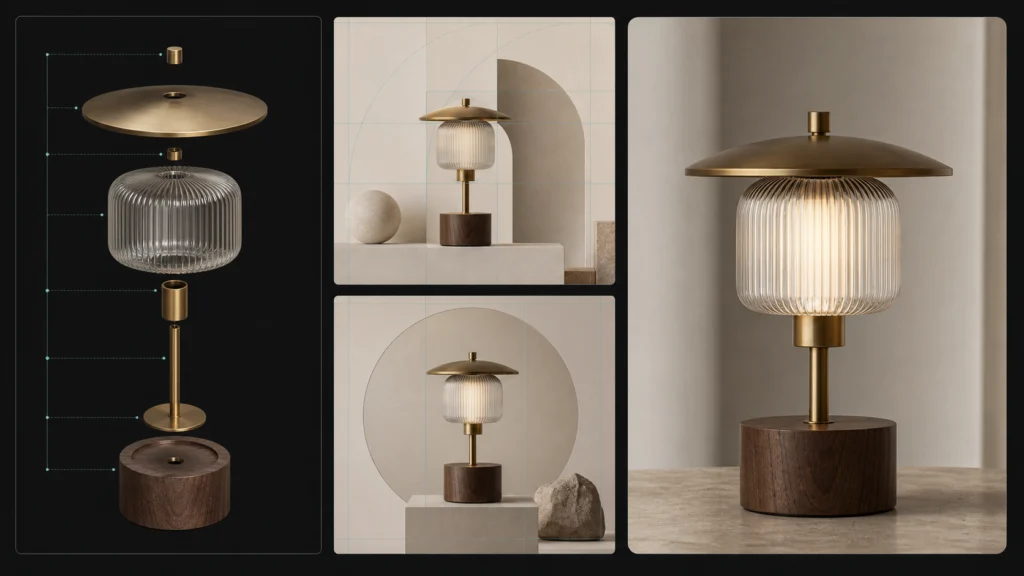
This makes it useful for tasks such as:
- Rebuilding a layout while changing the language
- Combining reference images with exact copy requirements
- Producing diagrams, posters, comics, and presentation graphics
- Applying a pose while preserving a character's materials and identity
- Iterating through detailed correction instructions
The official GPT Image 2 model page confirms image input and output support through image-generation and editing workflows.
A useful community warning about pose transfer
Reference understanding does not eliminate spatial errors. In an OpenAI community workflow for sprite sheets, a creator found that exact left-versus-right limb placement could still be confused. Their practical recommendation was to generate frames individually, define anatomical left and right explicitly, and retry when a pose is mirrored.
That illustrates a broader rule: a model may preserve identity and visual quality while still missing the structural relationship you care about.
Pros
- Strong text rendering and layout generation
- Handles long, constraint-heavy prompts
- High-fidelity visual inputs
- Useful for iterative creative conversations
- Strong option for multilingual and document-like visuals
Cons
- Exact pose transfer may require retries
- One giant prompt can be less reliable than several targeted edits
- High-detail outputs may cost more than lightweight alternatives
Best fit: Creators who need readable text, careful layout, and multi-step instruction following in the same workflow.
Runway Gen-4 References: Best for Simple Character Consistency
Runway Gen-4 References takes a focused approach. It can reuse a person, object, or style across new scenes, and it is designed to work well even when the creator starts with one clean reference image.
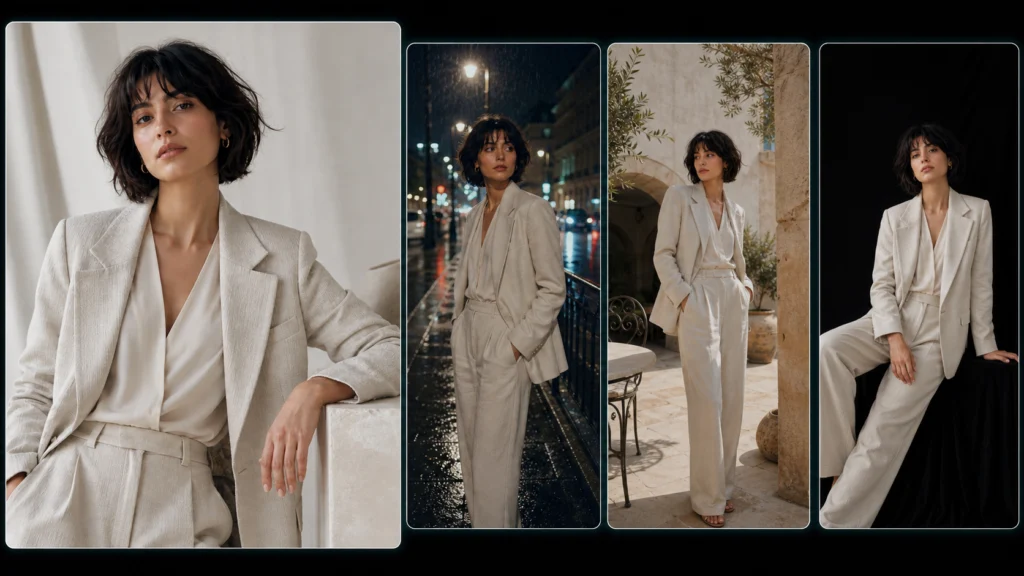
Runway recommends neutral lighting, clear facial details, and a natural expression for the initial reference. Its Gen-4 References guide supports up to three references in one generation.
Pros
- Easy to learn compared with local node workflows
- Strong character reuse from a single anchor image
- Useful tagging and reference organization
- Good for placing one identity into new lighting and locations
- Natural bridge from still-image creation into video workflows
Cons
- Three references can feel restrictive for complex composites
- Less suited to scenes requiring many separate products or garments
- Strong identity does not always mean exact pose or composition matching
Best fit: Social creators and storytellers who primarily need the same character in several scenes.
Qwen Image Edit: Best as an Open Editing Baseline
Qwen Image Edit remains an important baseline in open and local image-editing workflows. It is commonly used for inpainting, stylized changes, identity experiments, and instructional edits.
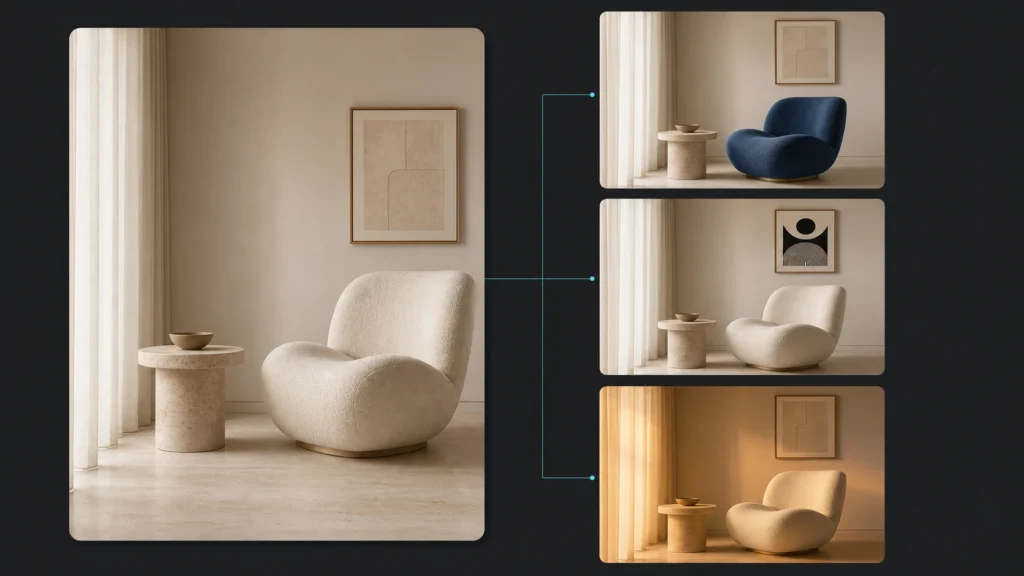
However, recent community discussion shows why “best model” questions need task-level answers. In an August 2026 r/StableDiffusion thread, the original poster described Qwen Image Edit as working reasonably for character consistency and inpainting but asked whether newer options had moved ahead.
Replies did not produce one universal winner. Some users favored FLUX Klein for realism, others preferred Qwen for animated styles, and several pointed to MiniMax H3 for likeness retention. The disagreement itself is useful evidence: realism, identity, speed, openness, and edit precision are separate dimensions.
Pros
- Flexible open ecosystem
- Familiar option for local image editing
- Useful for stylized and animated material
- Broad community knowledge and workflows
Cons
- Output quality depends heavily on the implementation
- Identity or scene coherence may weaken on demanding edits
- Setup and optimization are less accessible to casual creators
Best fit: Technical users who value local control, workflow customization, and an open editing stack.
MiniMax H3: Most Interesting Experimental Option
MiniMax H3 was not released as a dedicated still-image editor, yet it became one of the most discussed image-editing experiments in the Stable Diffusion community in August 2026.
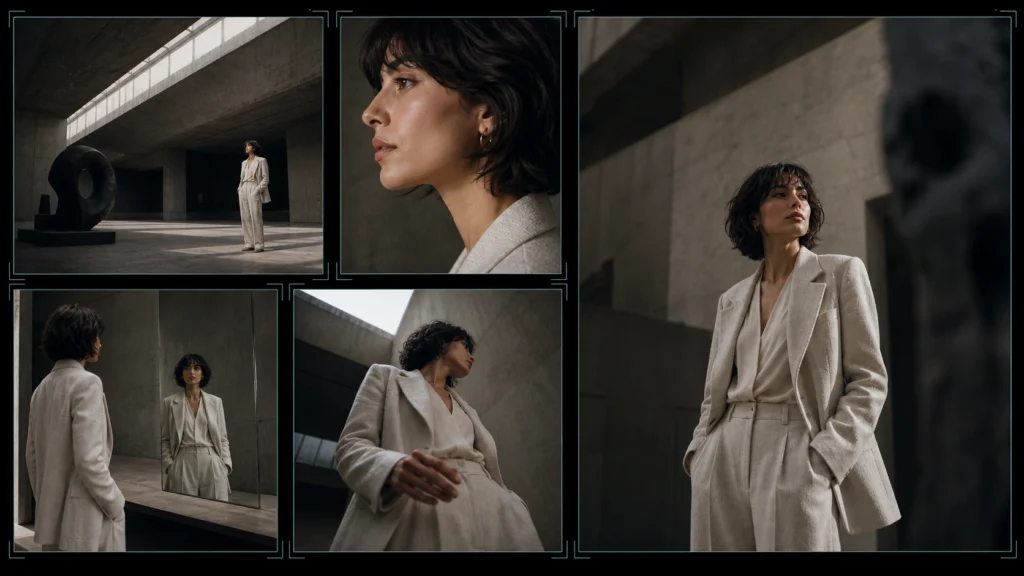
One public workflow generated a single frame from the video model and used it for tasks including outfit changes, age changes, new locations, camera-angle changes, character sheets, storyboards, stylization, and depth-guided posing. The creator reported roughly eight seconds per edit on an RTX 5090 and explicitly said the examples were not cherry-picked. See the original H3 single-image editing experiment.
The author concluded that H3 produced stronger character fidelity, 3D-scene handling, mirrors, and composition than several previous tools in their own workflow. That is a personal comparison, but the breadth of demonstrated edits made the post valuable.
Another creator compared GPT Image 2 and H3 using the same prompt. Their main observation was not that one image simply looked better. It was that H3 stayed closer to the requested art direction and composition, while GPT Image 2 interpreted the scene with a more polished anime aesthetic. The accompanying community workflow supported up to nine ordered references. See the prompt-adherence discussion and workflow.
What the comments add
The comment sections are more useful when read as tradeoffs rather than endorsements:
“It requires in-depth prompting for best results.” — community comment on likeness retention
The same commenter warned that single-image quality could be worse than a dedicated image model. Others questioned whether using a resource-heavy video model for still images was efficient. In the wider best image-to-image model discussion, users split across H3, FLUX Klein, Krea, and Qwen depending on realism, animation style, speed, and available memory.
Pros
- Impressive prompt adherence in public experiments
- Strong identity retention and scene understanding
- Broad editing range from one experimental workflow
- Supports ordered multi-reference setups through community tooling
Cons
- Not a purpose-built still-image model
- Requires a technical ComfyUI setup and substantial hardware
- Single-frame rendering can introduce blur or artifacts without the right VAE
- Community checkpoints and patches complicate reproducibility
- Too early for a stable production recommendation
Best fit: Experienced local-generation users who enjoy testing emerging workflows and can tolerate setup friction.
What Reddit Users Are Actually Optimizing For
The Reddit discussion reveals that creators rarely want “the highest-quality model” in the abstract. They are usually trying to protect one of five things:
| Creator priority | What they notice first | Better starting point |
|---|---|---|
| Likeness | Face and defining features drift | Nano Banana 2, Runway References, H3 experiment |
| Realism | Skin, materials, or lighting look synthetic | FLUX.2 Max/Pro |
| Product accuracy | Shape or packaging changes | Seedream 5.0 Pro or FLUX.2 |
| Pose accuracy | Limbs, direction, or balance change | FLUX.2 with pose reference; staged GPT Image 2 workflow |
| Open/local control | Hosted tools limit customization | Qwen Image Edit or experimental H3 workflow |
The most reusable insight is simple: choose the model according to the detail that must not change.
How to Prompt a Multi-Reference AI Image Generator
Adding more images is not automatically better. A reference set works when every input has a named role.
Create a new editorial portrait.

Image 1: preserve the person's identity, facial features, and hair.
Image 2: use only the jacket and fabric texture.
Image 3: match the full-body pose and camera angle without mirroring.
Image 4: use the warm window lighting and muted color palette.

Keep the person's age, proportions, and facial structure unchanged.
Do not copy background objects from images 1-3.
Output a vertical 4:5 composition with natural skin texture.
Five rules that improve consistency
- Use one identity anchor. Choose the clearest face or product image as the primary source.
- Assign one role per reference. Say which input controls identity, pose, clothing, background, or style.
- Separate must-keep and must-change instructions. This reduces accidental redesigns.
- Make structural edits before cosmetic edits. Get the pose and composition right before changing color or texture.
- Evaluate more than the face. Check hands, labels, reflections, accessories, shadows, and background geometry.
If a visual reference is hard to describe, Linocut's image-to-prompt generator can turn it into a reusable written direction. That description can then be shortened and assigned to the correct input.
A Practical Linocut Multi-Model Workflow
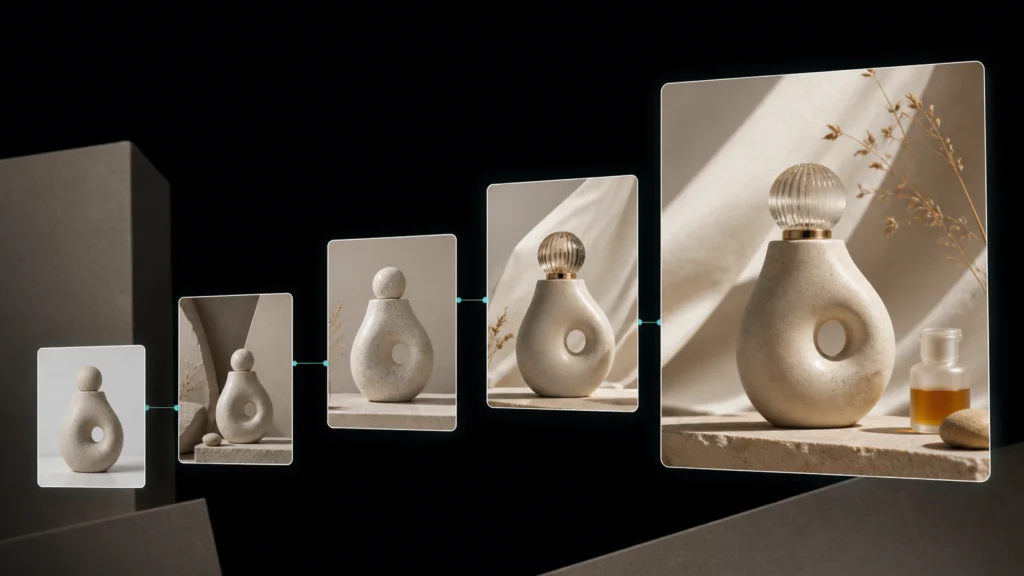
Linocut brings several image models and supporting tools into one creative workspace. The useful advantage is not that one model wins every task. It is that creators can move the same asset through generation, editing, enhancement, styling, and export without rebuilding the workflow each time.
| Workflow stage | Recommended action | Linocut resource |
|---|---|---|
| 1. Build the reference set | Select a clean identity, product, pose, and style anchor | Image to Prompt |
| 2. Generate the base composition | Choose a model based on identity, realism, or layout needs | Text to Image |
| 3. Correct targeted details | Describe only the object, lighting, text, or background change | AI Photo Editor |
| 4. Unify the art direction | Apply a restrained reference look after structure is stable | AI Filter |
| 5. Prepare the final asset | Improve clarity after the composition is approved | Image Upscaler |
This staged approach is safer than asking a model to solve identity, pose, products, typography, lighting, and final resolution in one generation.
Which Multi-Reference AI Image Model Should You Choose?
- Choose Nano Banana 2 when you want the best general-purpose balance.
- Choose FLUX.2 Max or Pro when every reference needs a precise role.
- Choose Seedream 5.0 Pro for product-led designs, posters, and multi-source campaign scenes.
- Choose GPT Image 2 when text, layout, and detailed written instructions matter most.
- Choose Runway Gen-4 References for a simple consistent-character workflow.
- Choose Qwen Image Edit when local control and an open ecosystem are priorities.
- Experiment with MiniMax H3 when prompt adherence and emerging community workflows matter more than convenience.
There is no permanent winner. Multi-reference generation is becoming a workflow decision: the right model is the one that preserves the element your project cannot afford to lose.
Frequently Asked Questions
What is a multi-reference AI image generator?
A multi-reference AI image generator accepts more than one source image and uses each source to guide identity, objects, style, pose, lighting, or composition. The prompt should explain the role of every reference so the model does not blend unrelated details.
Which AI model is best for consistent characters?
Nano Banana 2 is the strongest general-purpose starting point. Runway Gen-4 References is easier when one character anchor is enough, while FLUX.2 provides more structured control when identity must be combined with separate pose, clothing, and environment references.
Do more reference images improve the result?
Not always. Additional references introduce more information competing for attention. Use only the inputs that control a meaningful part of the result, and specify whether each image provides identity, pose, product, background, or style.
Can AI preserve a product exactly from a reference photo?
It can preserve recognizable shape, materials, and design cues, but small labels, logos, proportions, and reflective details may still drift. Review commercial product outputs carefully and use targeted editing rather than relying on one generation.
Why does a character's face change between generations?
Common causes include low-quality reference images, inconsistent angles, conflicting style inputs, vague prompts, and major changes to age or lighting. Start with a clean identity anchor and state which facial details must remain unchanged.
Is MiniMax H3 an image-editing model?
MiniMax H3 is primarily associated with video generation and editing. Community members have adapted it for still-image work by generating or extracting a single frame, but this remains an experimental workflow rather than a straightforward dedicated image editor.