Free AI Voice Cloning Online
Use AI voice cloning to upload an audio sample, type or paste your script, and generate audio in the cloned voice for videos, podcasts, lessons, and creator workflows.
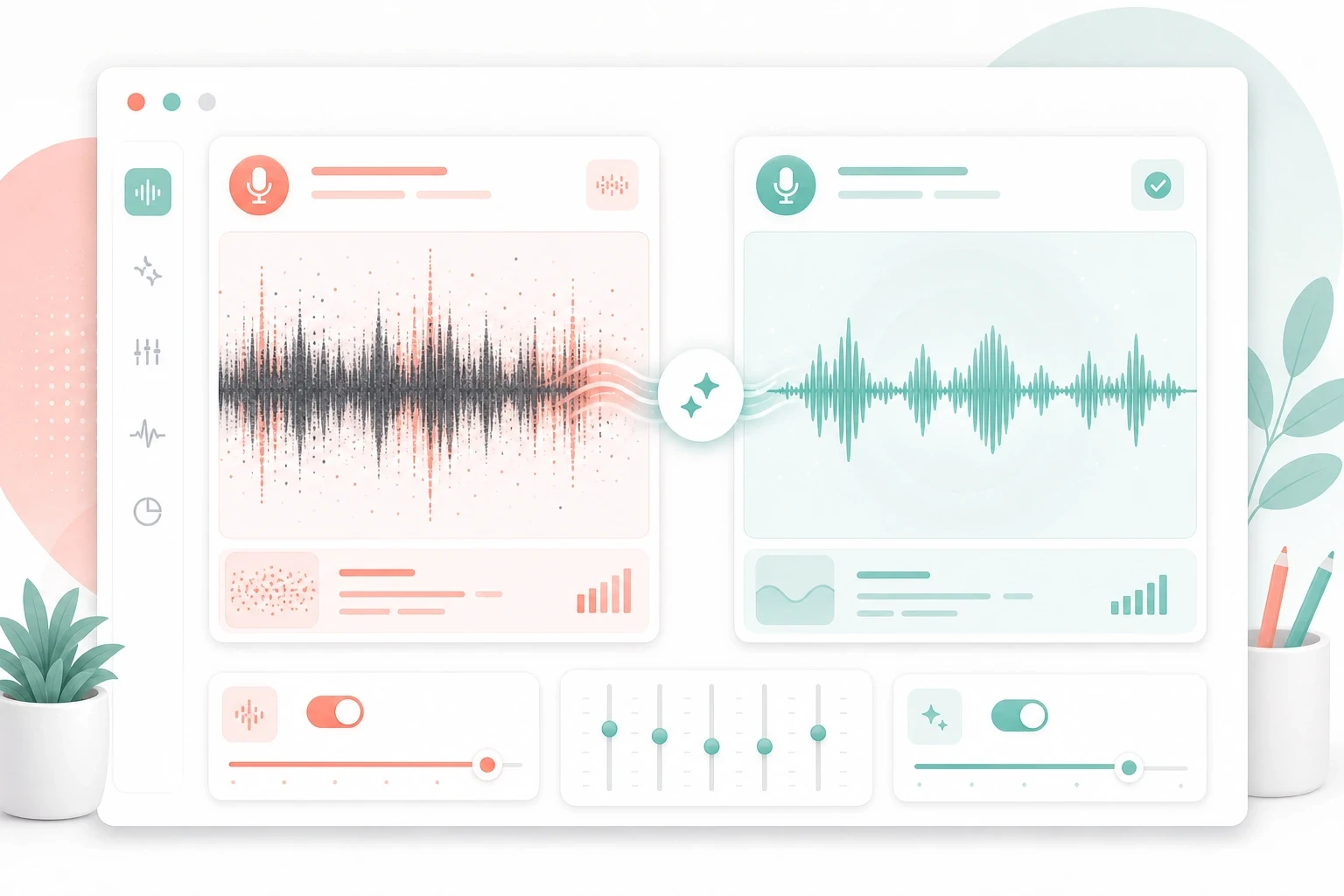
Voice cloning result
Review the original voice and cloned audio preview
Original voice
Cloned voice
Clone voice tone, pacing, and character from a short audio sample.
Linocut AI voice cloning keeps the core workflow visible: upload a clean sample, enter the words you want spoken, and generate cloned audio directly. The page is built for the search intent behind ai voice cloning, ai voice clone, voice clone AI, and online voice cloner queries without hiding the practical setup creators need for reliable results.
Clean source voice
10-30 sec
target
voiceprint
Script content
typed text
target
narration
Cloned audio
mp3 output
target
download
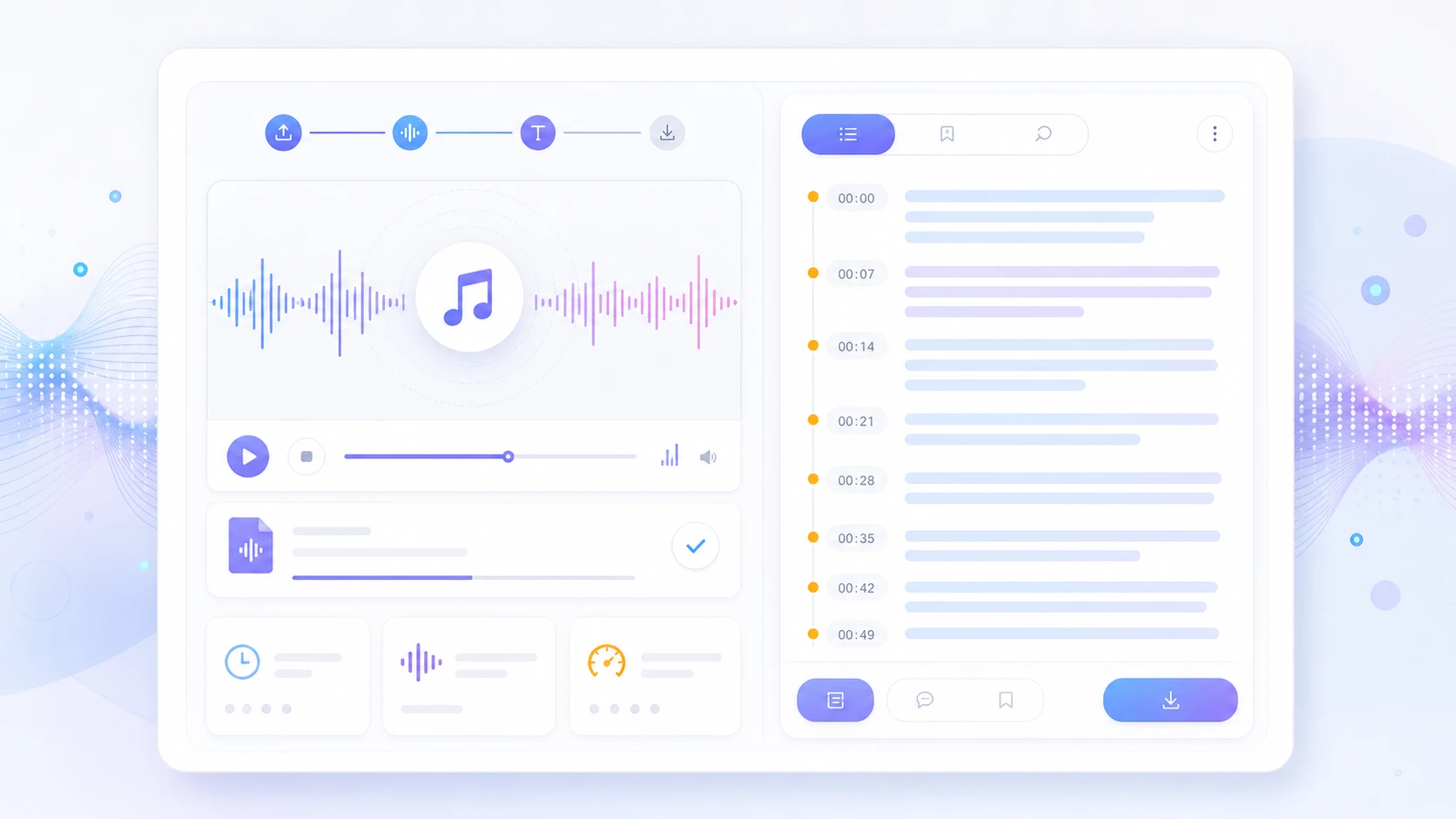
A simple AI voice clone chain
voice
Upload audio sample
Choose a short recording with clear pronunciation, steady volume, and minimal background noise.
text
Enter your script
Type or paste the words you want the cloned voice to say in the final generated audio.
clone
Generate cloned audio
Submit the sample and script to create speech in the cloned voice without a polling task.
audio
Preview and download
Listen to the result, download the result, and reuse it in video, podcast, and education workflows.
AI voice cloning use cases for creator audio
Creator video
own voice sample
consistent voiceover
YouTube + Shorts
Podcast intro
host voice profile
repeatable intro lines
Episode production
Course lesson
teacher narration
clear learning audio
E-learning modules
Product demo
brand narrator
localized script audio
Ads + onboarding
Where cloned voice audio fits
Voice cloning connects a sample recording to repeatable script production.
The page naturally covers ai voice cloning, ai voice cloner, clone voice, free voice cloning, voice clone AI, voice cloning from audio, and text to speech voice cloning by making each step explicit in the interface and copy.
Voice sample upload
Script drafting
AI voice cloning
Audio preview
Creator handoff
AI voice cloning FAQ
AI voice cloning uses artificial intelligence to replicate the tone, pitch, pacing, and speaking style of a voice sample. Upload a short audio file, type your text, and Linocut generates new speech in the cloned voice.
A clean 10 to 30 second voice sample is usually enough for a strong first result. Clear pronunciation, steady pacing, and low background noise help the AI voice clone sound more natural.
Linocut can be used as a free voice cloning trial when free credits are available on your account. The page shows the credit cost before generation so you can decide when to run the clone.
Yes. After uploading a voice sample, type or paste the script you want spoken. The AI voice cloning tool turns that text into generated audio using the uploaded voice characteristics.
Standard text to speech uses a generic voice. AI voice cloning creates custom speech from a specific sample, so the result can preserve voice character, accent, rhythm, and delivery style.
Use only voice samples you have the right to process. Linocut sends the uploaded sample and script to the voice cloning API for generation and returns the generated audio URL for review.
Voice cloning should only be used with your own voice or with explicit permission from the person whose voice is being cloned. Do not impersonate people, mislead listeners, or use a cloned voice without consent.
Creators use an AI voice cloner for video voiceovers, podcast intros, course narration, product demos, ads, social media clips, and fast script iteration when the same voice style is needed repeatedly.
You can type scripts in different languages, but the final quality depends on the uploaded sample, pronunciation patterns, and model behavior. Test short scripts first before producing long localized audio.
Use a dry voice recording with no music, reverb, crowd noise, or overlapping speakers. Keep the speaker close to the microphone and choose a script with natural punctuation.
No. This voice clone AI workflow calls the voice cloning endpoint directly with text and file form-data, then displays the returned audio URL when the request succeeds.
Yes. When the generated audio is ready, the page shows an audio player and a download action for the returned MP3 file.
Run AI Voice Cloning in the workspace.
Start with one direct task, then keep editing, generating, writing, and shipping from the same Linocut AI canvas.