case.01
Listing photos
Run the image enhancer on product photos to recover edges, clean flat light, and prepare marketplace-ready images.


Improve clarity, lighting, and detail in one pass, then use the enhanced image as the next input in your creative workflow.
The image enhancer improves clarity, light, and texture without asking users to manage curves, masks, or professional retouching controls.
Improve quality first, then use the enhanced result as a stronger base for object cleanup, background work, style changes, resizing, or export.
Apply the same enhancement settings across product, campaign, and social variations.
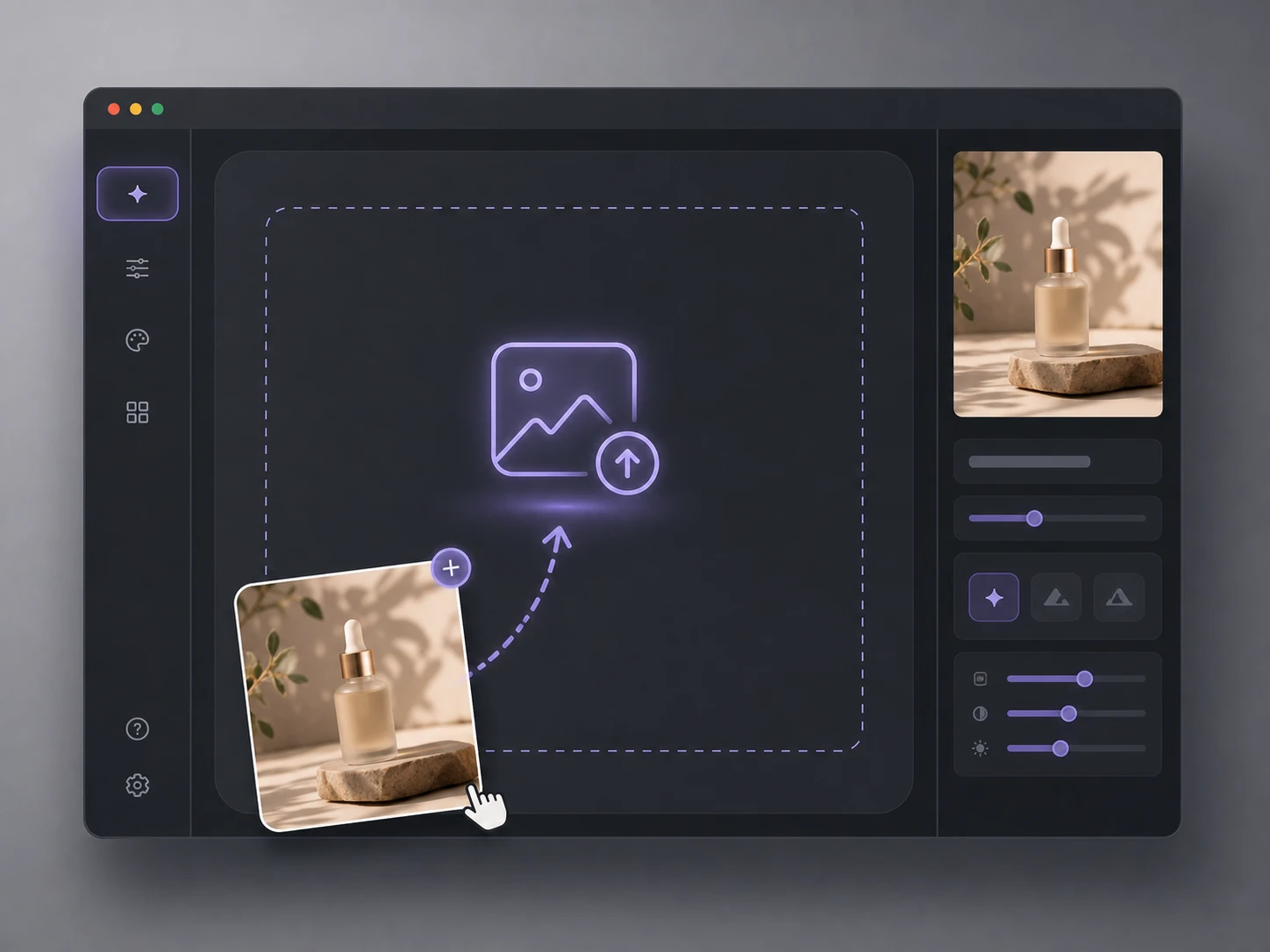 01
01Add a JPG or PNG with soft focus, low contrast, visible noise, or compression artifacts.
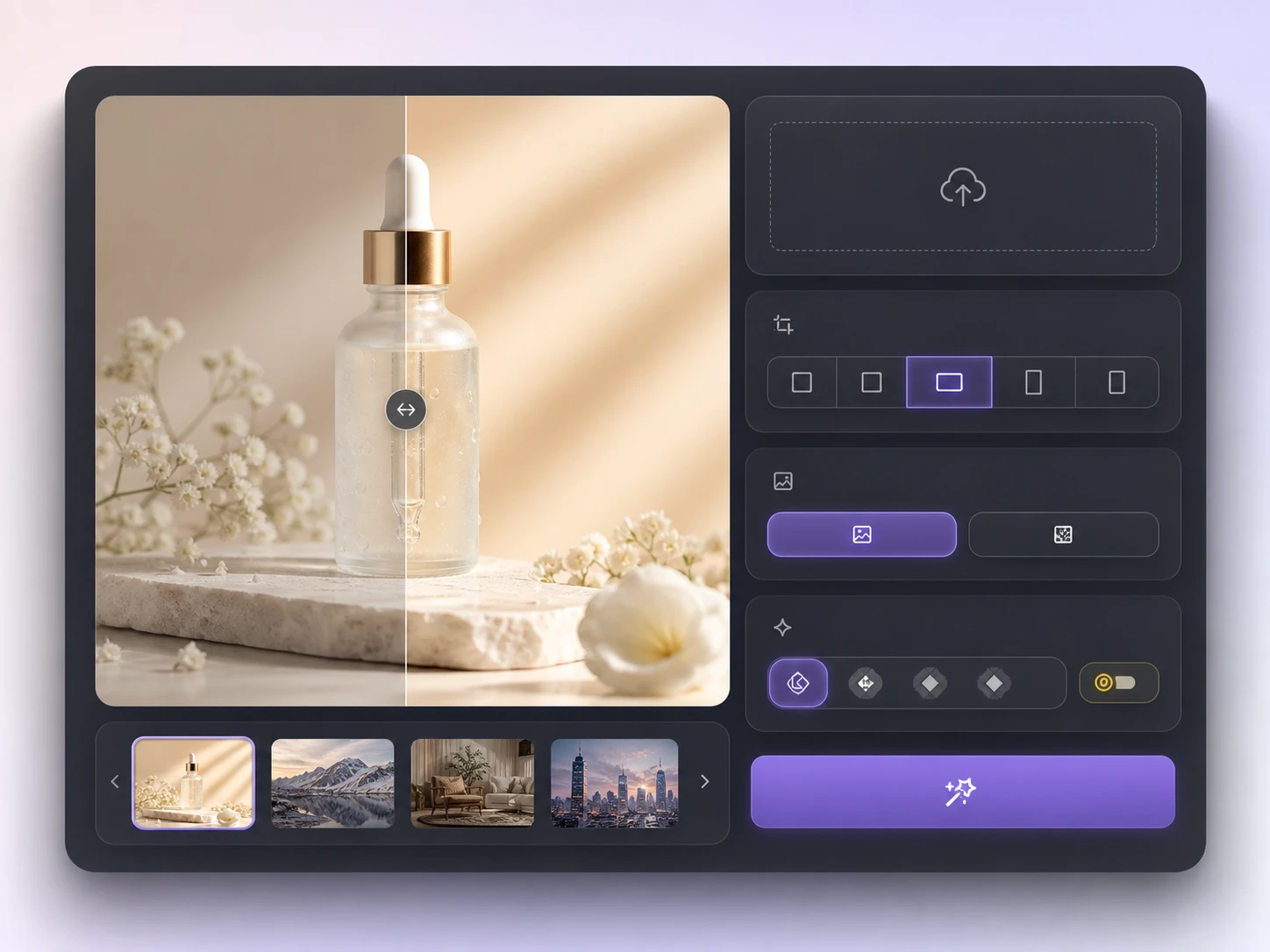 02
02Pick HD, 2K, 4K, or 8K quality, adjust the output size, and select PNG or JPG.
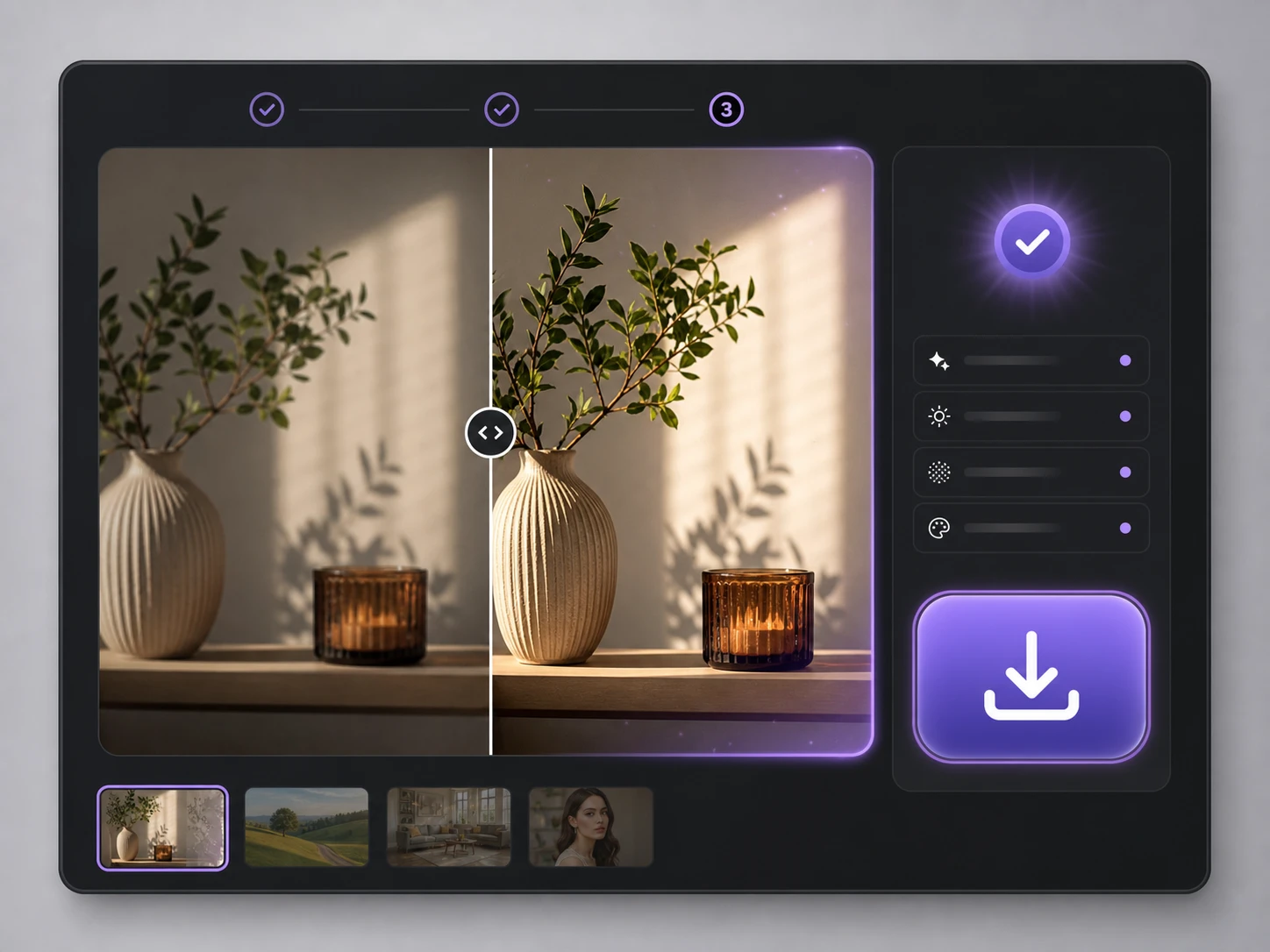 03
03Run the image enhancer, compare the photo enhancer result, then download or continue in an image workflow.

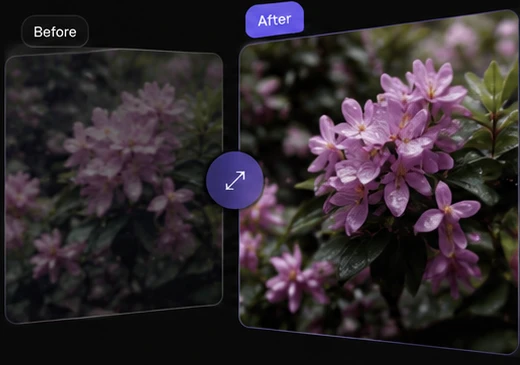
Improve sharpness, light, noise, and color balance while keeping the original image natural.
Enhance image
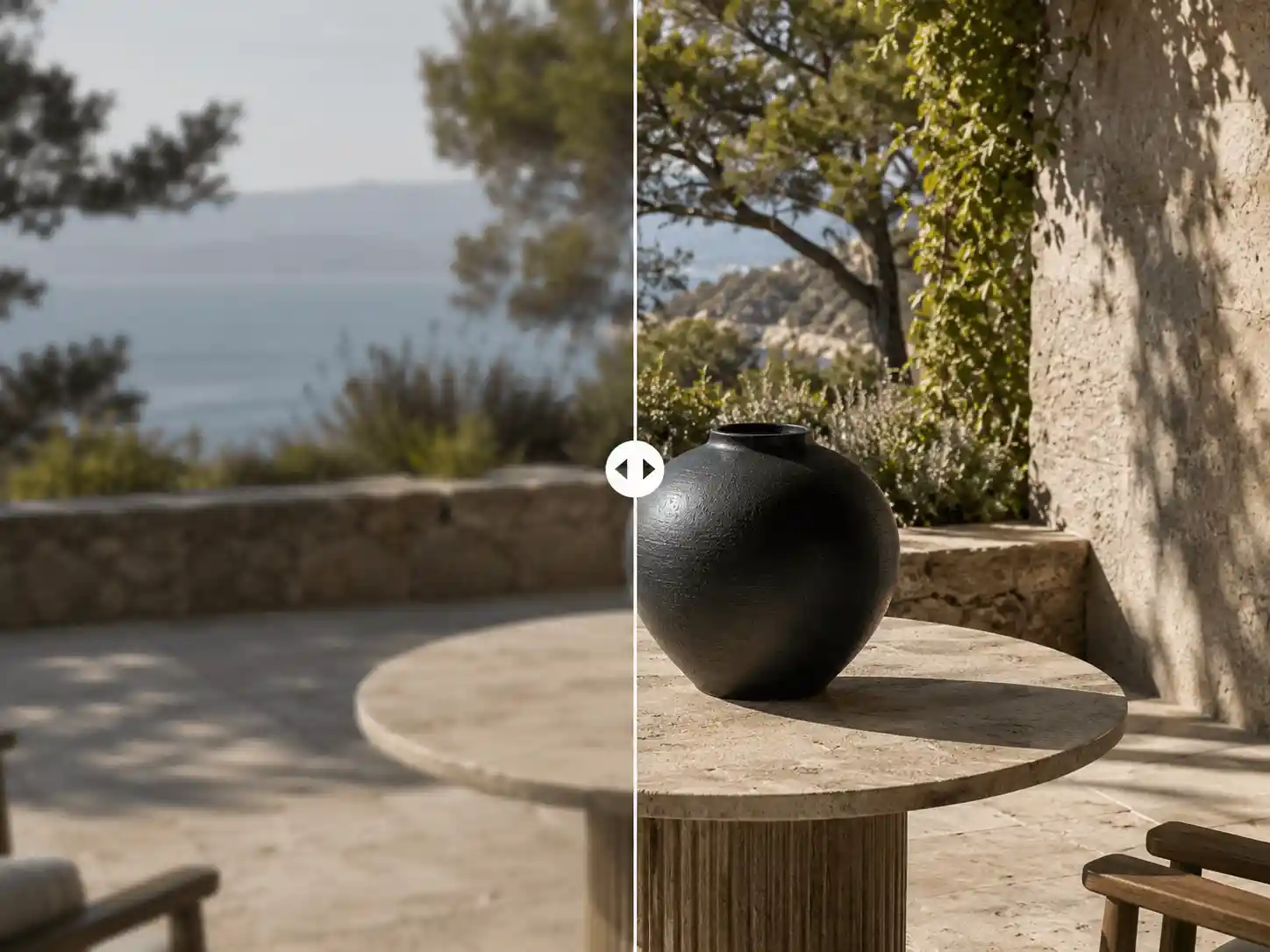
Use the image enhancer to sharpen image edges, recover product details, and restore soft textures without making the source look harsh.
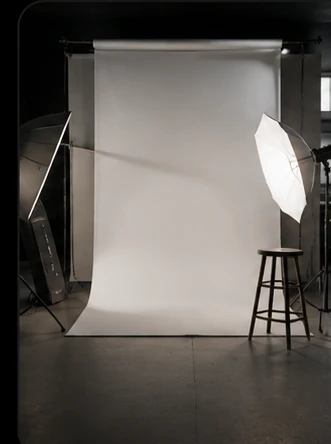
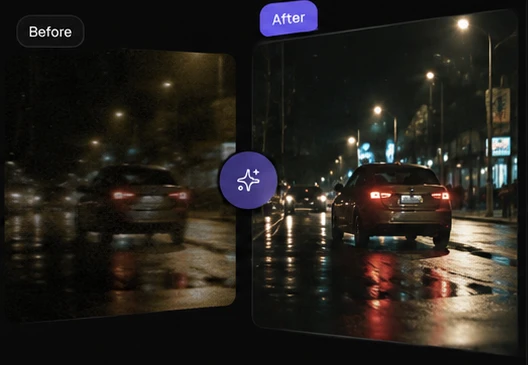
Balance flat, dim, or uneven light so the enhanced result feels clearer before it moves into ads, listings, or social layouts.
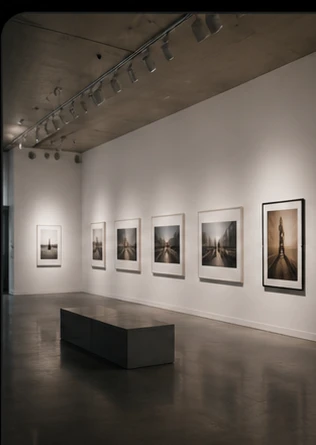
Reduce grain, noise, and compression artifacts while keeping the enhanced result natural enough for production use.
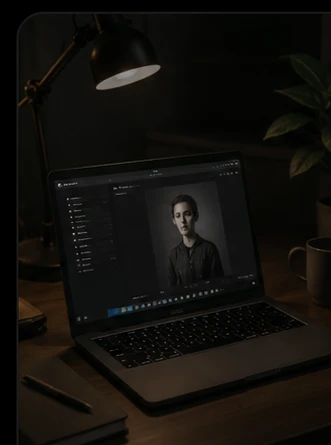
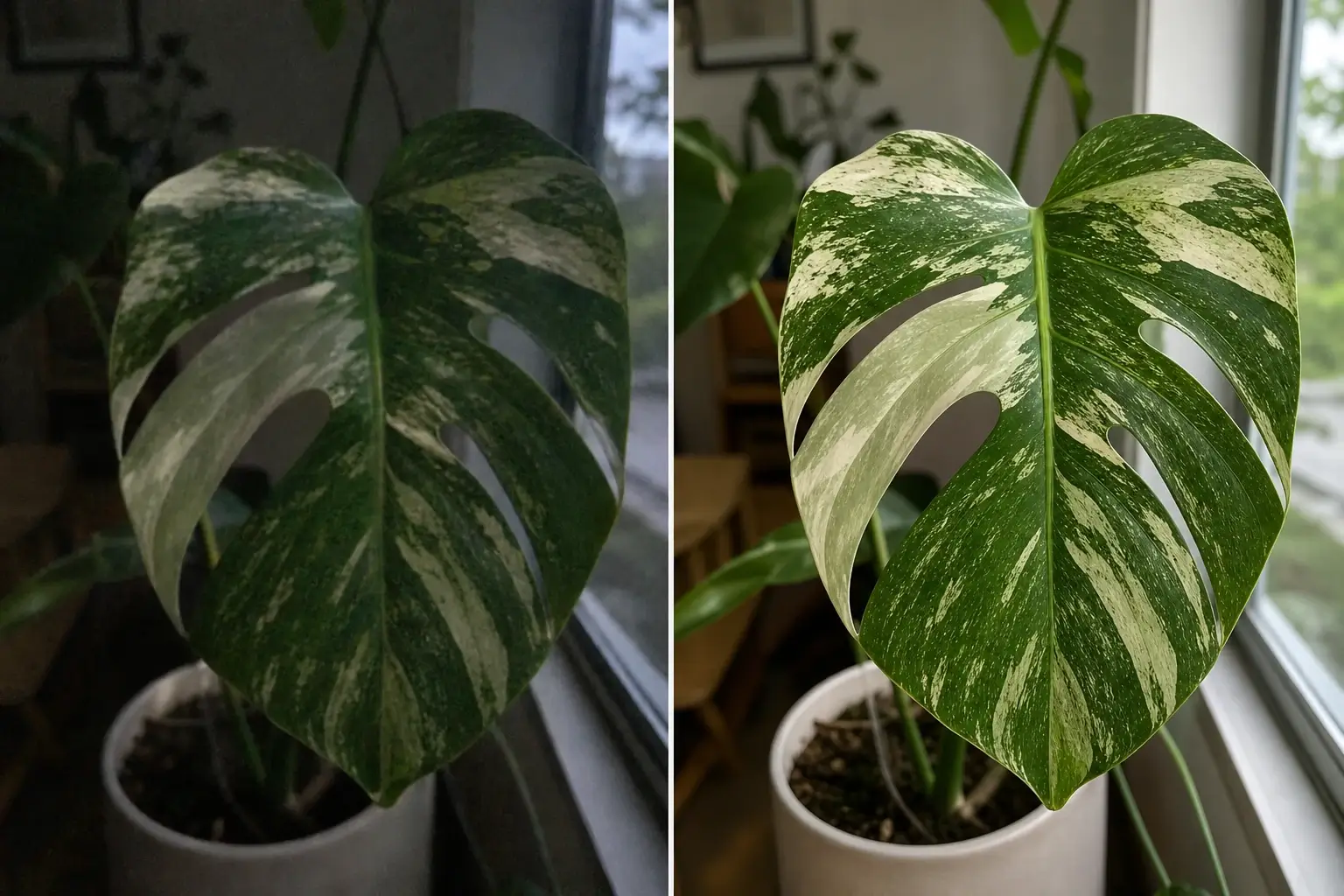
Improve color consistency so batches of product photos, portraits, and campaign stills look like one set.
Use an image enhancer when a photo needs sharper detail, cleaner light, and a more polished finish before production.
Run the image enhancer on product photos to recover edges, clean flat light, and prepare marketplace-ready images.
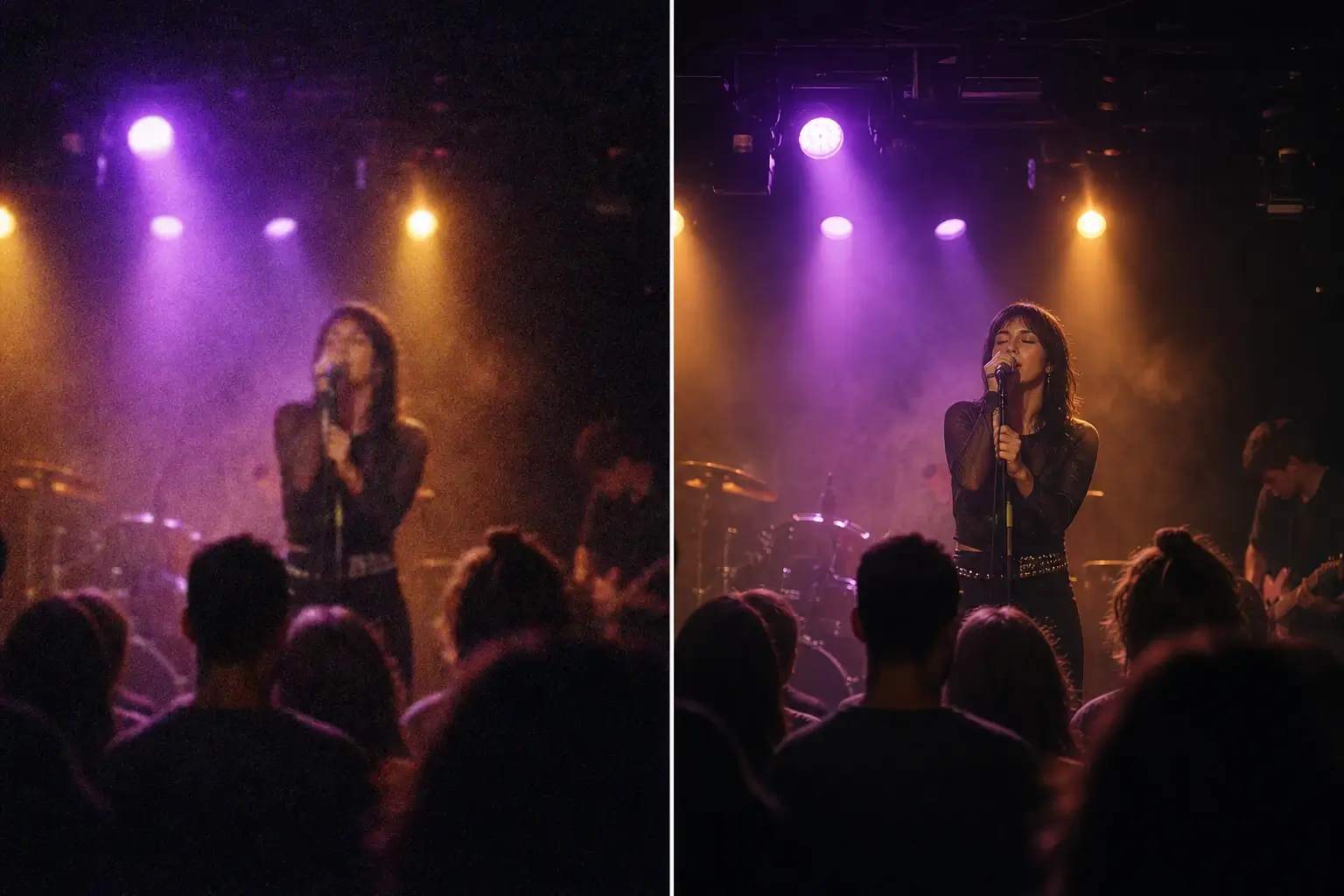
Use the photo enhancer to sharpen image details and relight campaign stills before they move into ads, landing pages, and launch decks.
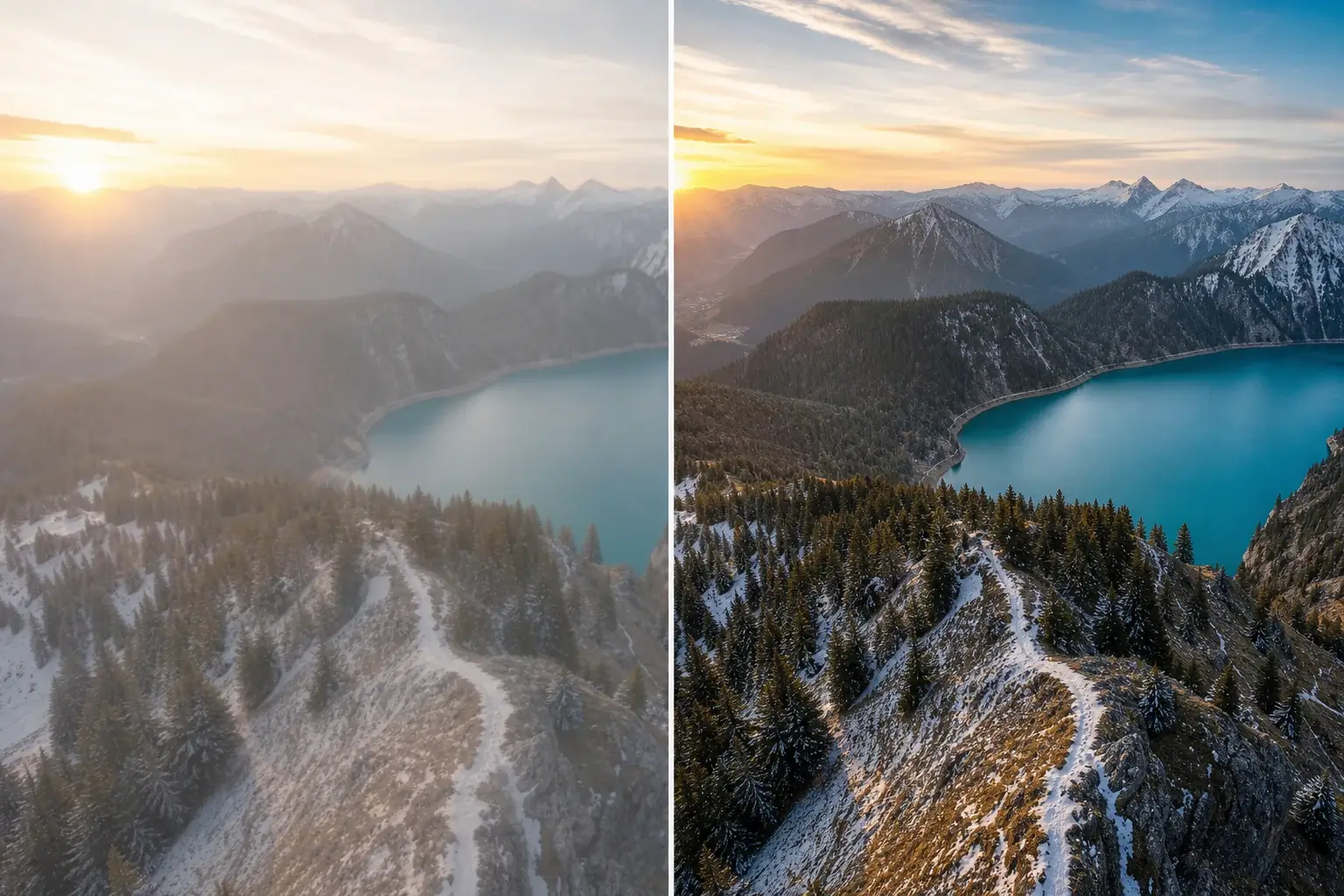
Polish creator, studio, and client work with an image quality enhancer so every final presentation feels consistent.
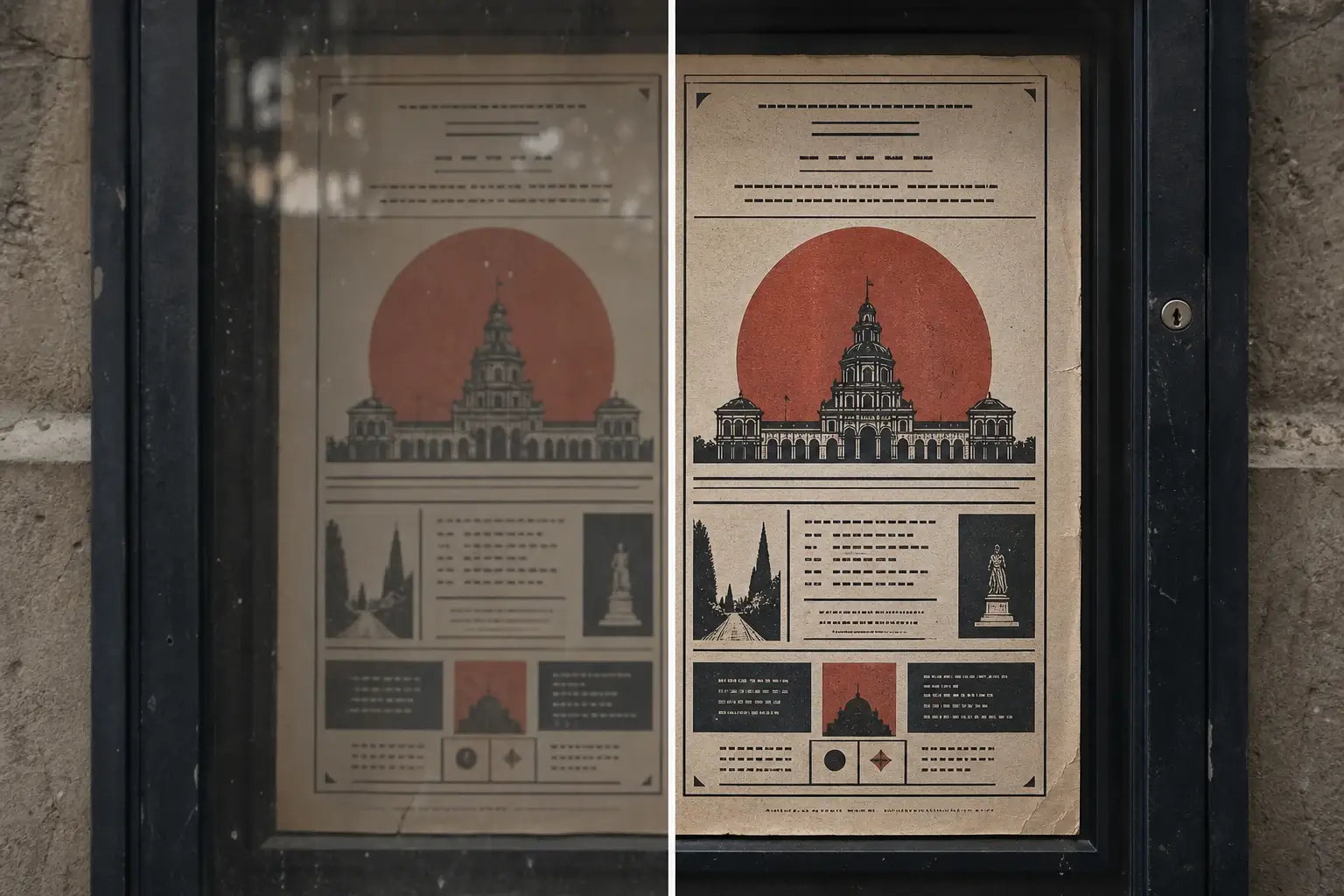
Enhance image clarity in noisy or low-contrast social posts before cropping, captioning, and publishing variants.
Image enhancement is most valuable when the corrected photo can immediately become a stronger source for layouts, listings, ads, and follow-up edits.
Improve fine detail, correct muddy light, and reduce compression artifacts before the photo is cropped, resized, or reused across formats.
Keep product photos, portraits, and campaign stills closer in clarity and tone with a repeatable quality pass before they enter a shared visual system.
Send cleaner enhanced images into object removal, background changes, AI filter variations, or export without losing the original context.
An AI image enhancer improves clarity, light, noise, color, and texture so a photo looks cleaner without a full manual retouching workflow.
Yes. Upscaling mainly increases size, while an image quality enhancer improves clarity, lighting, noise, color, and perceived photo quality.
Yes. The enhanced output is framed as a workflow node, so you can improve quality first and then continue into background, object, or export steps.
Choose HD for quick cleanup, 2K or 4K for most product and campaign assets, and 8K when you need to sharpen image details for larger crops or close inspection.
Yes. The image enhancer is useful for supplier shots, ecommerce listings, and catalog images that need sharper edges, cleaner surfaces, better light, and more consistent color.
Yes. Use the photo enhancer to improve soft portraits, creator posts, profile images, and editorial stills while keeping the result natural.
It can reduce visible image noise, grain, and compression artifacts while helping sharpen image detail. It does not replace background removal or object cleanup tools.
The focused image enhancer workspace supports production-friendly PNG and JPG output choices.
Yes. The workspace shows the flat source and enhanced image in a comparison viewer before download.
Yes. Ecommerce teams can use it to improve supplier photos, listing images, campaign stills, and marketplace-ready visuals.
No. Upload a source, choose the quality and output format, run the image enhancer, and continue with the improved image.
Yes, as long as you have rights to the source image and the final use follows your license or ownership terms.
Start with one direct task, then keep editing, generating, writing, and shipping from the same Linocut AI canvas.