Text to video01

Generate a first clip
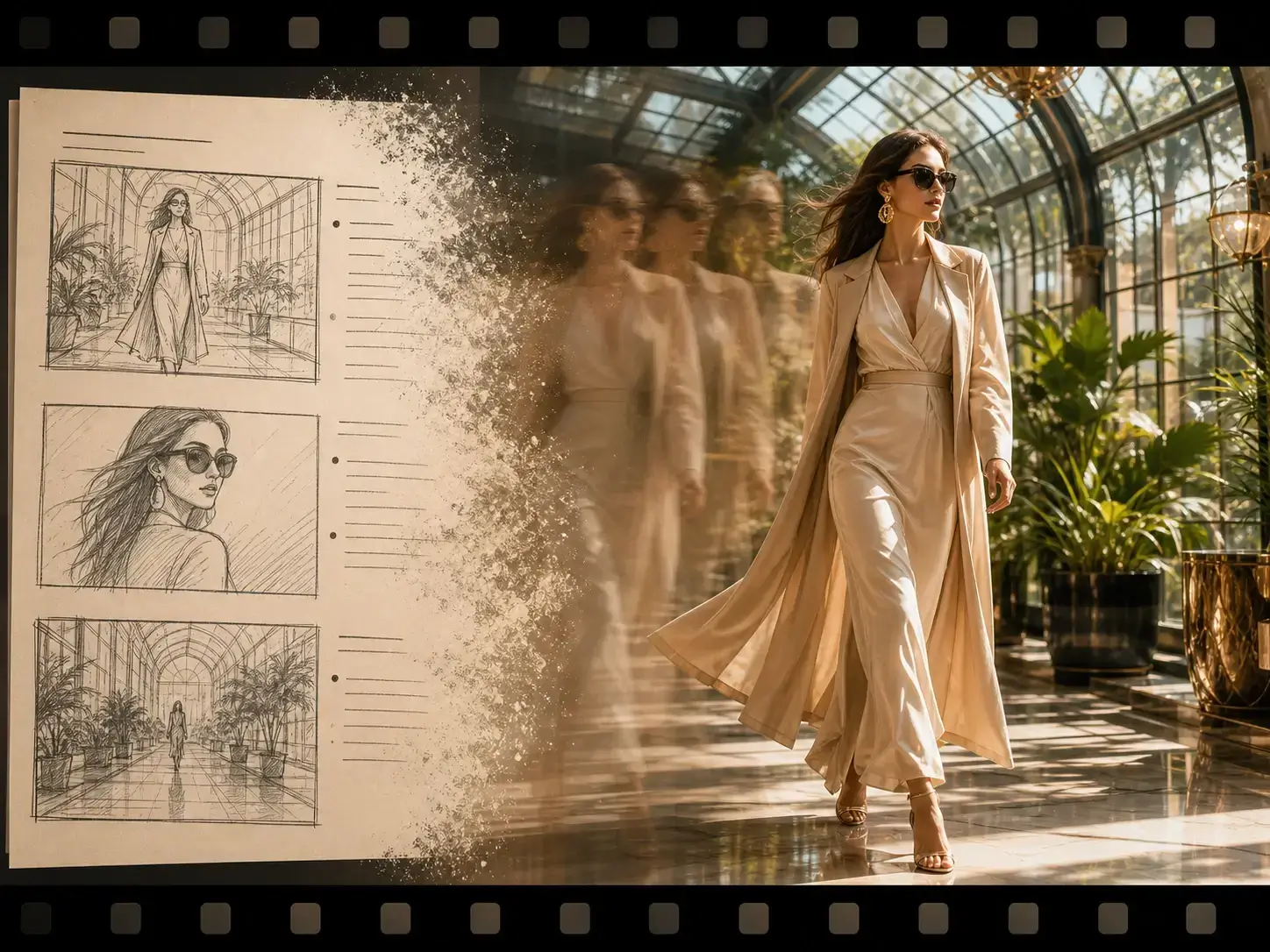
Start from a scene prompt and create a short video for campaign, product, or social use.
Choose a connected video tool for prompt-to-motion generation, clip enhancement, cleanup planning, and export-ready handoff.
Start from a scene prompt and create a short video for campaign, product, or social use.

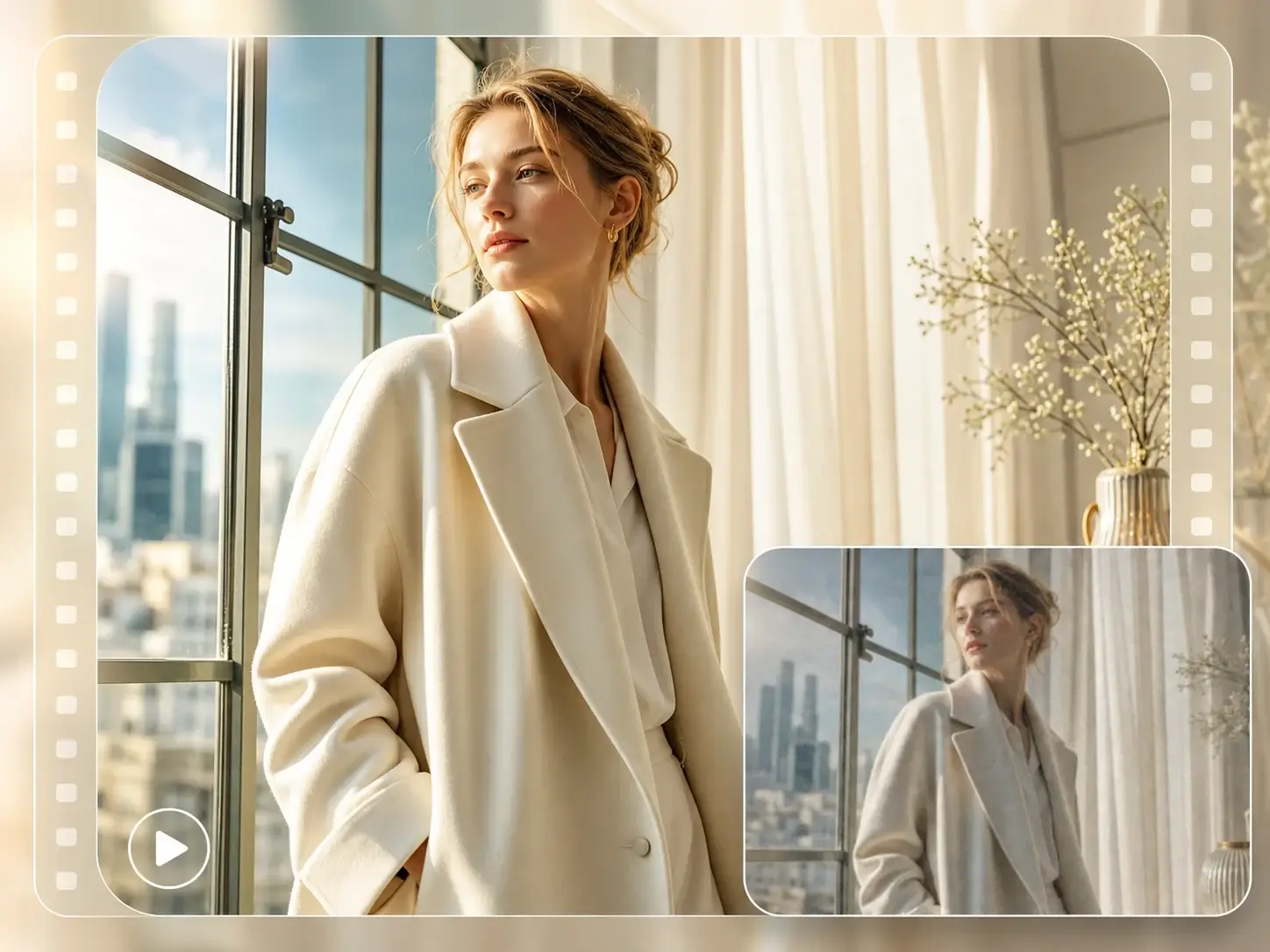
Sharpen soft clips, recover texture, and prepare a cleaner video before publishing.

Remove distracting overlays, captions, or marked areas so the source footage is ready for the final pass.
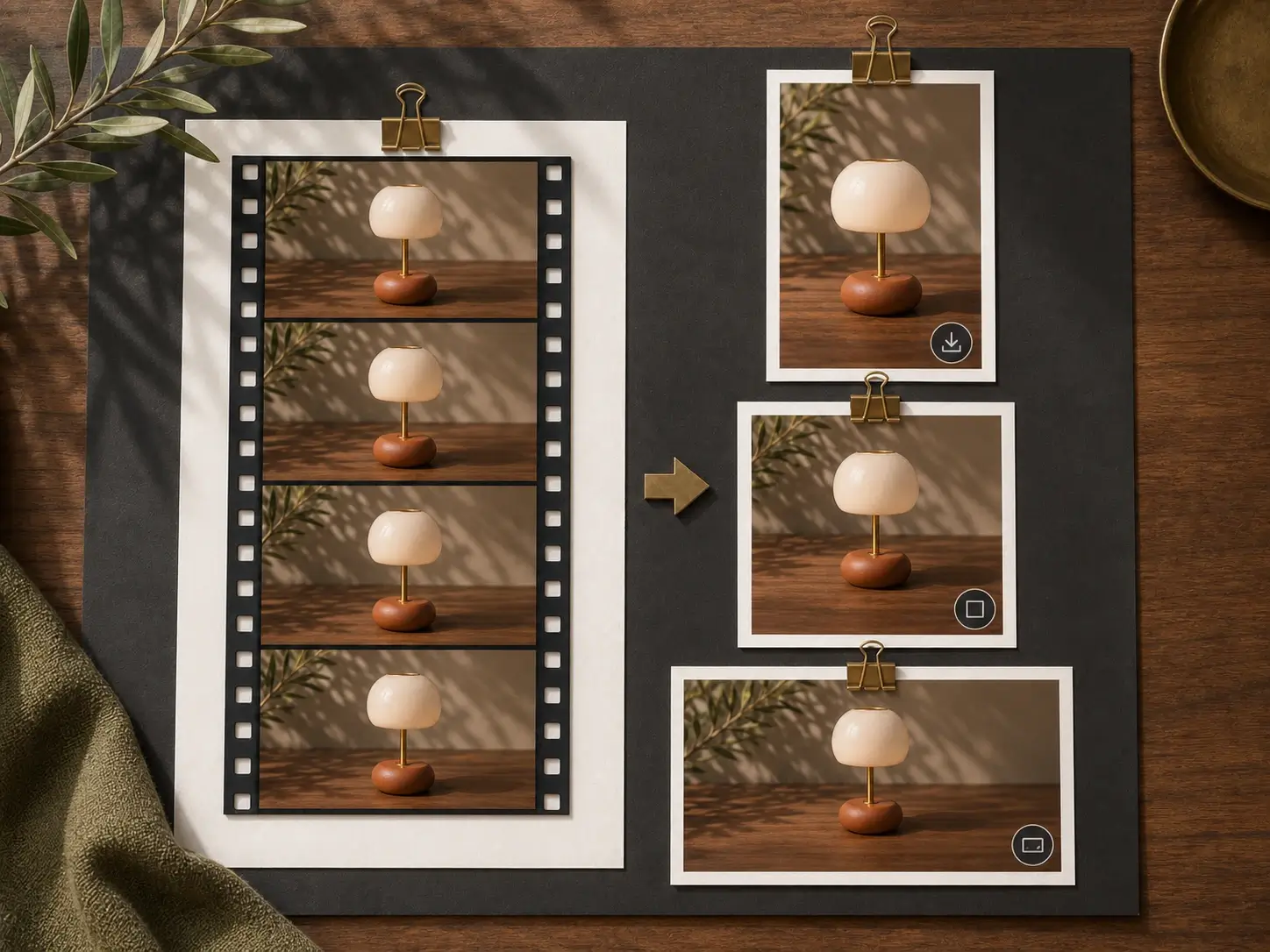
Package the cleaned motion asset into download-ready vertical, square, and landscape variants.
Choose how you want to begin, then open the matching video tool to generate, animate, or improve a clip.
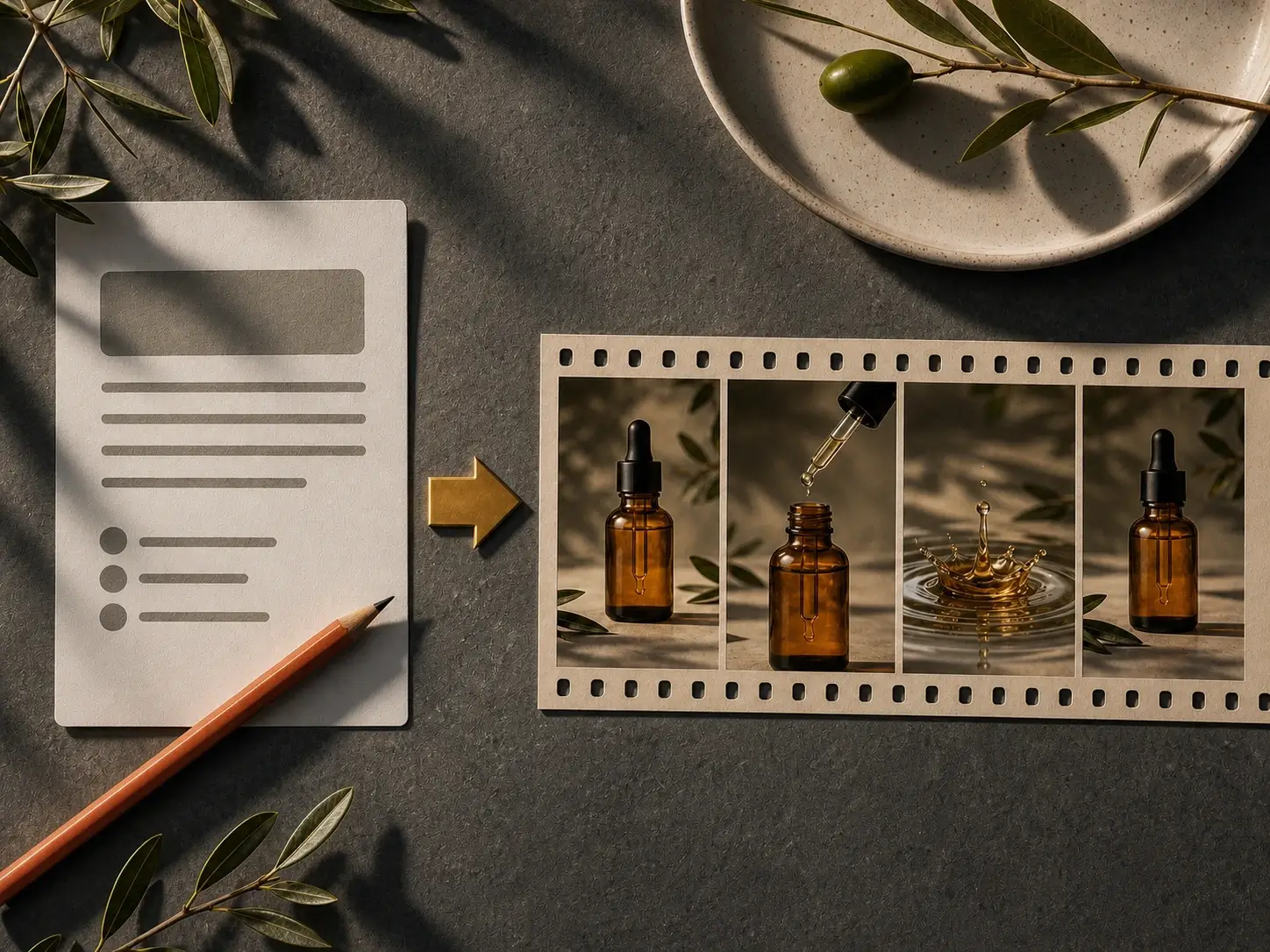
Describe the scene you want and open Text to Video to create your first motion clip.
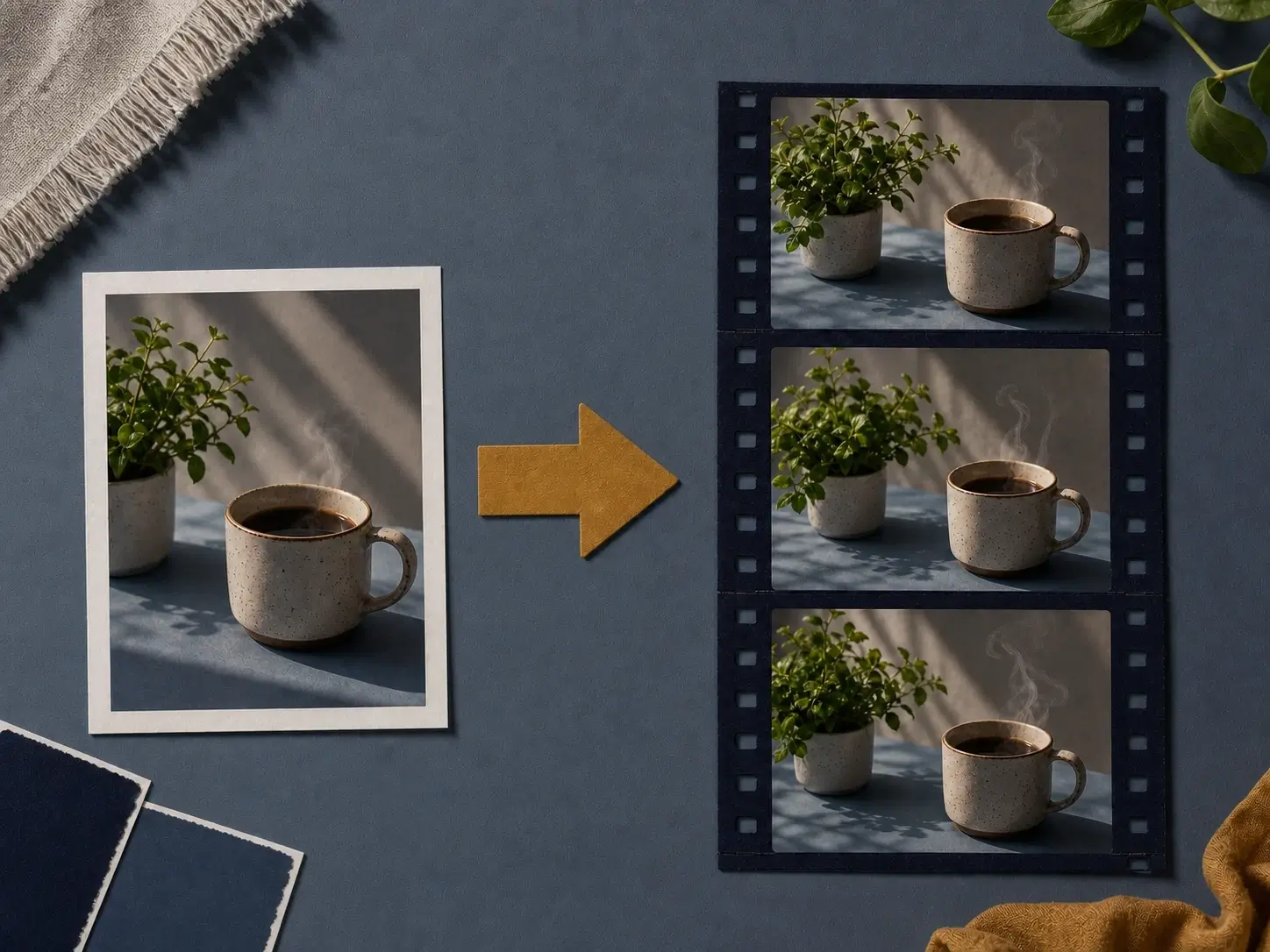
Use a product still, portrait, or reference image as the starting frame for a video.
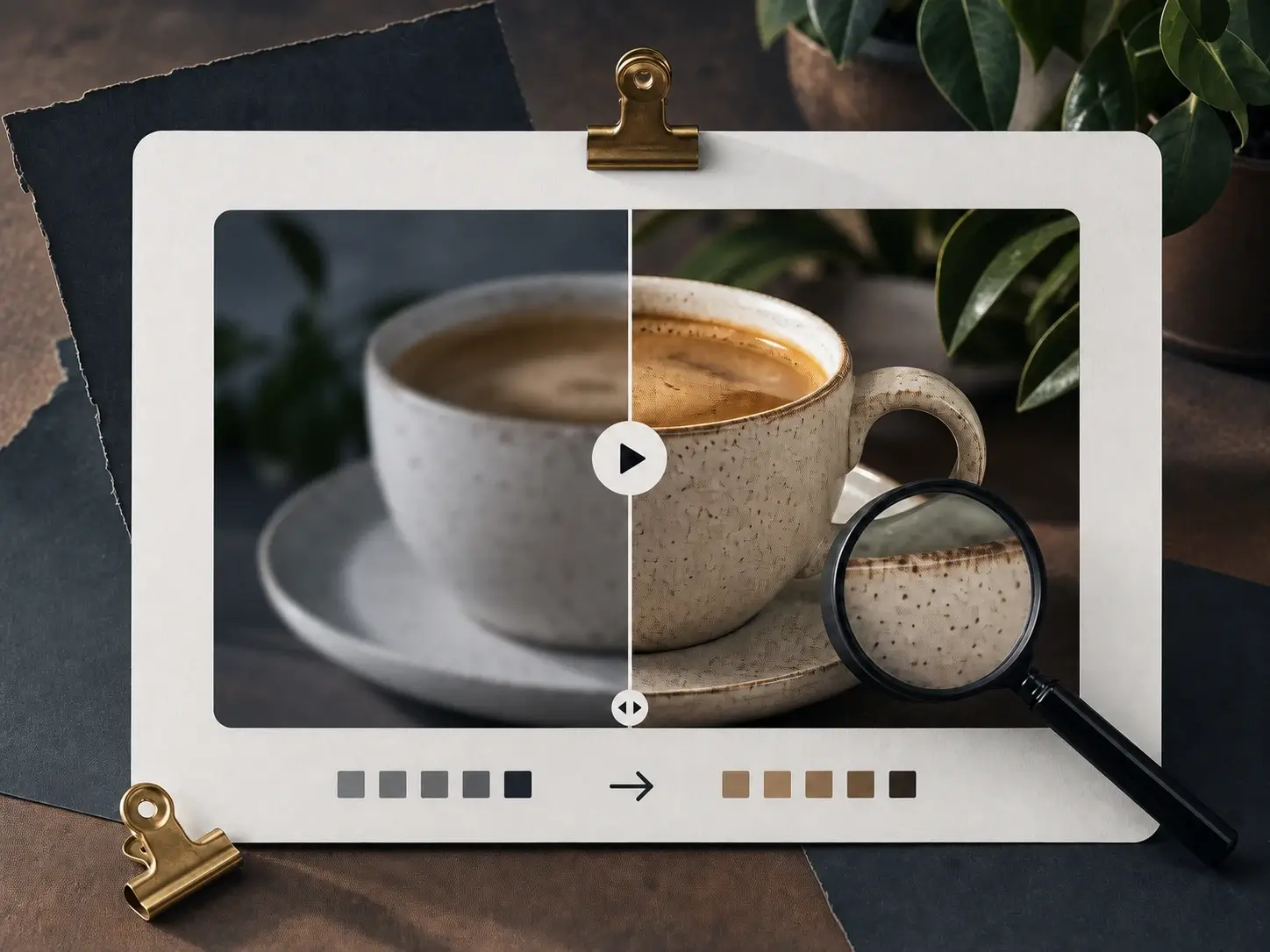
Upload an existing clip and open Video Enhancer to make it cleaner before export.
The page can show breadth without becoming a generic directory: connected entries open real video tools, while upcoming jobs stay clearly framed as workflow capabilities.
Use video tools around real production needs: generate motion from prompts or images, repair uploaded footage, or create new edited and styled versions from a source clip.

Use Text to Video or Image to Video to turn campaign notes, product stills, and scene ideas into short launch-ready clips.
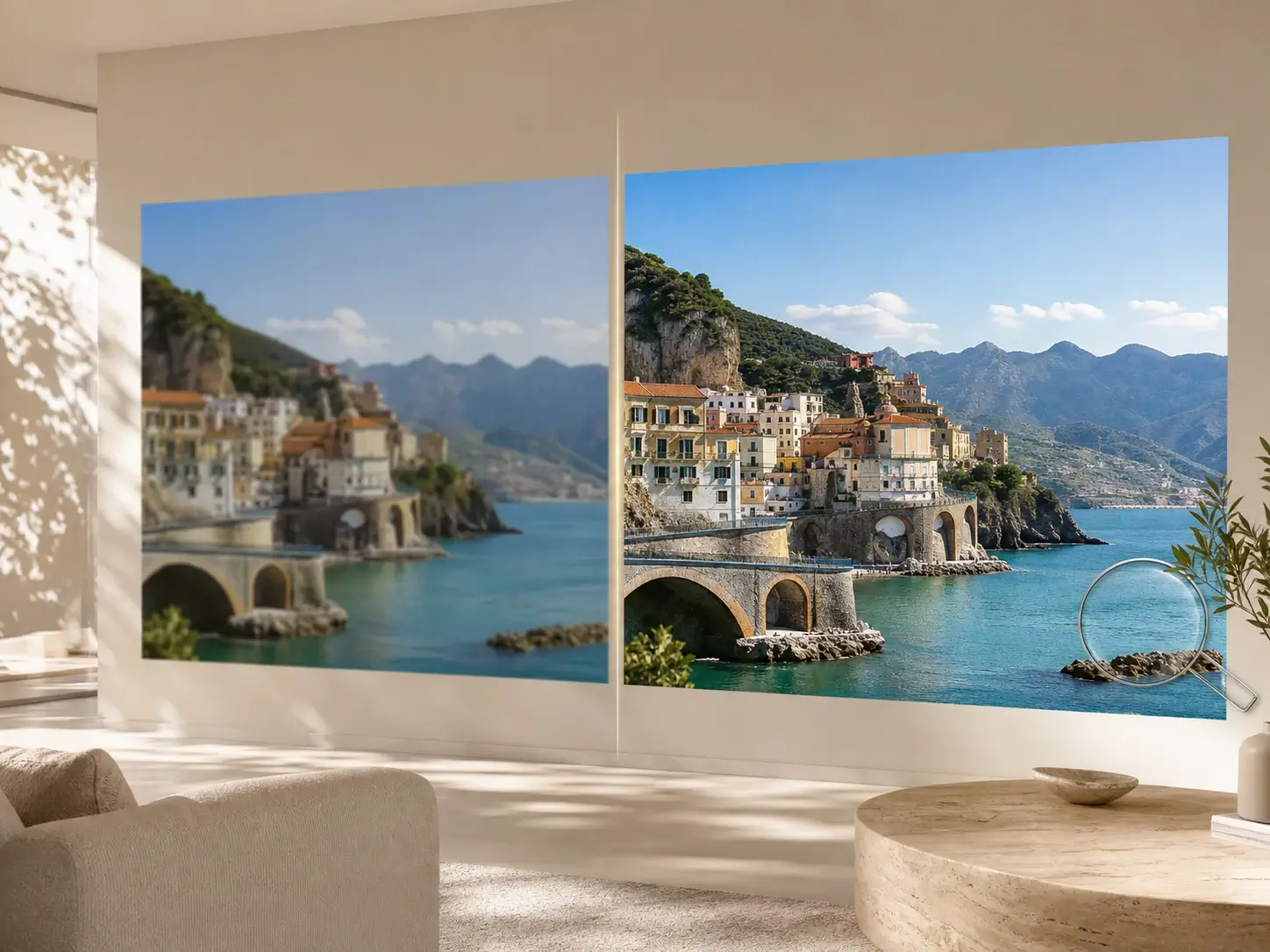
Use Video Enhancer when uploaded footage is soft, compressed, low-detail, or needs a cleaner version before review and publishing.
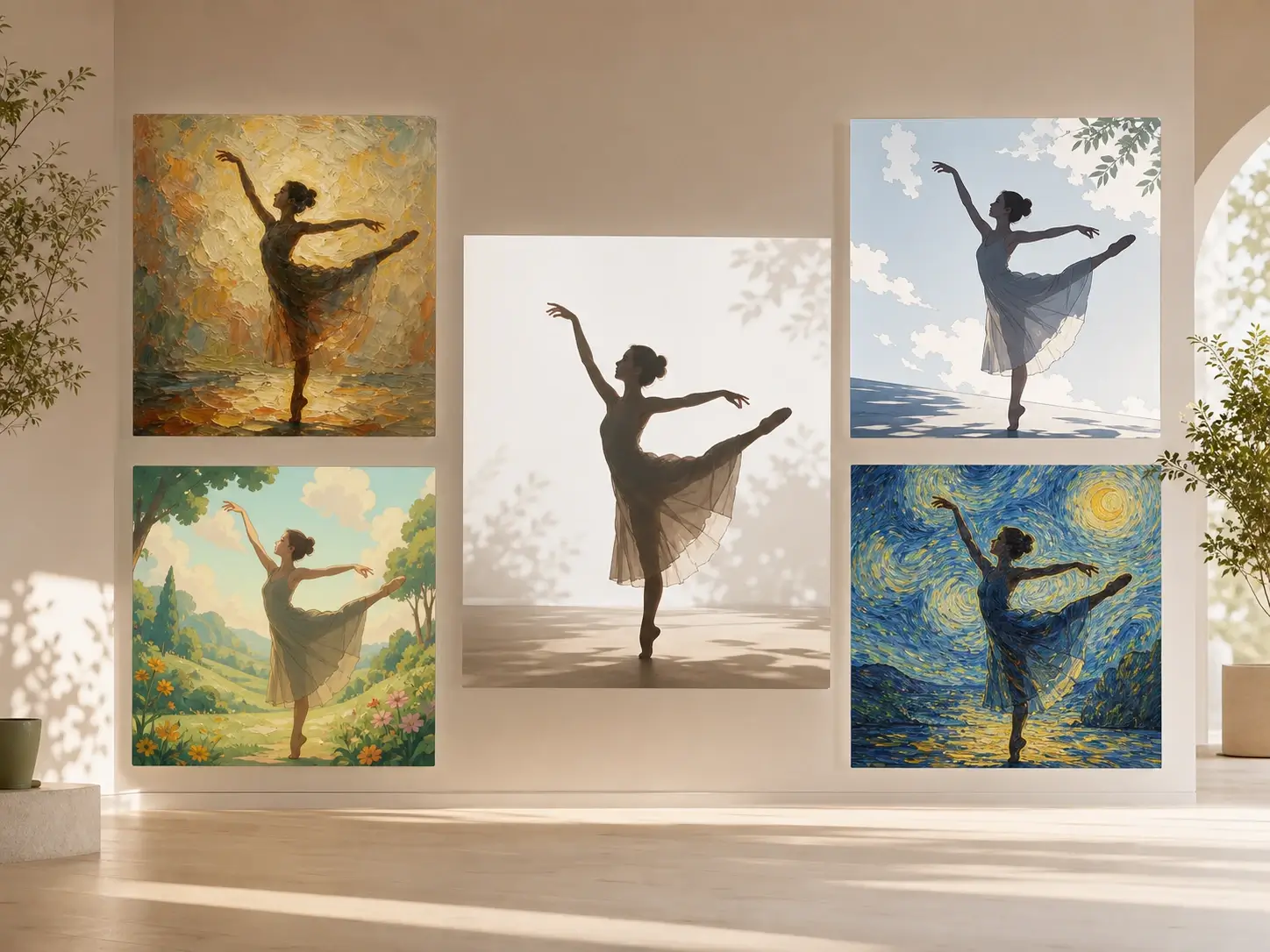
Use Video Editor or Video Stylizer to generate a new clip from a source video, a prompt, or a style direction while keeping the motion usable.
When the clip is ready, move it into image, audio, or text workflows for the next production task.

Use Image AI for product stills, restored frames, or visual references before the next video pass.

Send the cut to Audio AI when narration, voiceover, or production sound needs cleanup.

Move into Text AI for hooks, captions, titles, descriptions, and channel copy shaped by the clip.
Short explanations for how the Video AI page routes users into connected tools.
Start with prompt-to-video generation or clip enhancement, then continue with the next video capability when the result needs cleanup, restyling, or final export.