Text to image01

Generate a first visual
Start from a prompt and create the base image for the rest of the path.
Choose a connected image tool for prompt generation, photo editing, cleanup, restoration, and export-ready enhancement.
Start from a prompt and create the base image for the rest of the path.

Adjust objects, text, lighting, style, or background with prompt-based edits.

Use object removal or background removal when the edited image needs a cleaner scene.

Finish with enhancement or upscaling so the result is ready for publishing.






Each entry opens an already connected image tool. Pick the starting point that matches the current asset.
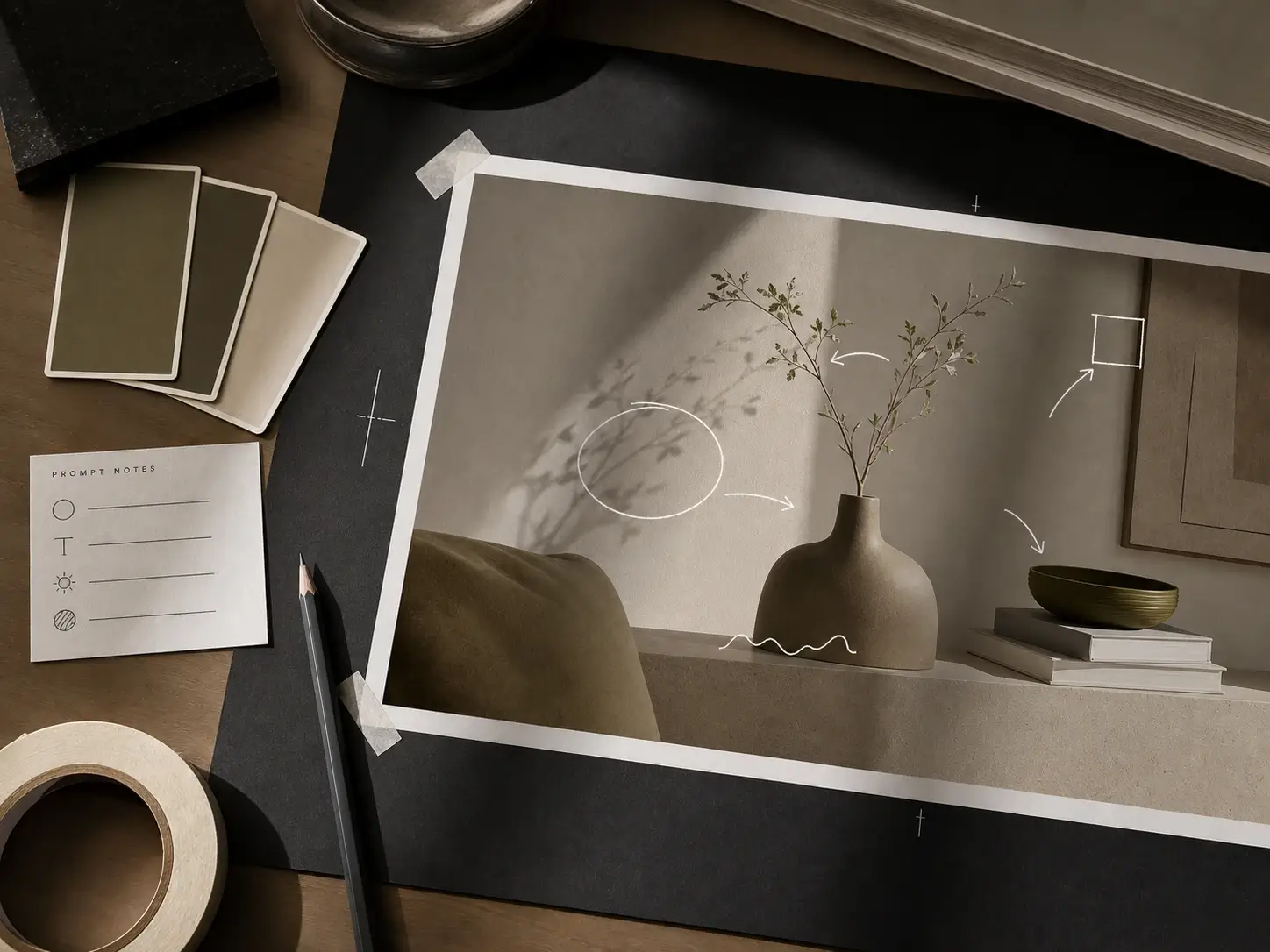
Open the AI photo editor for prompt-based object, text, lighting, and detail changes.
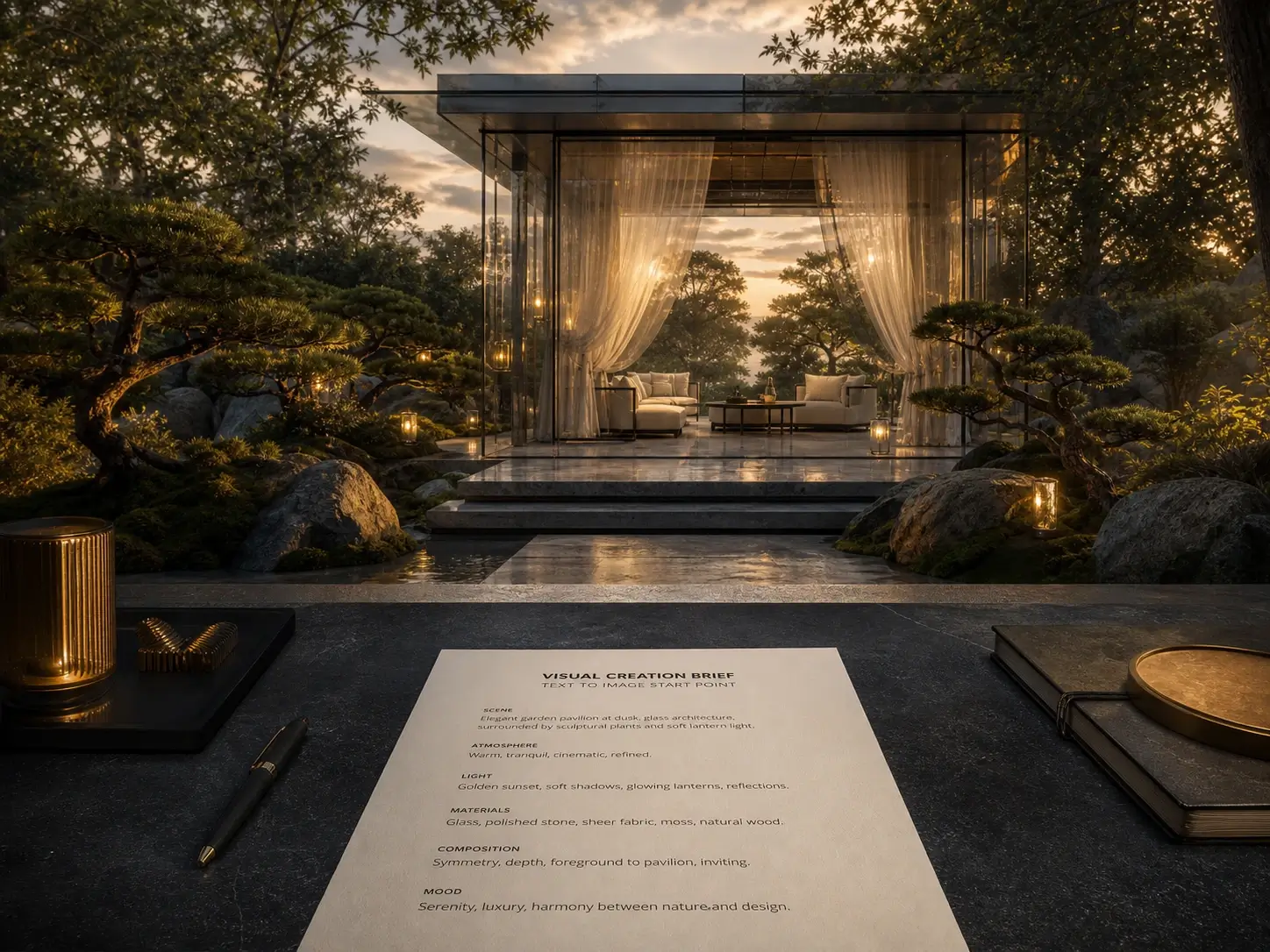
Create a new image from text before downloading or refining it in another image tool.

Improve clarity, restore detail, and prepare a finished still for larger formats.
The page can show breadth without becoming a generic directory: every entry points to a connected image feature.
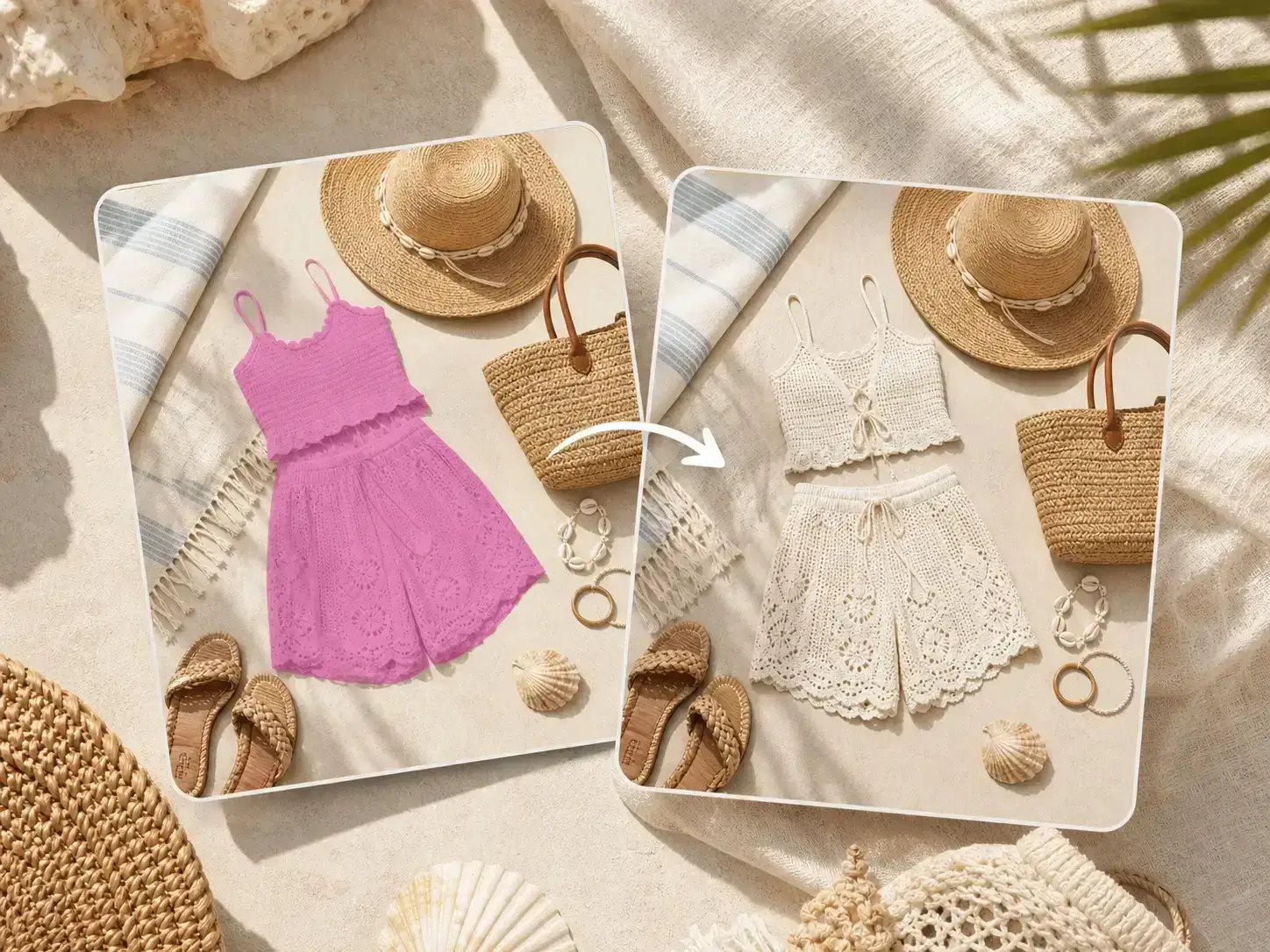
Edit an uploaded photo with prompts for objects, text, lighting, background, and detail changes.

Generate a new image from a text prompt, then download or continue refining the result.
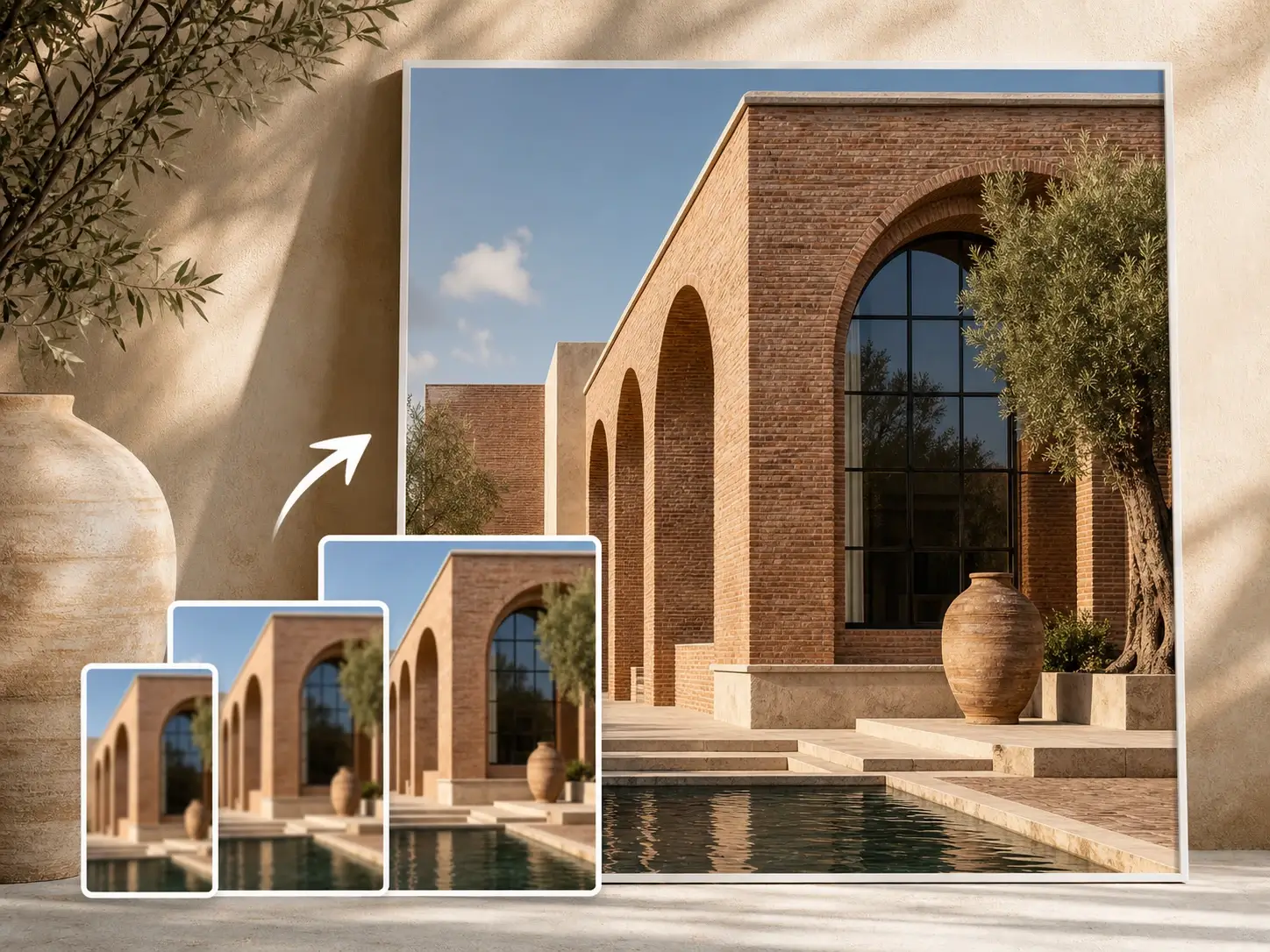
Upscale low-resolution images and prepare sharper outputs for larger formats.
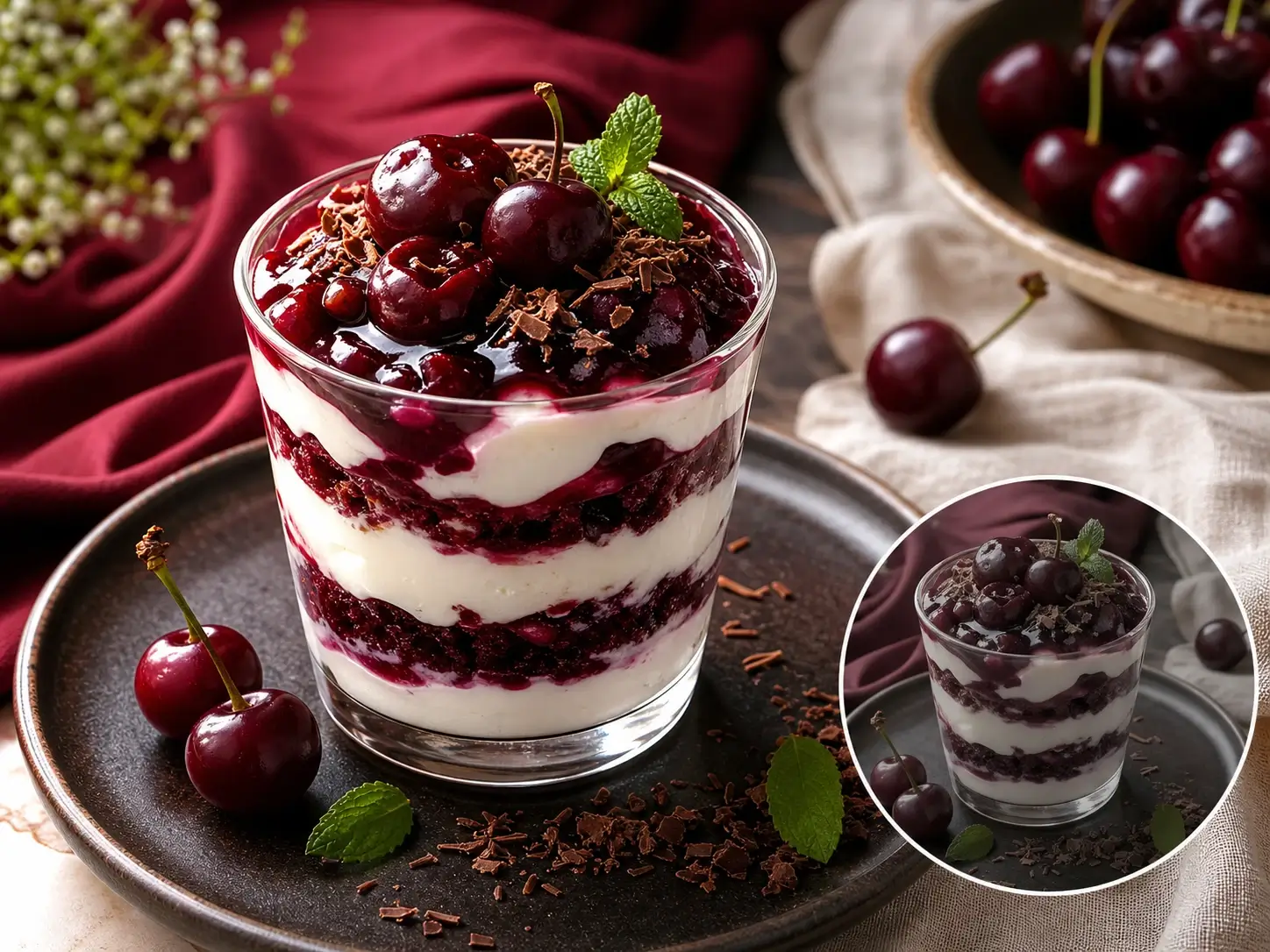
Improve clarity, lighting, texture, and overall image quality before final export.

Remove image backgrounds for ecommerce, social layouts, and campaign composites.
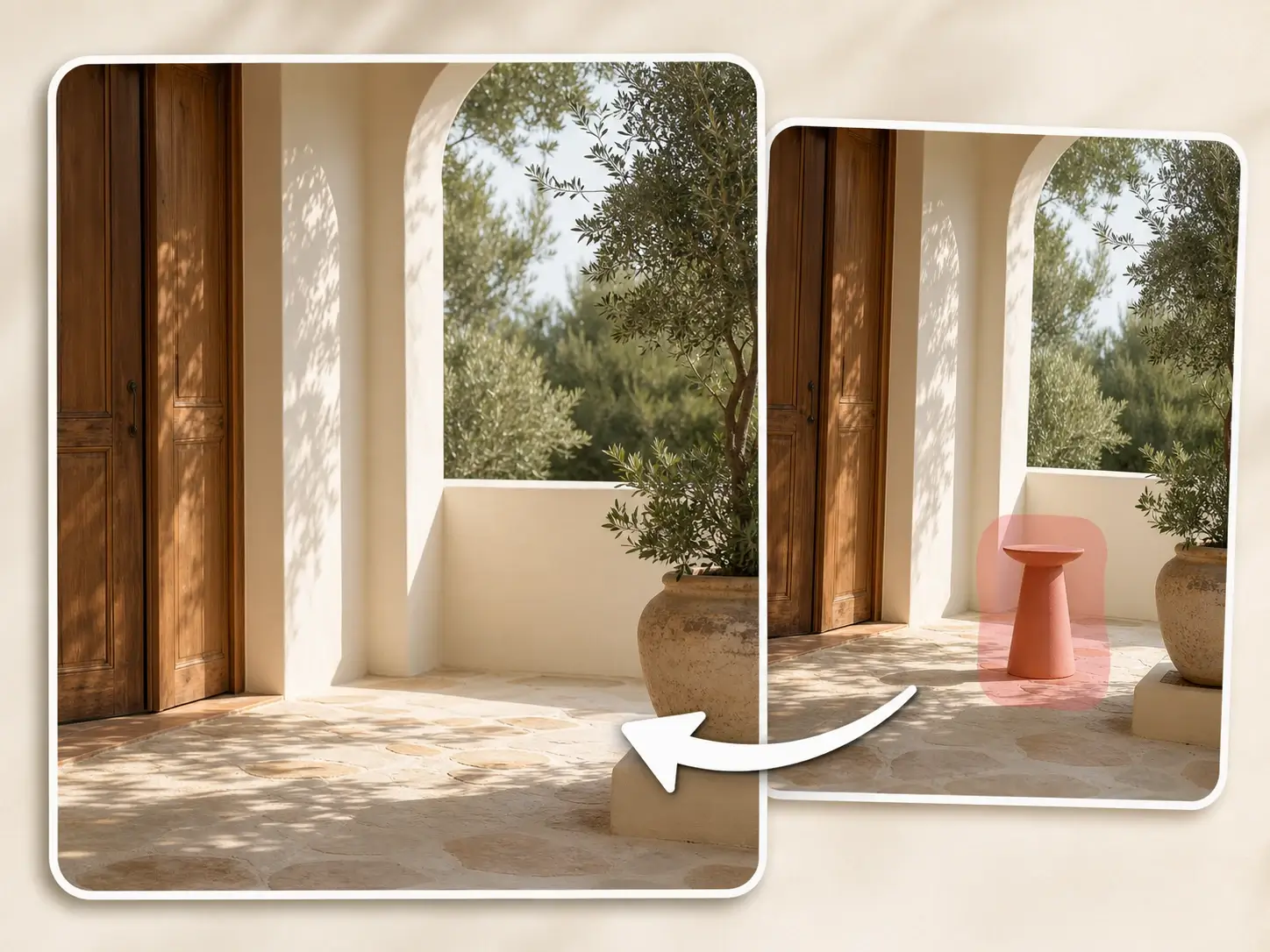
Erase unwanted objects, people, or clutter from an existing image.
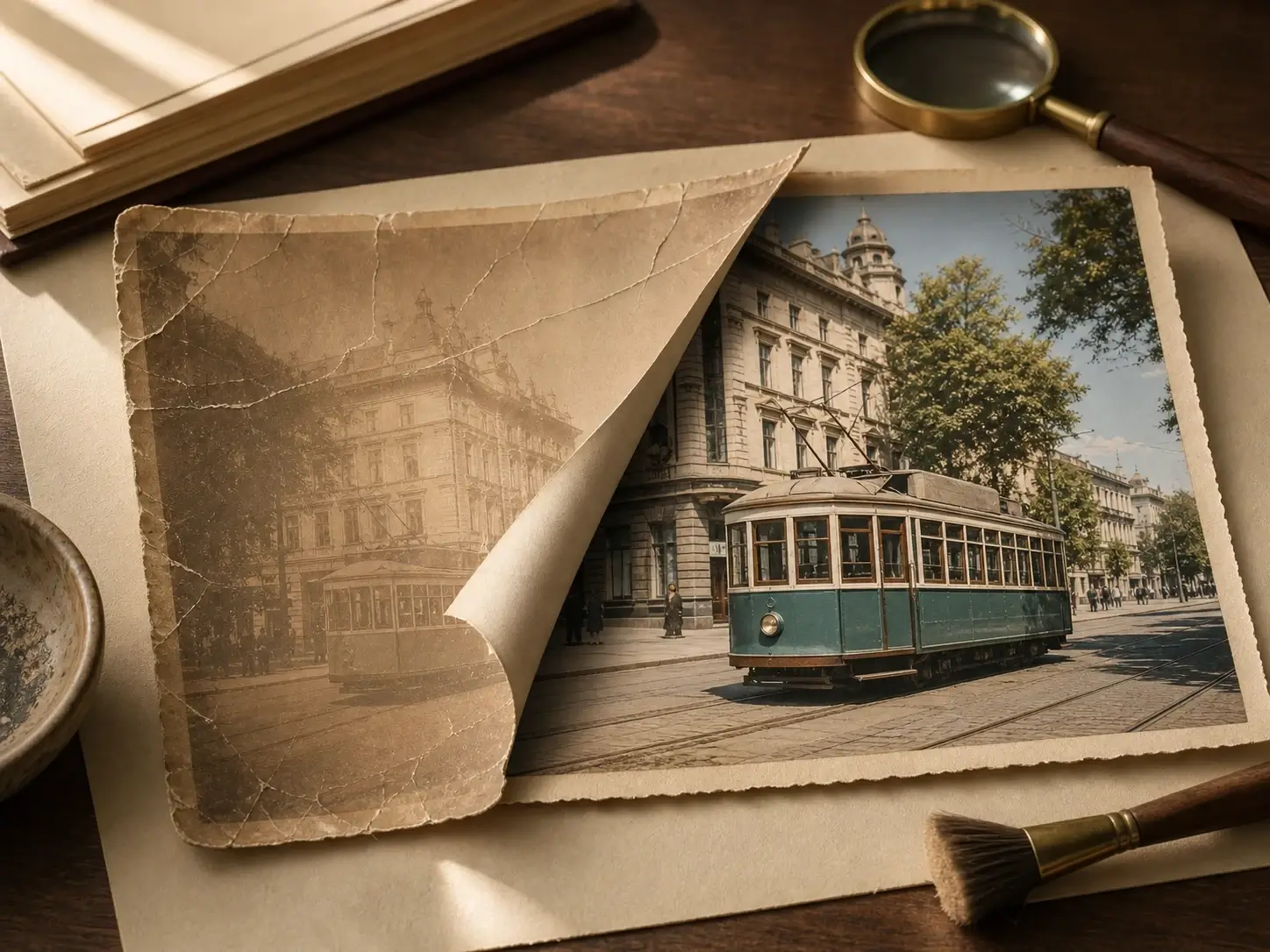
Repair aged, scratched, or faded photos while preserving the original subject.
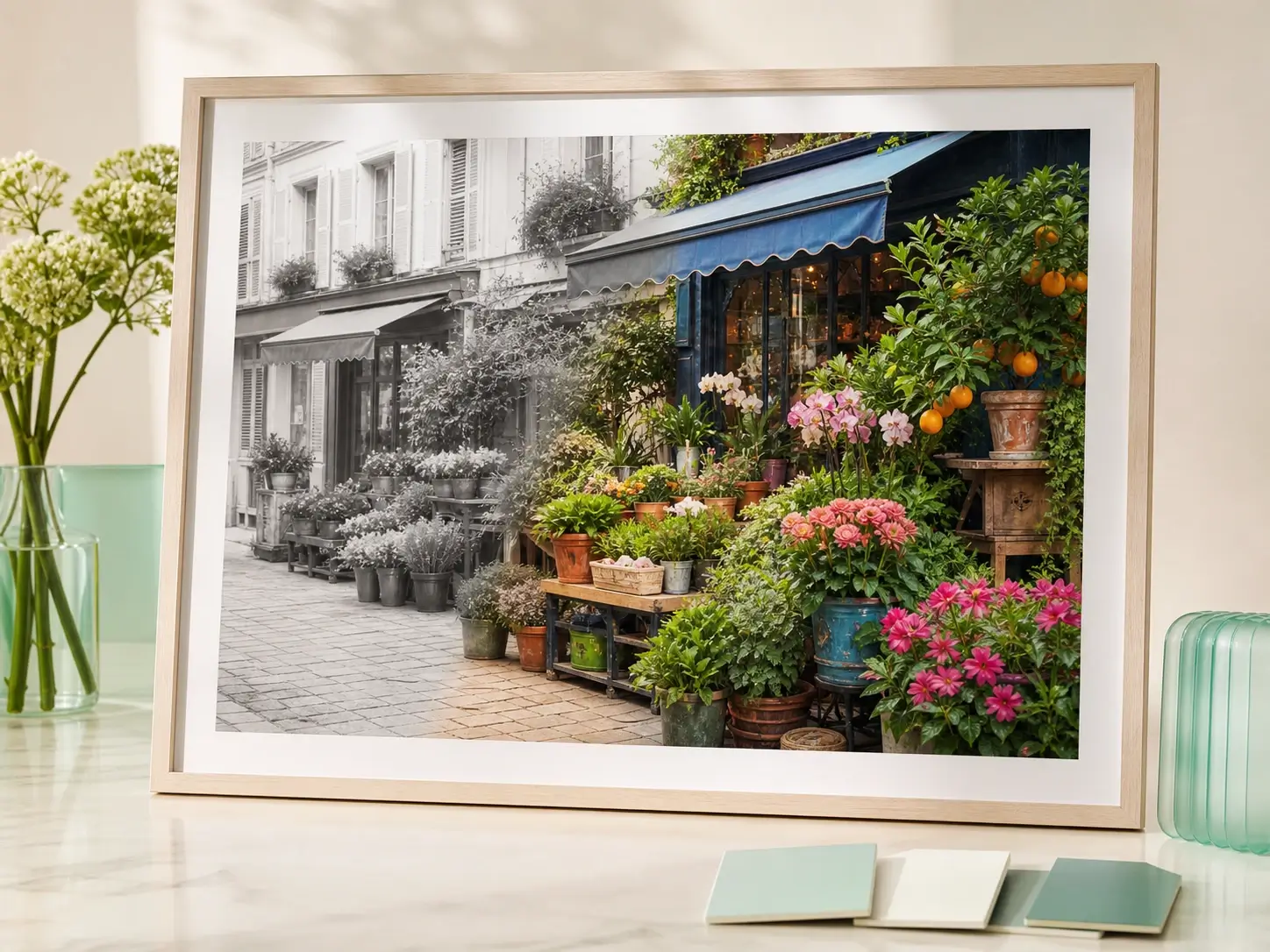
Add natural color to black-and-white images for restored portraits and archives.

Apply an AI photo filter from presets or a reference look while keeping the original subject readable.
Users can start with one focused capability and continue with another when the image needs cleanup, restoration, or export polish.
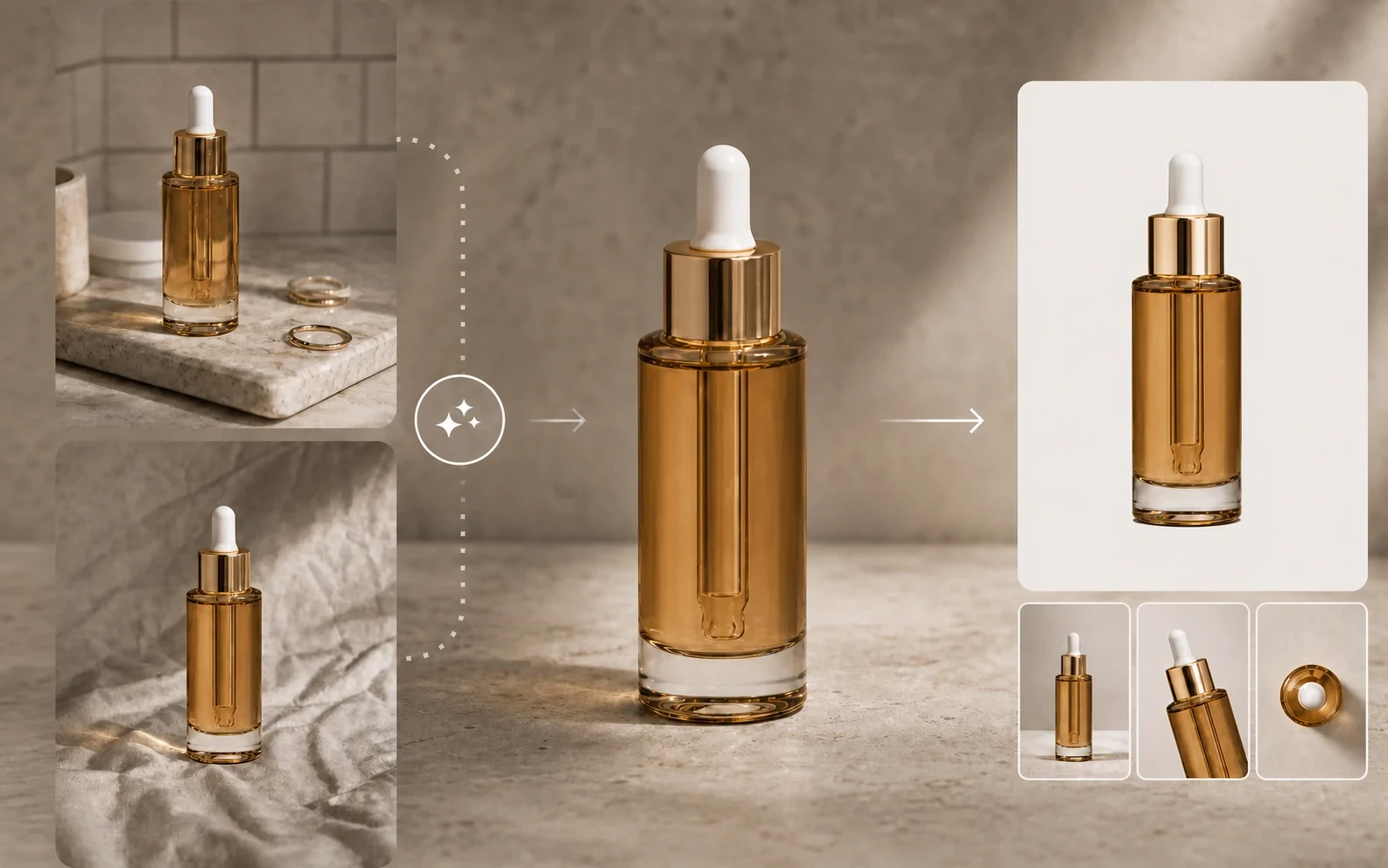
A practical repair sequence for ecommerce and marketing assets.
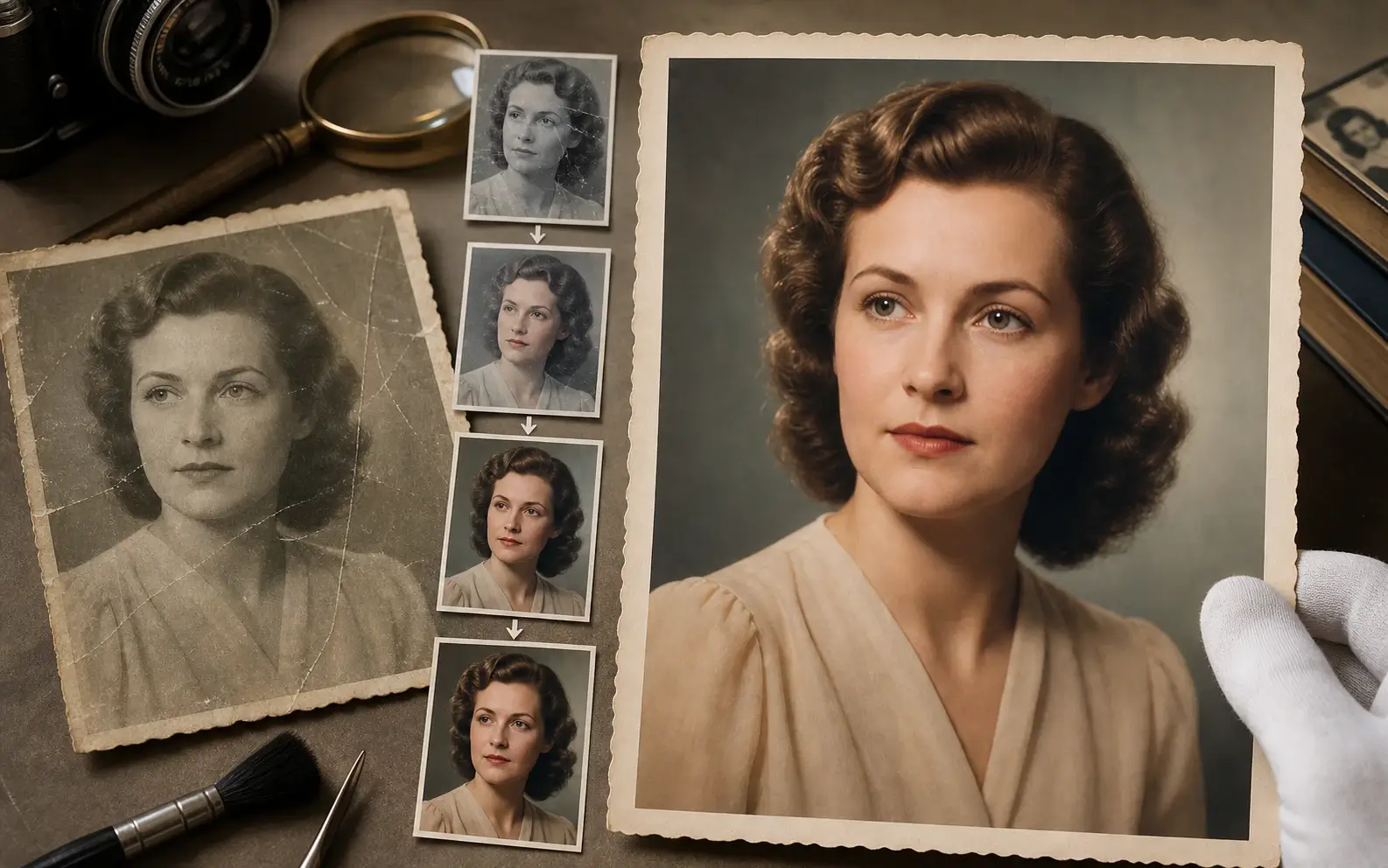
A practical path for restoring, colorizing, and sharpening old portraits.
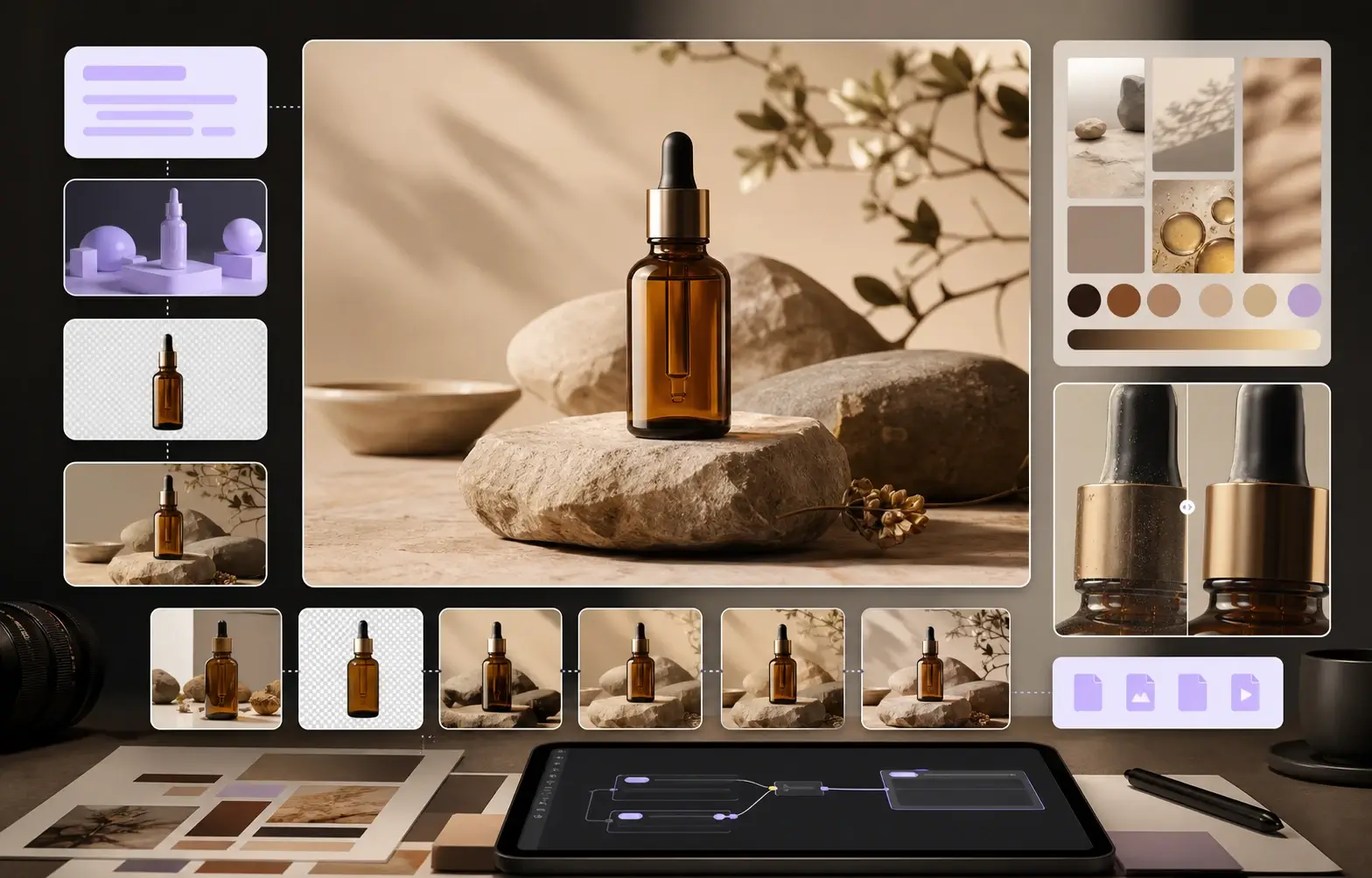
Create a first image, edit the selected result, and prepare a clean campaign still.
Keep the cross-modal handoff visible, but make the image tool itself the first decision.
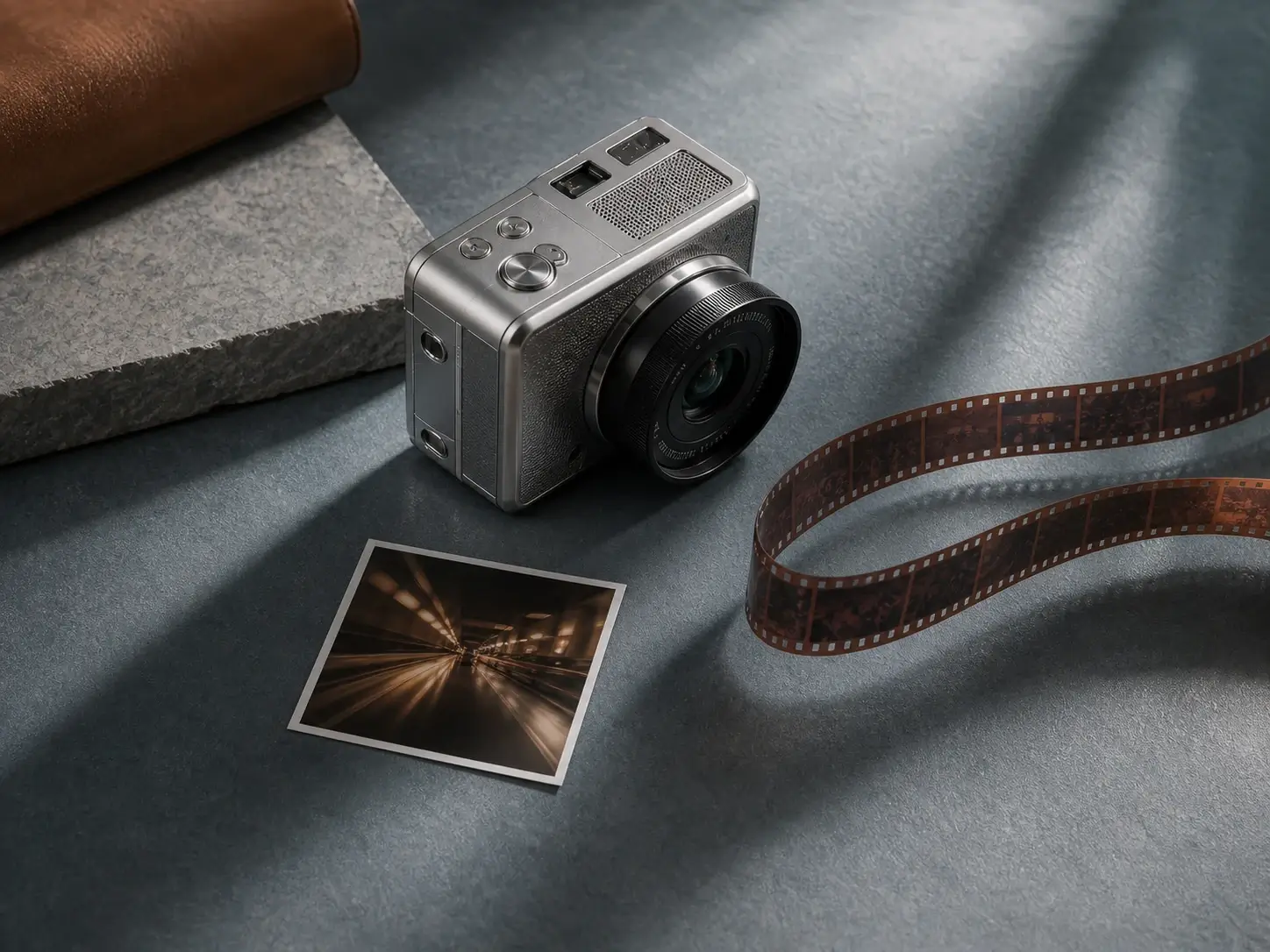
Turn a product still, portrait, or concept image into short-form video clips.

Use the visual details to draft captions, product copy, prompts, and SEO text.
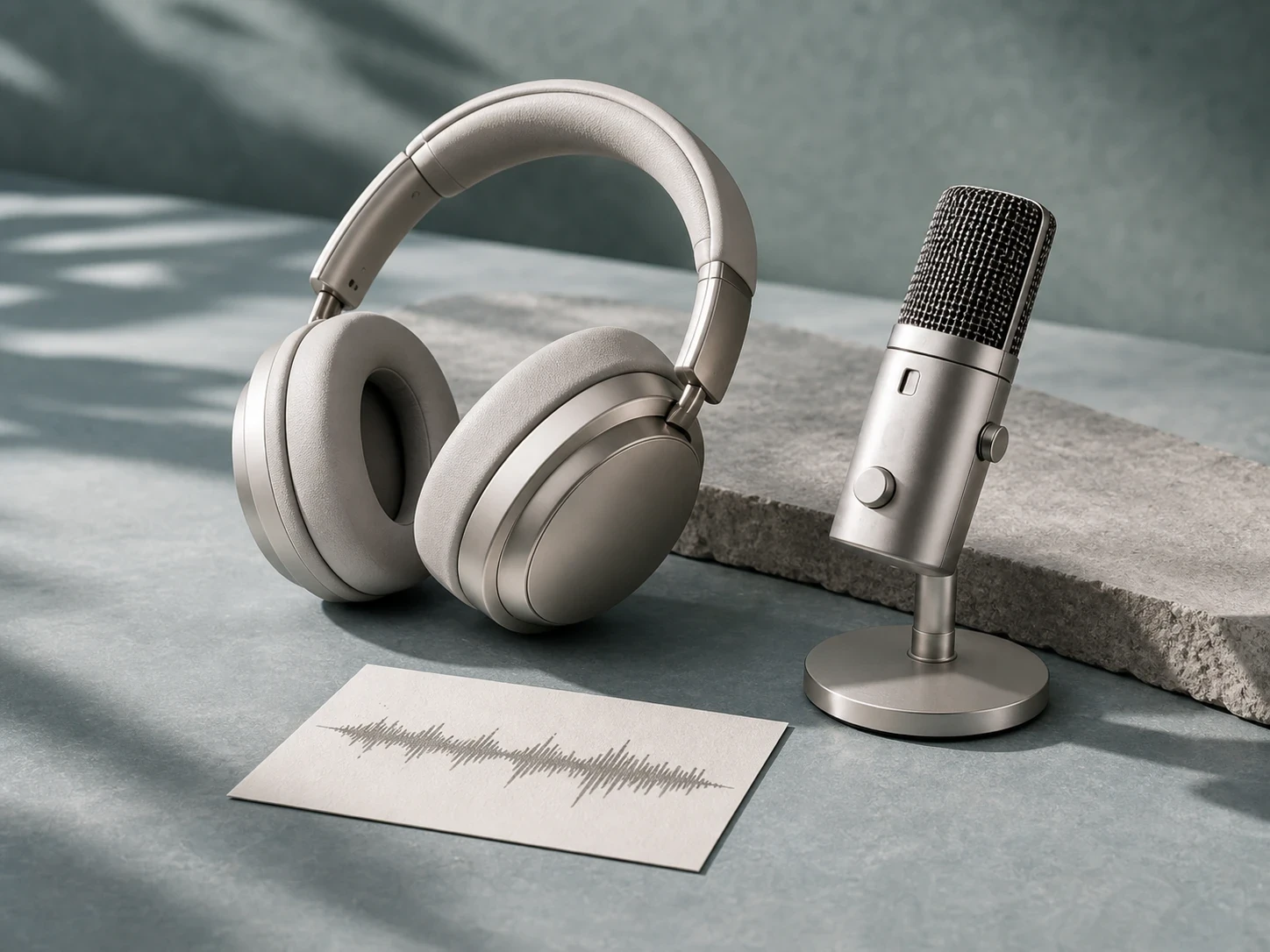
Turn the visual direction into voiceover, cleaned audio, and transcript-ready narration.
Short explanations for how the Image AI page routes users into connected tools.
Start with a focused image capability, then move to the next connected tool when the result needs cleanup, generation, prompt extraction, or final enhancement.