case.01
Listing photos
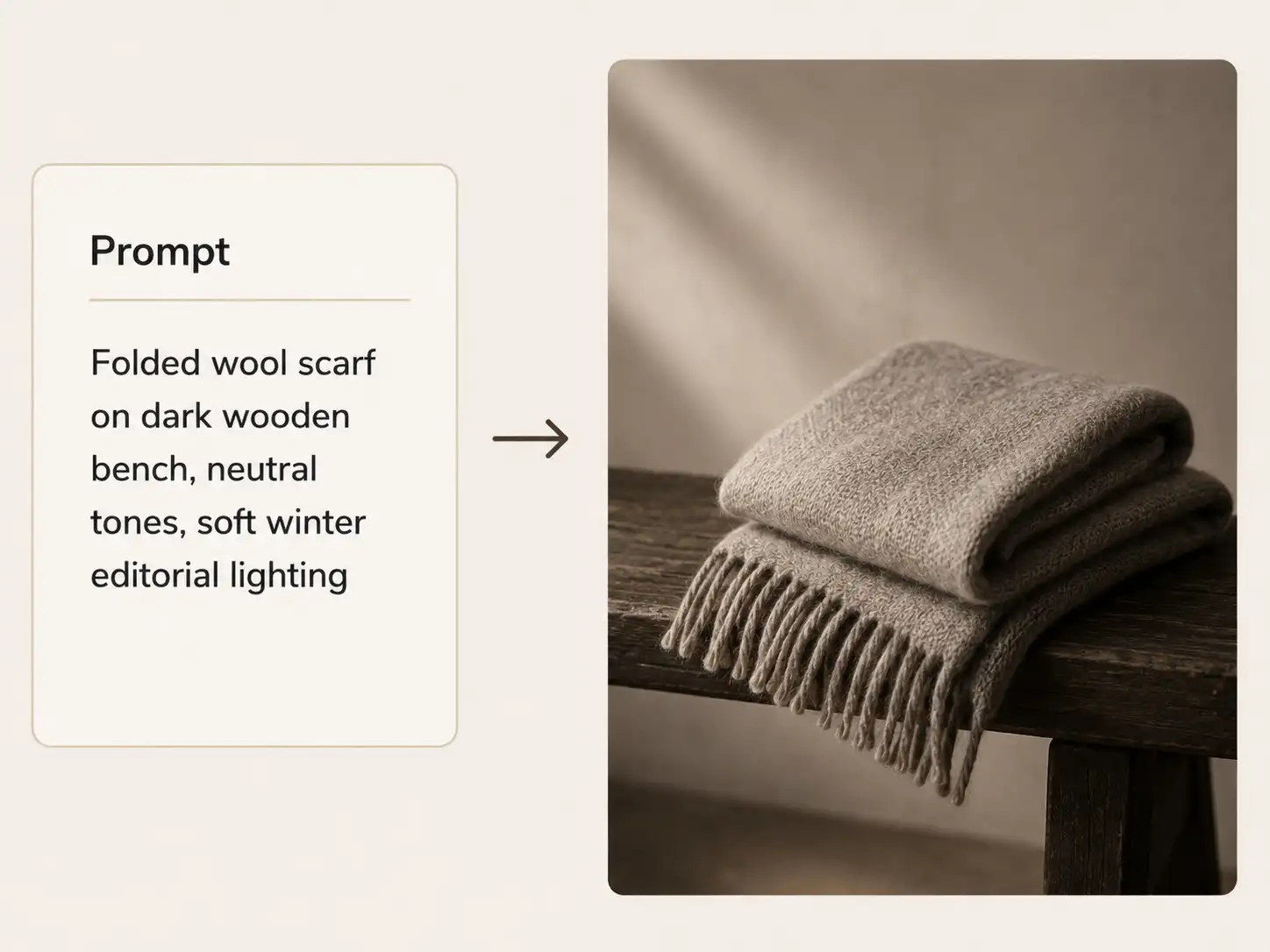
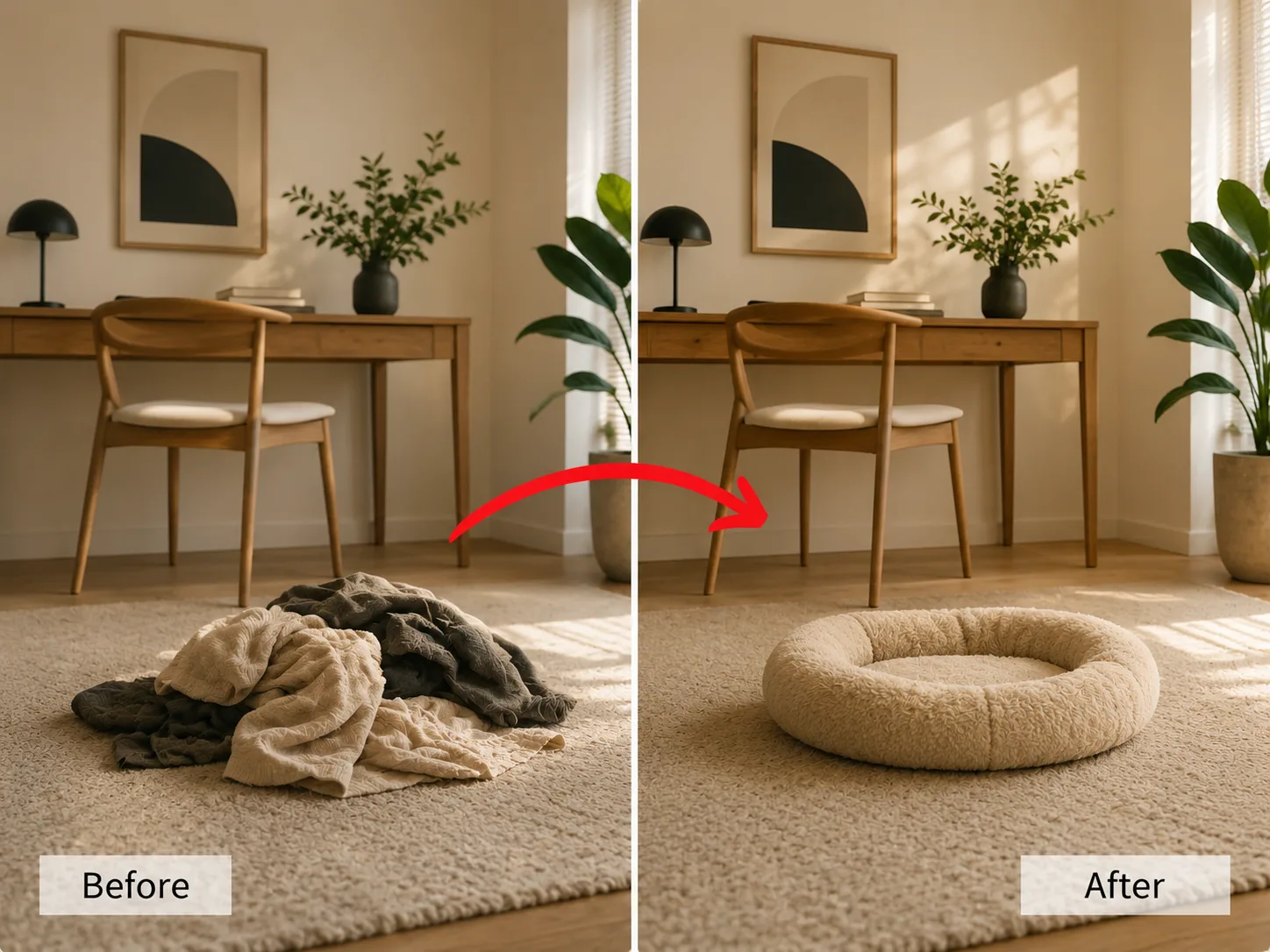
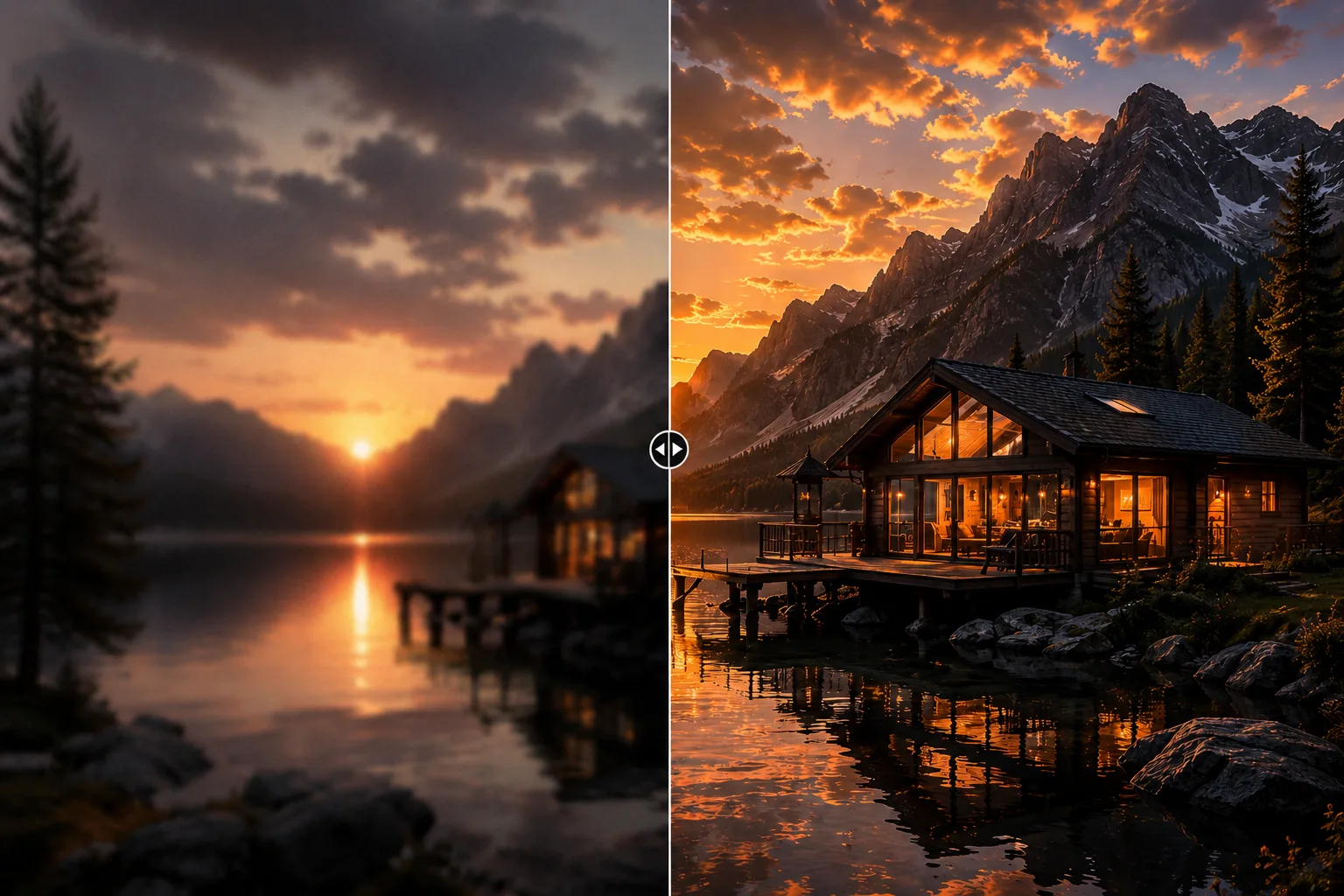
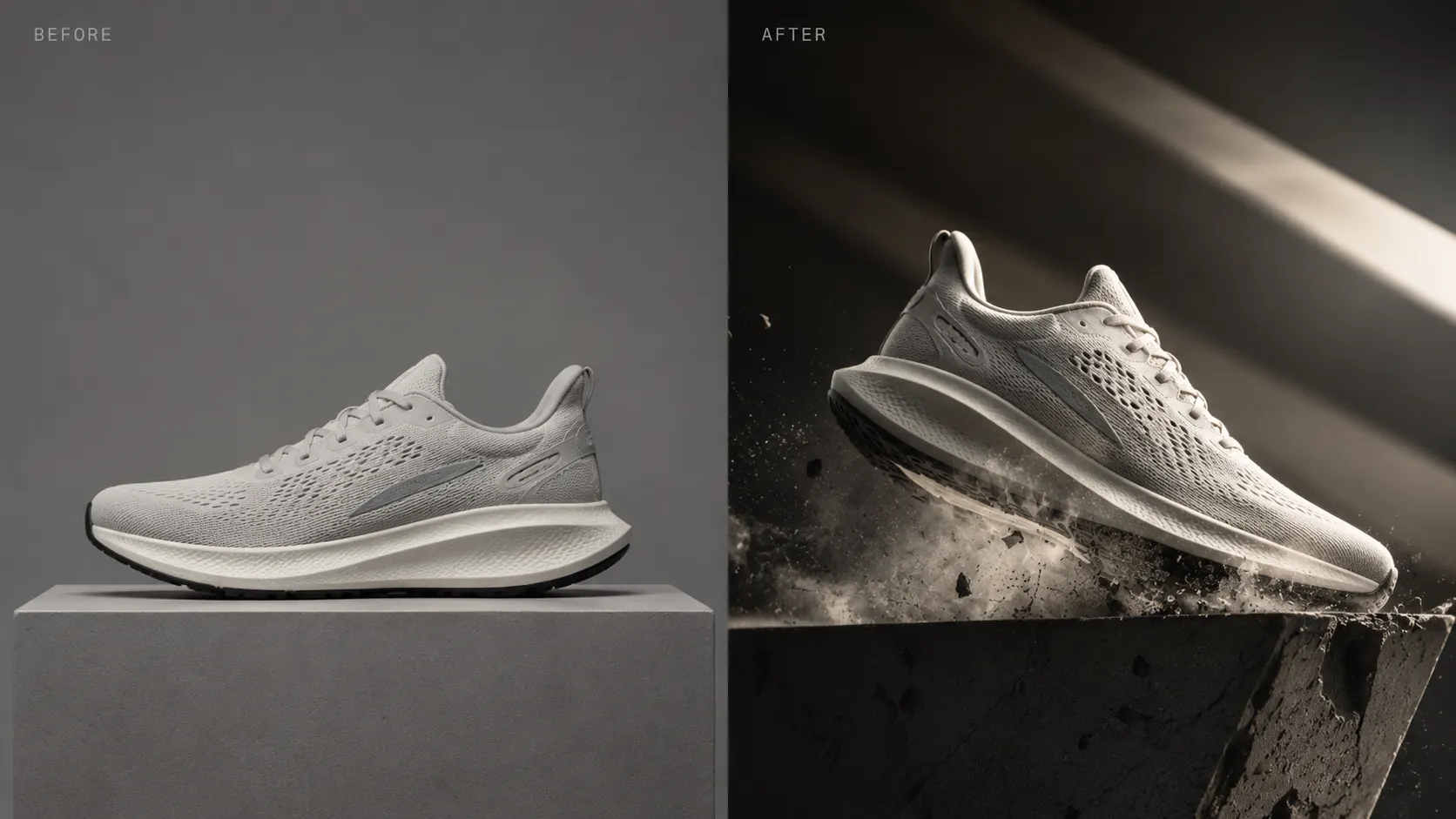
Apply image style transfer to product images when you need a consistent visual treatment while keeping the subject readable.
Style Transfer session
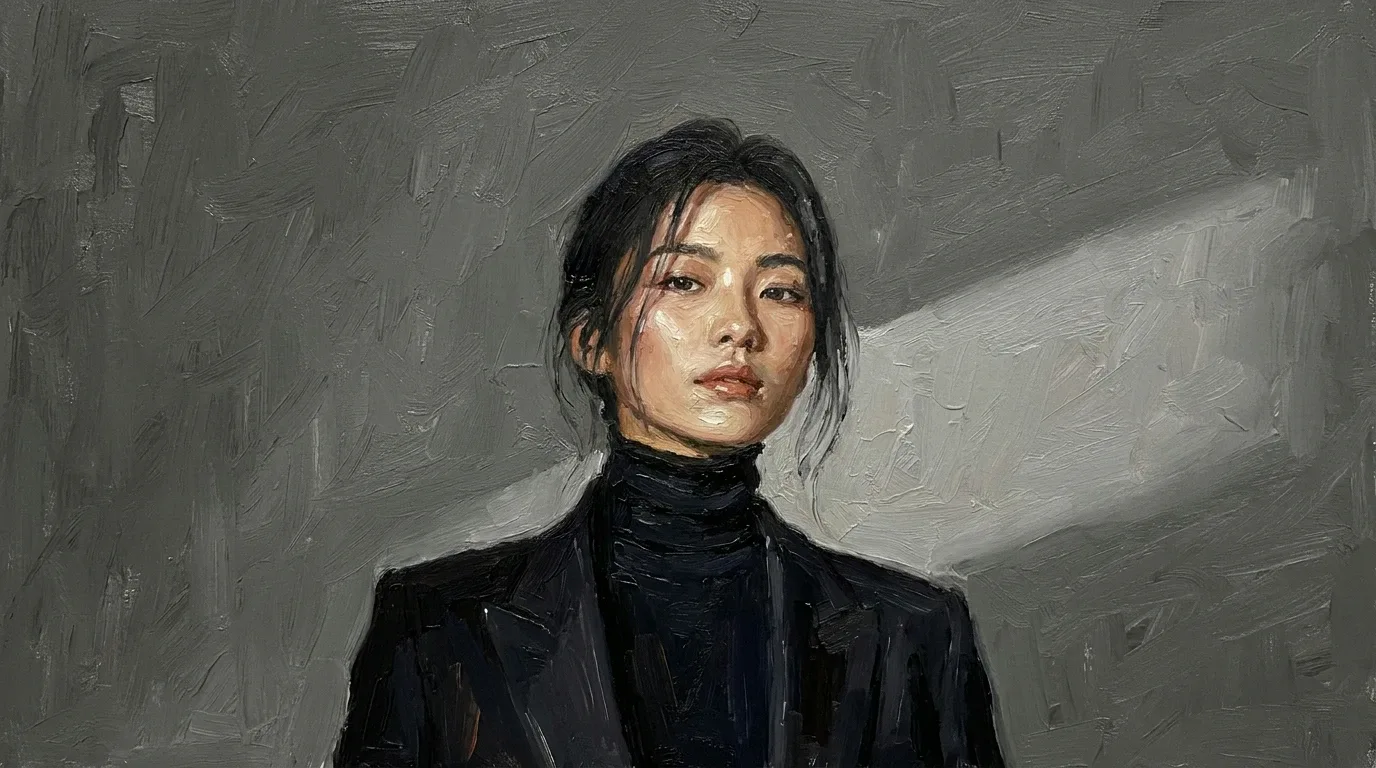
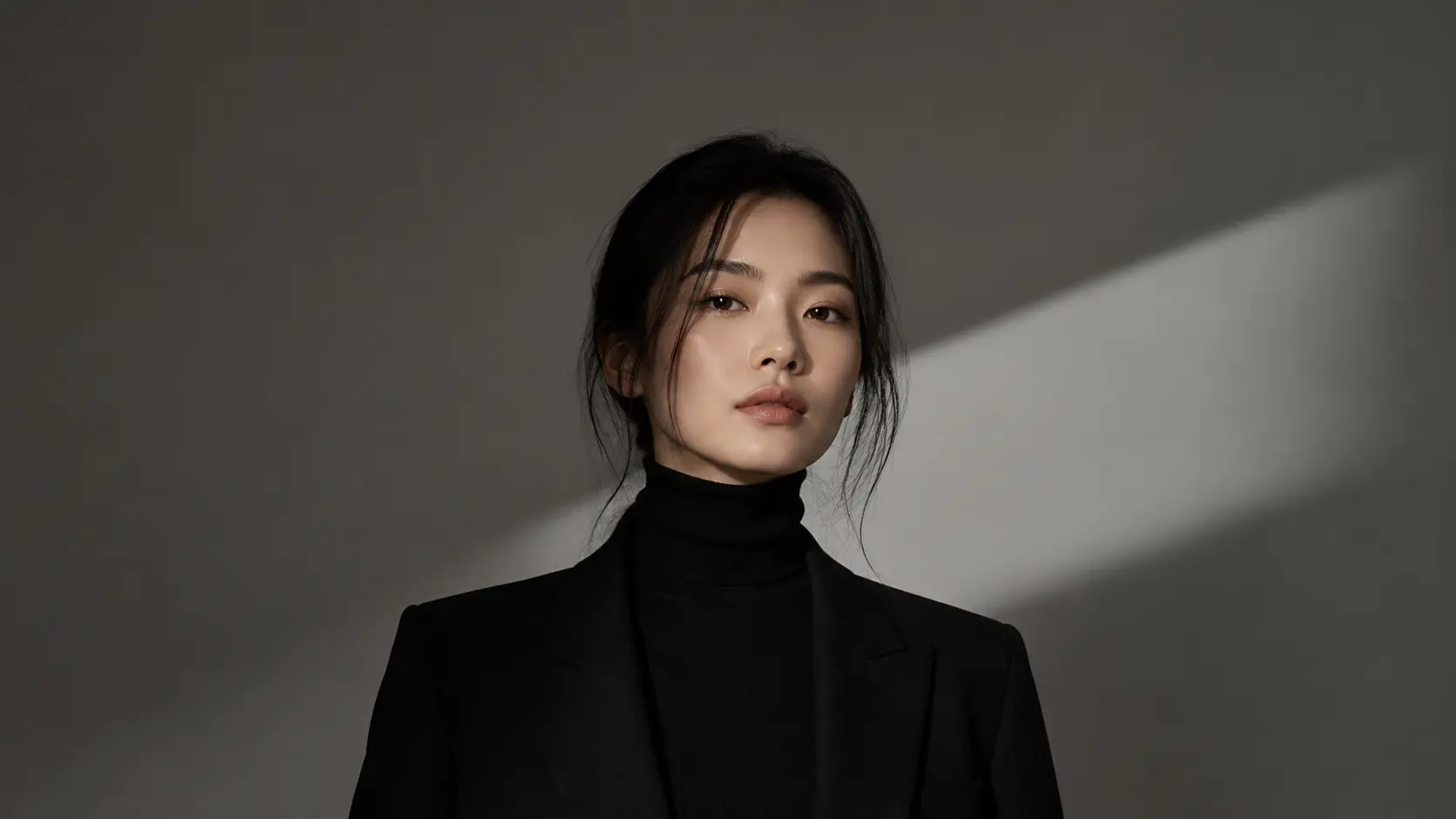
Linocut AI turns a single transfer style task into part of a complete creative workspace. Start with one direct action, inspect the result, then keep the output connected to image, video, audio, text, and workflow nodes.
Use style transfer references to guide color, texture, lighting, and medium while keeping the source subject readable.
Treat the reference image editor as a focused node where users can keep structure, push texture, or create a more editorial result.
Send the styled output into enhancement, upscaling, background work, copy, or export variants.
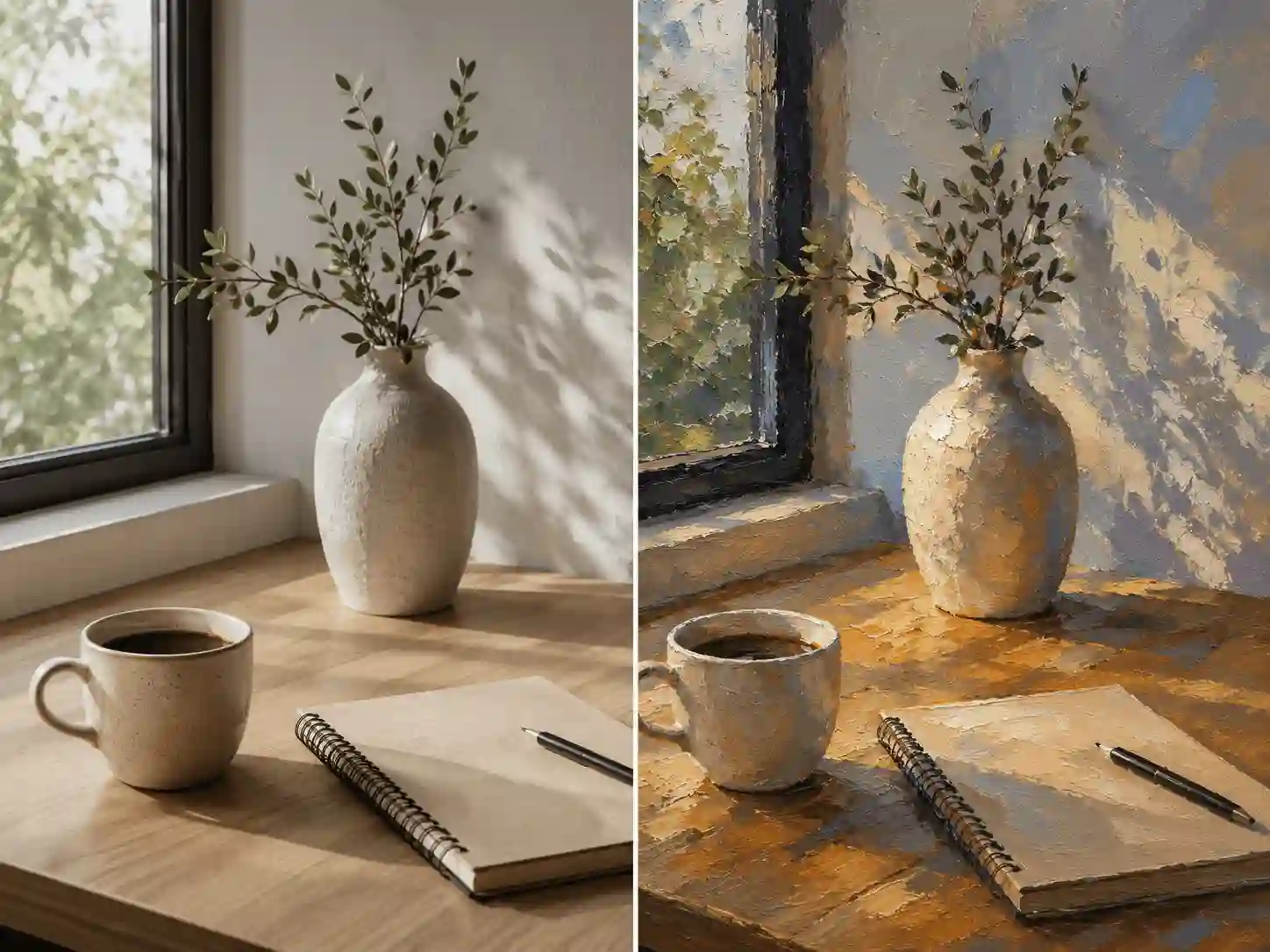 01
01Start with the source structure you want to preserve while the photo style editor changes the look.
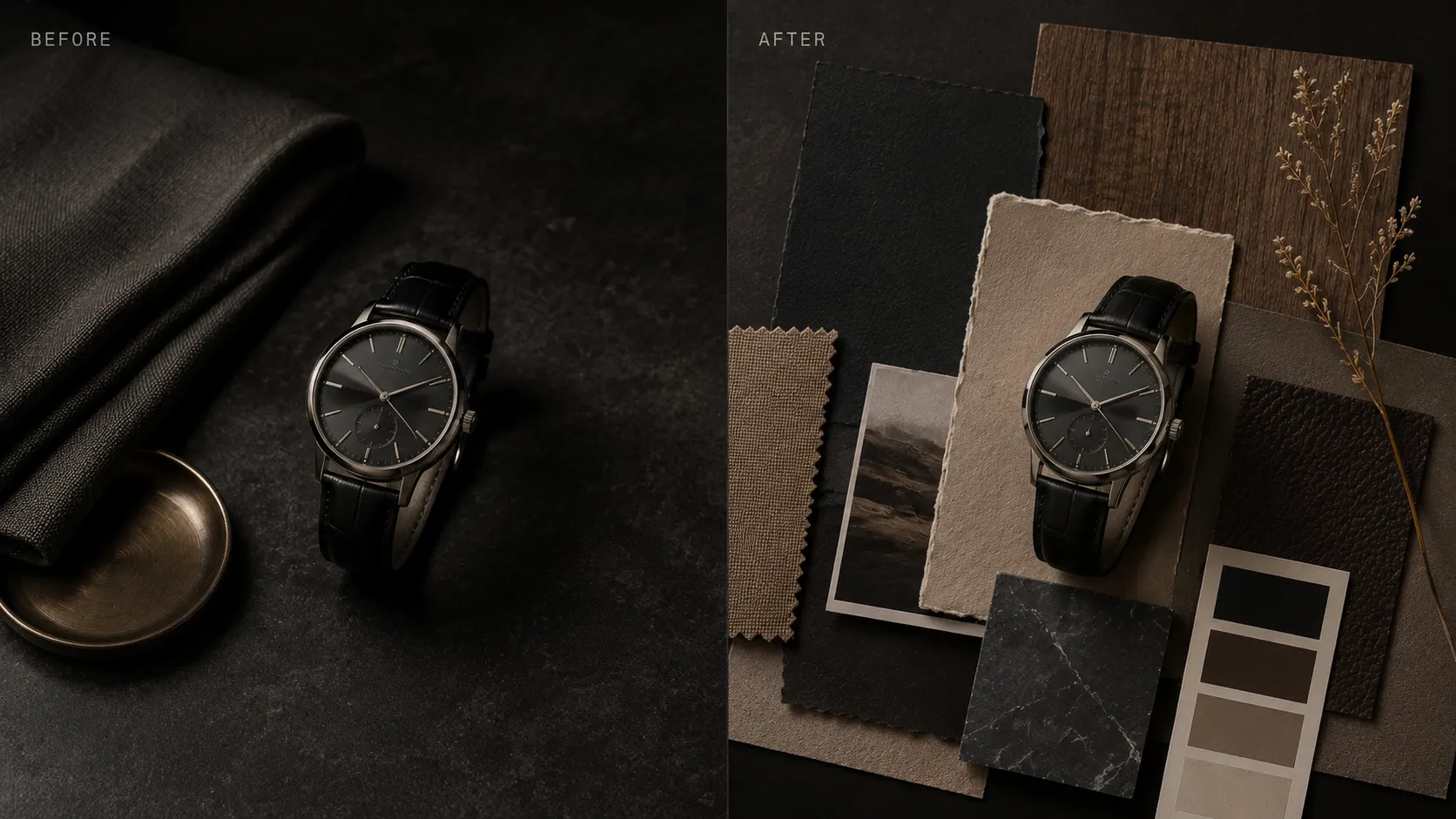 02
02Select a style reference or preset and tune how strongly image style transfer affects the source.
 03
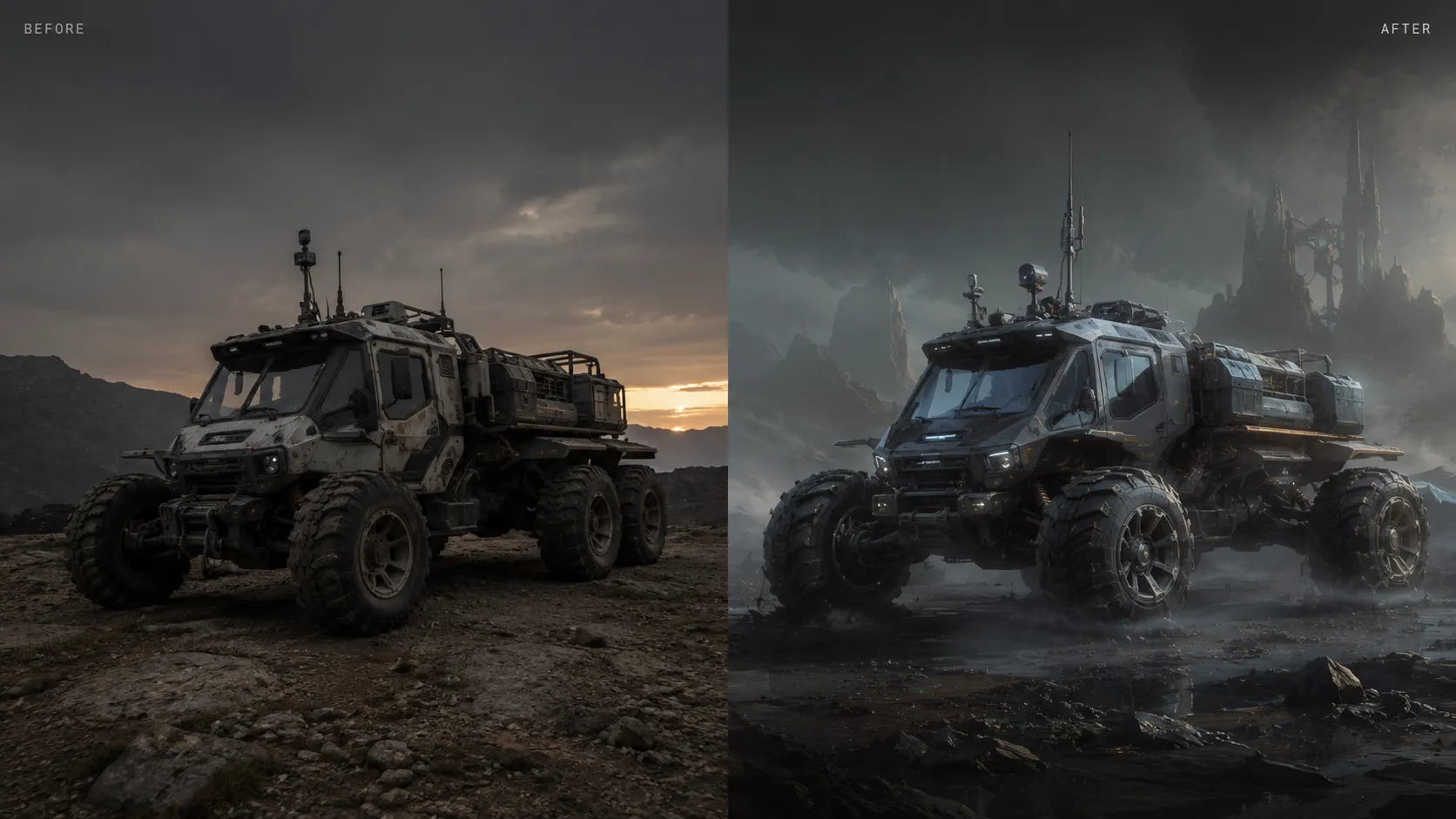
03Compare the result, then continue into enhancement, inpainting, or export after you restyle image direction.

Use image style transfer to restyle image assets without losing the source structure underneath.
Transfer styleChoose a preset or visual direction for AI style transfer before sending the result into the next Linocut workflow node.
Keep the important subject, pose, product angle, or room layout readable while the reference image editor changes surface style.
Move palette, contrast, and lighting direction from a reference look into a source photo or concept image.
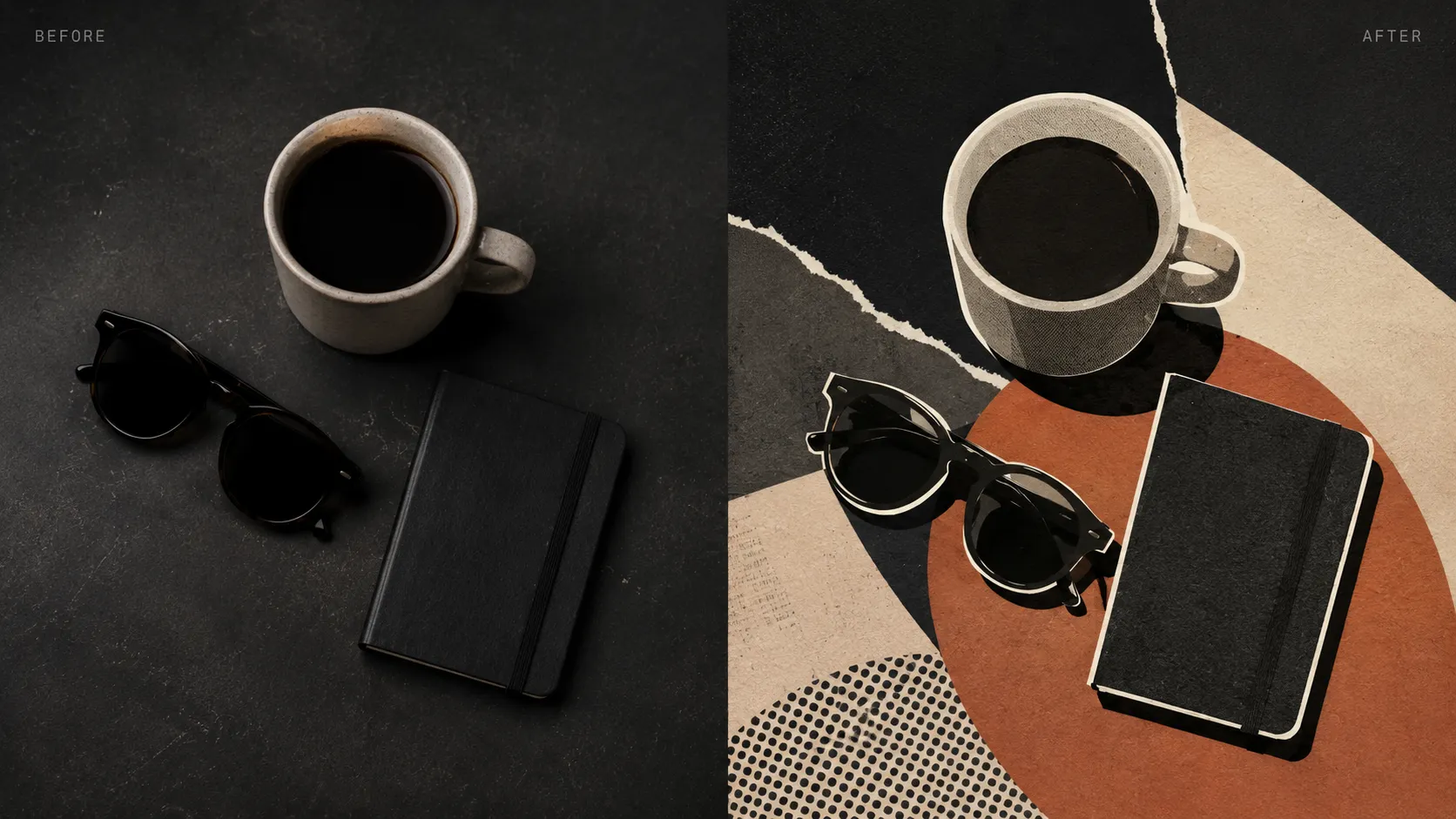
Blend painterly, anime, sketch, cyberpunk, pixel, or 3D material cues as a controlled photo style editor step.
Use image style transfer to restyle image assets without losing the source structure underneath.
Apply image style transfer to product images when you need a consistent visual treatment while keeping the subject readable.
Use a reference image editor to explore campaign color, material, and editorial directions from one source image before export.
Turn rough visual drafts into expressive presentation assets with a photo style editor, without rebuilding the composition.
Restyle image variants for social posts with stronger mood and texture while keeping the original composition useful.
A styled image still has to preserve the subject, fit the campaign, and stay editable. Linocut AI treats image style transfer as a controlled creative step rather than a one-off filter.
Keep the important subject, silhouette, and composition visible when you restyle image color, medium, texture, and mood.
Tune the reference image editor result for subtle brand texture, stronger editorial direction, or experimental visual references.
Route the photo style editor result into enhancement, upscaling, inpainting, copy generation, or export variants.

Yes. The page is designed around a source image plus style direction, so AI style transfer can borrow color, texture, medium, or mood while preserving useful subject structure.
Illustration references, editorial looks, product campaign moods, color palettes, texture studies, and concept art directions are natural fits when you restyle image assets.
Yes. Image style transfer is framed as a controlled image node, so structure lock and style strength can keep the source composition recognizable.
Yes. The result can continue into image enhancement, upscaling, cleanup, layout generation, or export variants inside the broader workflow.
No. The intended workflow starts from an existing image and changes the look. Structure lock and style strength settings help keep the source recognizable.
Yes. The public preview presents presets such as anime, oil painting, watercolor, sketch, cyberpunk, pixel art, and clay 3D for quick reference image editor direction setting.
Style strength controls how strongly the chosen look affects the source image. Lower strength keeps more original detail, while higher strength pushes mood, texture, and medium further.
Yes. Product, listing, and campaign photos can use a photo style editor when the goal is a new visual treatment without losing the subject outline or selling angle.
Yes. The styled output can move into enhancement, upscaling, inpainting, background cleanup, copy generation, or export variants inside Linocut AI.
Not yet. This public page shows the style transfer workflow shell, accepted inputs, presets, and output settings while live processing is prepared for the workspace.
The current upload shell accepts PNG, JPG, and WEBP files up to the displayed limit, with WEBP, PNG, and JPG shown as output format options.
AI style transfer changes the visual language of an image, while an enhancer usually improves clarity, light, and detail without changing the creative direction as much.
Start with one direct task, then keep editing, generating, writing, and shipping from the same Linocut AI canvas.