Free AI Background Noise Remover Online
Eliminate ambient chatter, wind, and room hum without sacrificing voice quality. LinoCut AI keeps speech clear and natural for podcasts, videos, and meetings. Upload your file to preview.
Background noise removal result
Review the original audio and cleaned preview
Original audio
Cleaned preview
A background noise remover for creators who need clean speech fast.
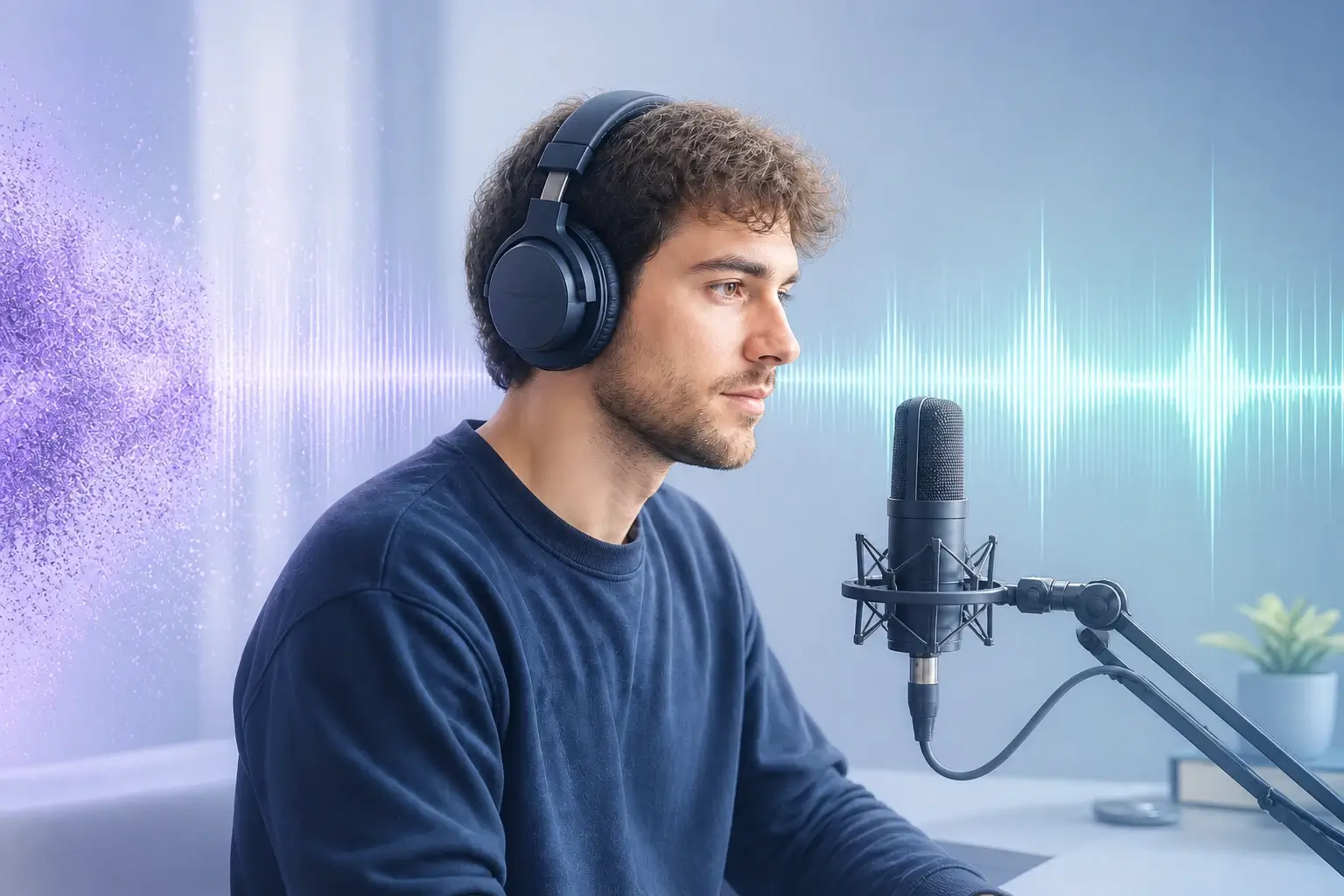
Bad room tone can make a strong take feel unfinished. LinoCut works as an online audio cleaner for podcasts, interviews, lessons, meetings, voice notes, and narration: upload the audio file, run the cleanup, and compare the noisy source with a cleaner preview. The goal is practical audio noise removal, not a harsh filter that strips away warmth. Use the background noise remover to reduce fan hum, microphone hiss, wind, traffic, keyboard taps, and background chatter while keeping the speaker present and natural.
How to remove background noise from audio online
upload
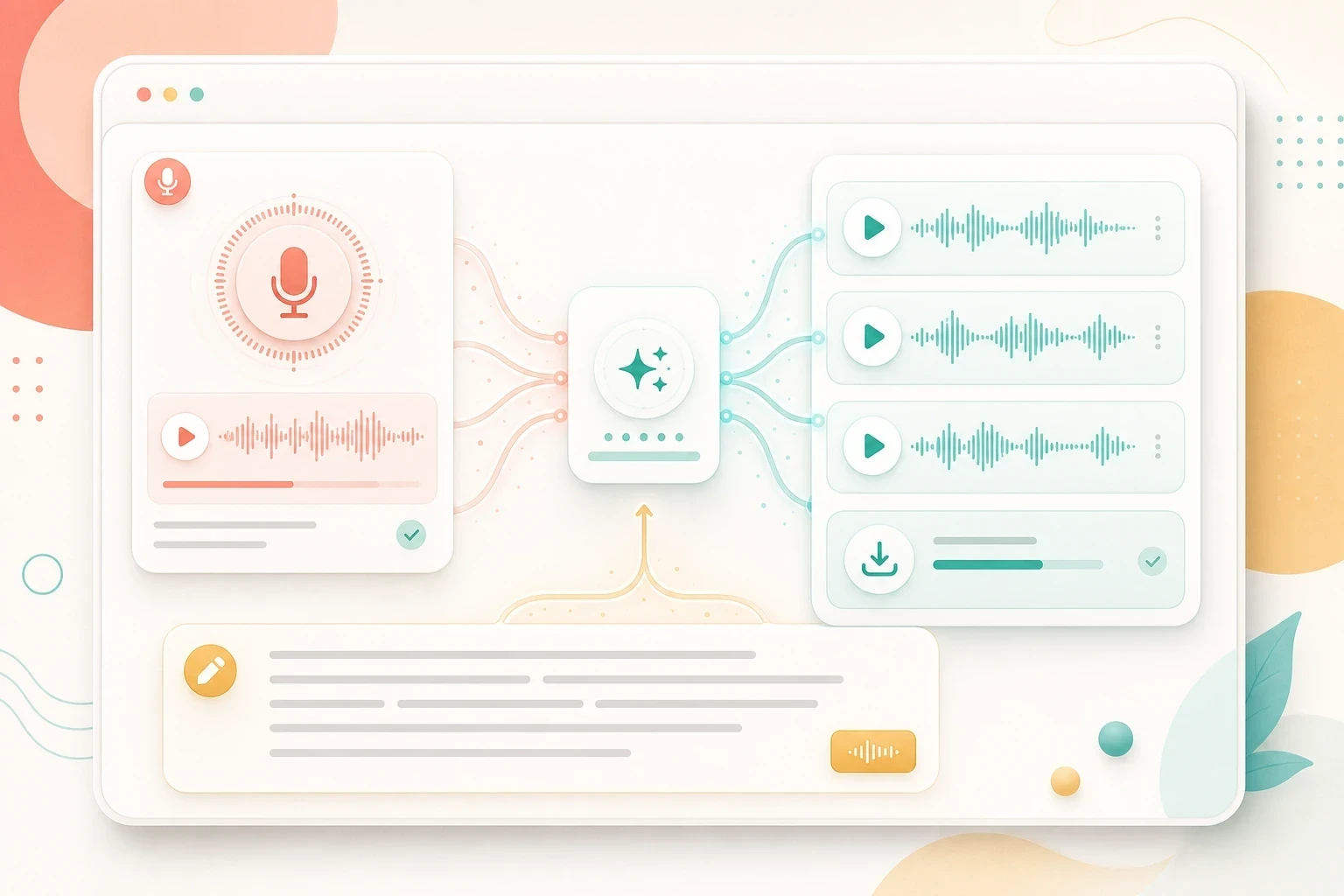
Upload your recording
Start with an audio file such as MP3, WAV, M4A, AAC, FLAC, or OGG. The background noise remover is built for real creator files: podcast drafts, meeting recordings, phone interviews, course narration, and quick voiceovers.
clean
Run voice cleanup
Use audio background noise removal for everyday voice cleanup when you need to remove noise from audio recorded near fans, traffic, wind, or a busy room.
remove
Clean the voice
LinoCut reduces the constant noise bed behind speech while protecting timing, pacing, and vocal texture. It helps clean up audio without turning the take thin, metallic, or over-processed.
preview
Preview and export
Listen to the before-and-after result, then keep the clean voice ready for transcripts, subtitles, voice cloning, lesson production, meeting notes, or publishing.
Audio noise removal for the messy recordings people actually make
Podcast episode
fan hiss / AC hum
clearer host and guest voices
Transcript + clips
Remote meeting
room tone / keyboard taps
speech that is easier to review
Summary + notes
Outdoor interview
wind / traffic bed
more focused dialogue
Subtitles + edit
Creator voiceover
ambient room noise
natural narration track
Lessons + ads
Clean up audio before the rest of the workflow depends on it
A background noise remover should make every downstream task easier.
Clearer speech improves the next step. Use LinoCut for background noise removal before audio to text, subtitle writing, voice cloning, meeting summaries, lesson production, or campaign repurposing. The same flow also supports people searching for a noise remover, an audio cleaner, a way to denoise audio, or a simple tool to remove background noise from audio online.
Noisy audio upload
Background noise remover
Clean voice preview
Audio to text
Voice cloning handoff
Background noise remover FAQ
A background noise remover is an audio cleaner that lowers unwanted sound behind speech, including hum, hiss, wind, fan noise, room tone, street noise, keyboard taps, and background chatter.
Yes. Upload an audio recording and run the background noise remover in the browser. You can compare the noisy source with the clean preview before using the result in transcripts, captions, notes, or narration.
You can try the background noise remover when free credits are available on your account. The tool shows the credit cost before background noise removal starts, so you can decide whether to clean the file before export.
Upload your audio file and click Remove noise. LinoCut reduces the steady noise bed while preserving speech timing, which makes the recording easier to review, transcribe, caption, or publish.
The background noise remover is designed for common voice problems: AC hum, fan noise, microphone hiss, static, wind, traffic, room tone, background sound, and soft ambient noise in creator recordings.
Yes. Upload a sample, preview audio noise removal, and hear how much hiss or static can be reduced. Account, credit, and export rules follow the broader LinoCut app settings.
A good audio cleaner should reduce distraction without flattening the voice. LinoCut focuses on natural speech, so the clean preview should still keep the speaker’s tone, rhythm, and presence.
Yes. Podcast drafts are a strong use case for audio noise removal, especially when host or guest tracks include room hum, fan hiss, reverb, desk noise, or quiet background chatter.
The upload shell accepts common audio formats such as MP3, WAV, M4A, AAC, FLAC, and OGG for the background noise remover workflow.
They overlap. Background noise removal describes the user goal: clean unwanted sound from a voice recording. Audio denoise or denoise audio usually describes the technical process behind that result.
Yes. Cleaner speech can make audio to text review easier because the speaker is less buried under hiss, hum, or room noise. Use the clean preview before sending the file into transcript or subtitle workflows.
Yes. Running a background noise remover before voice cloning can improve the source sample, especially when the original voice has hiss, fan noise, room tone, or background sound.
Start with the spoken track. Use audio background noise removal to reduce hum, wind, traffic, and room tone, then continue into captions, transcripts, editing, or export once the dialogue is easier to hear.
Yes. LinoCut gives creators a direct audio noise reduction online free path when free credits are available: upload a recording, reduce background sound, compare the preview, and continue with the clean voice.
Yes. The background noise remover can help remove ambient noise from audio recorded in bedrooms, offices, streets, classrooms, kitchens, cars, and other spaces where the speaker is competing with the room.
Continue the audio workflow

Run Background Noise Remover in the workspace.
Start with one direct task, then keep editing, generating, writing, and shipping from the same Linocut AI canvas.